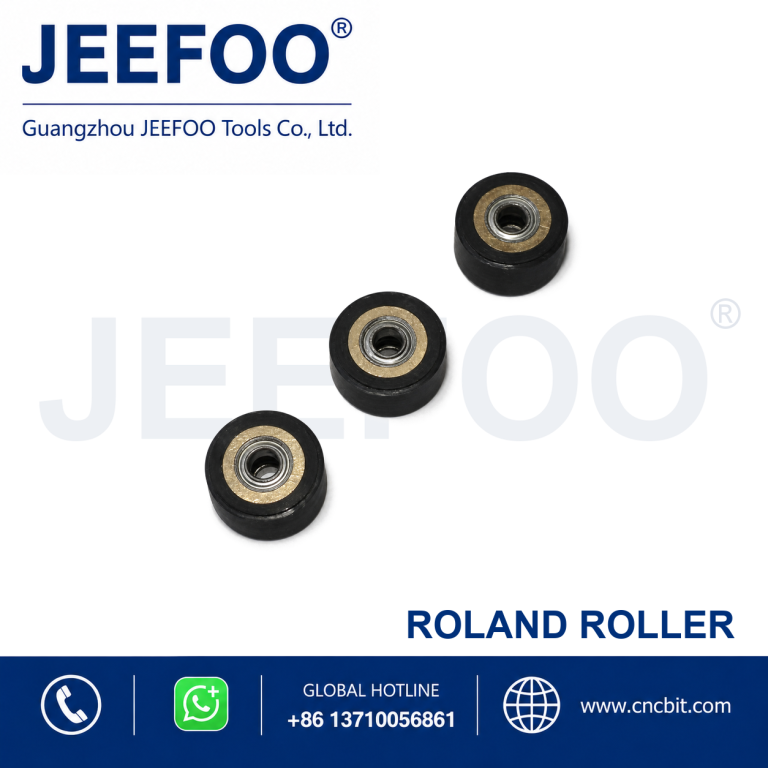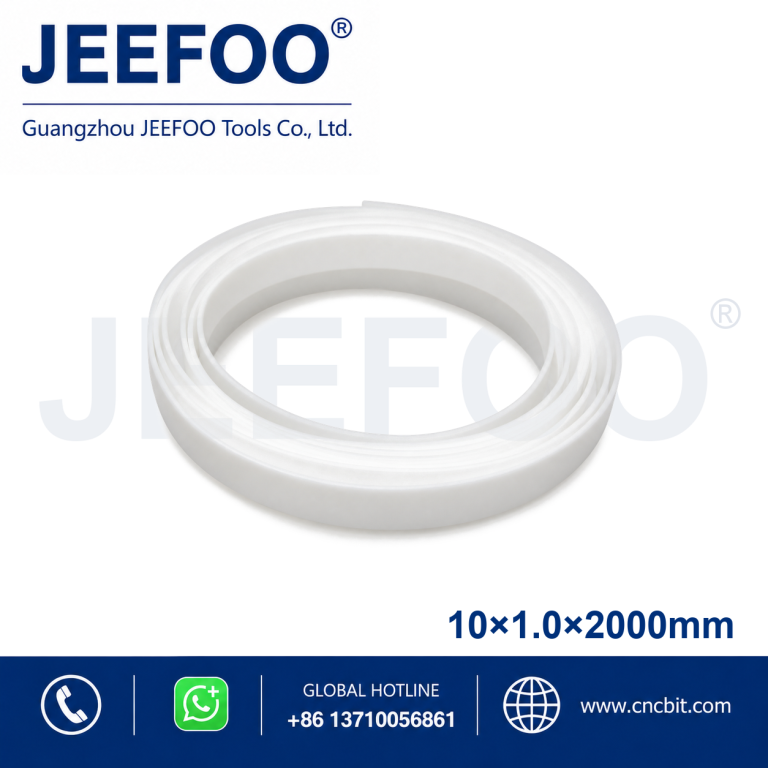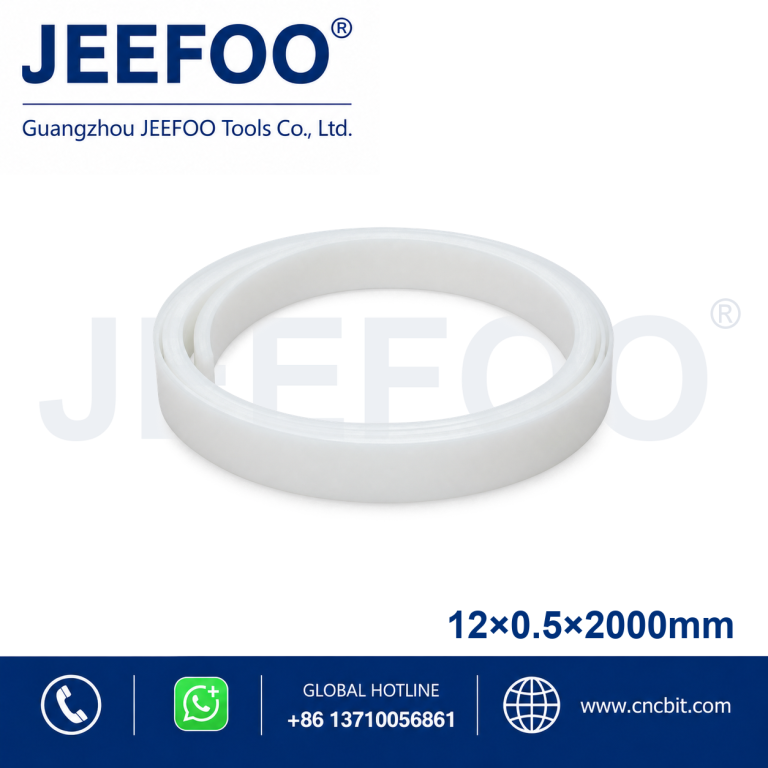
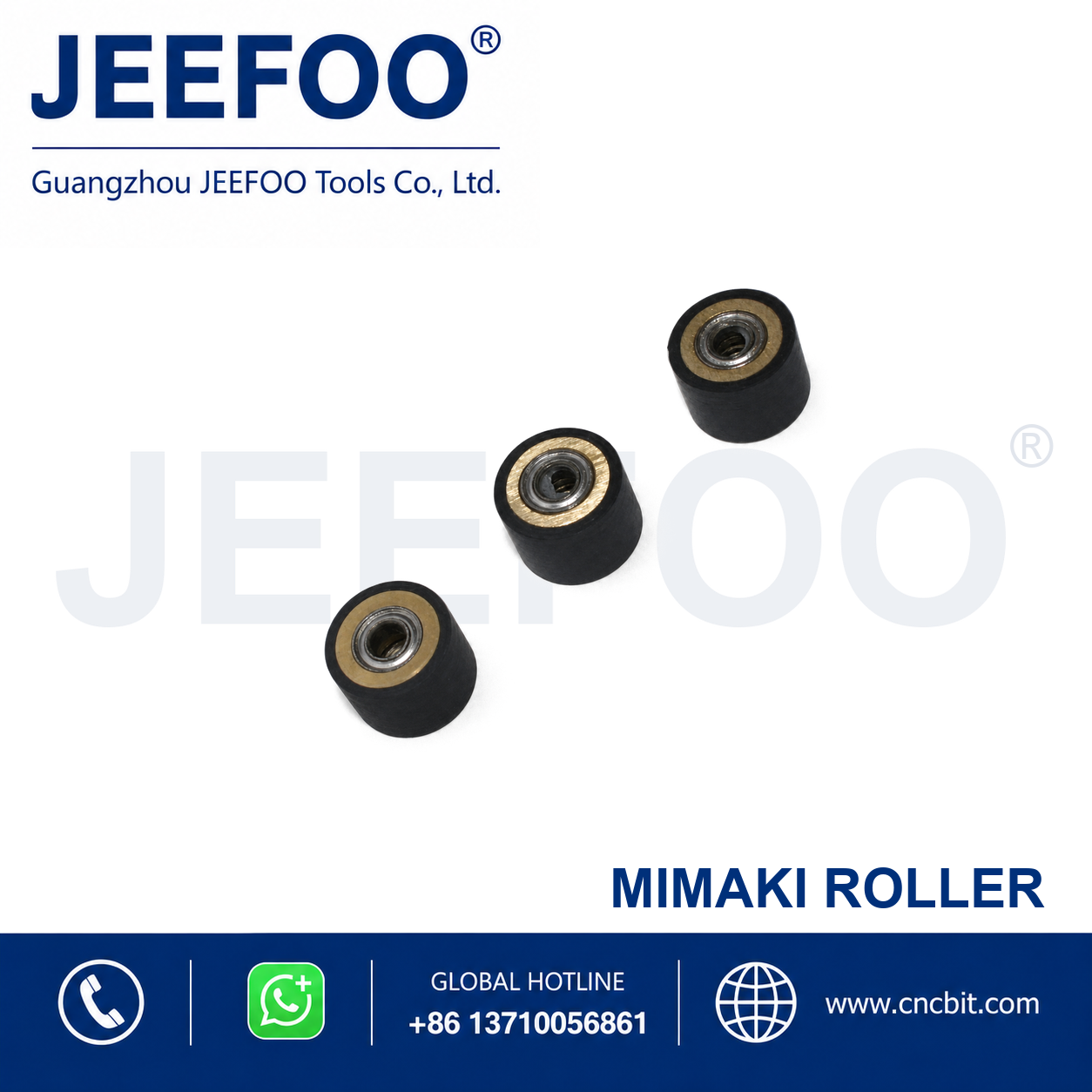
Mimaki Pressure Roller is a replacement pinch roller for compatible cutting plotters. It helps press and guide media against the drive roller for stable feeding, accurate tracking and consistent contour cutting.
Features
- Designed for correctly matched Mimaki cutting plotter mechanisms.
- Helps maintain steady media pressure and accurate feeding.
- Durable roller surface supports repeatable tracking during production.
- Replacement format supports routine maintenance and restoration of feeding performance.
Selection and Installation
Confirm the machine model, roller dimensions, shaft interface and installation position before ordering. Install with the equipment powered off, then check roller alignment and perform a media-feed test.
Product Description
- Product type: Cutting plotter pressure roller.
- Compatibility: Mimaki-style equipment; confirm the exact model.
- Function: Media pressure, feeding and tracking assistance.
- Selection: Match roller size and mounting interface to the machine.
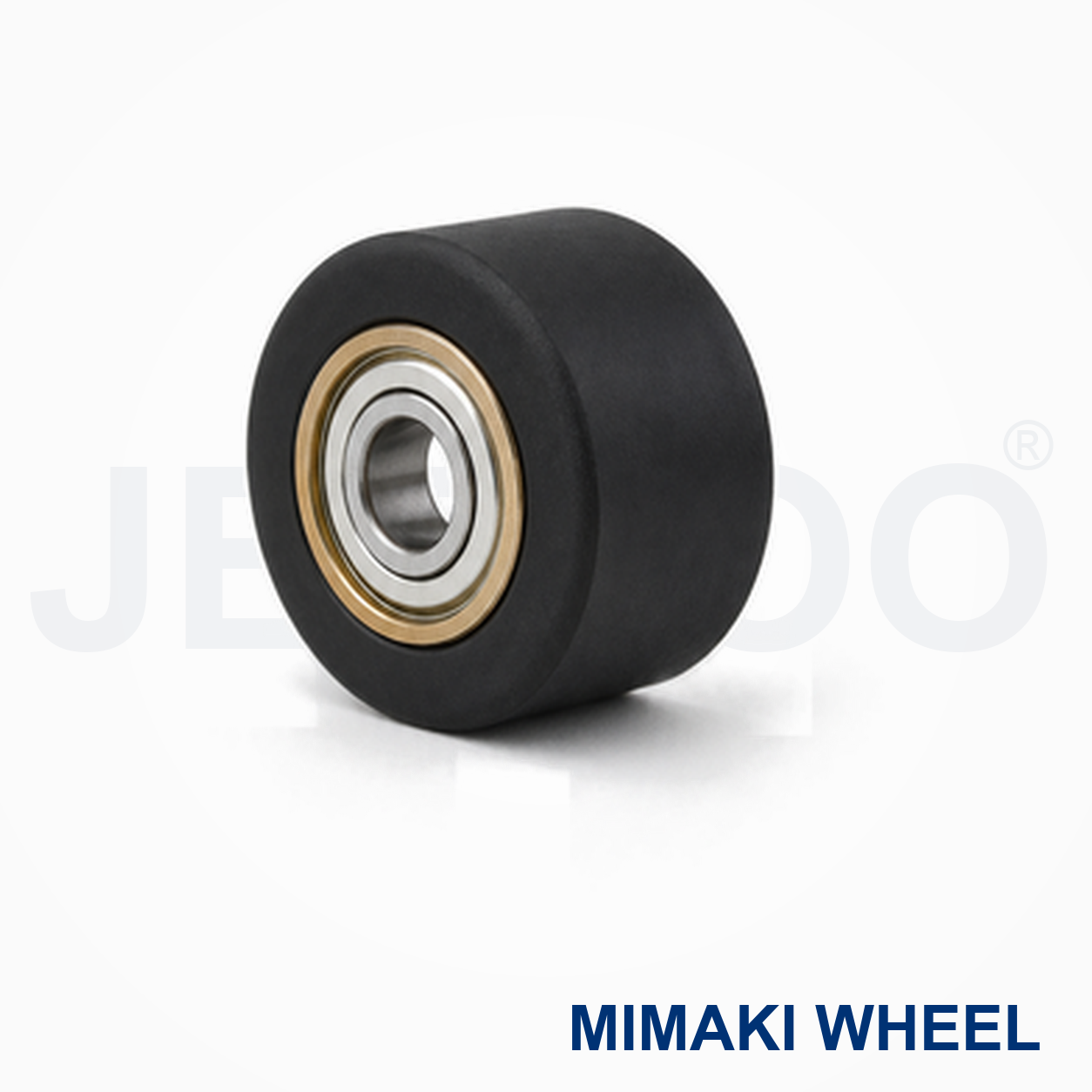
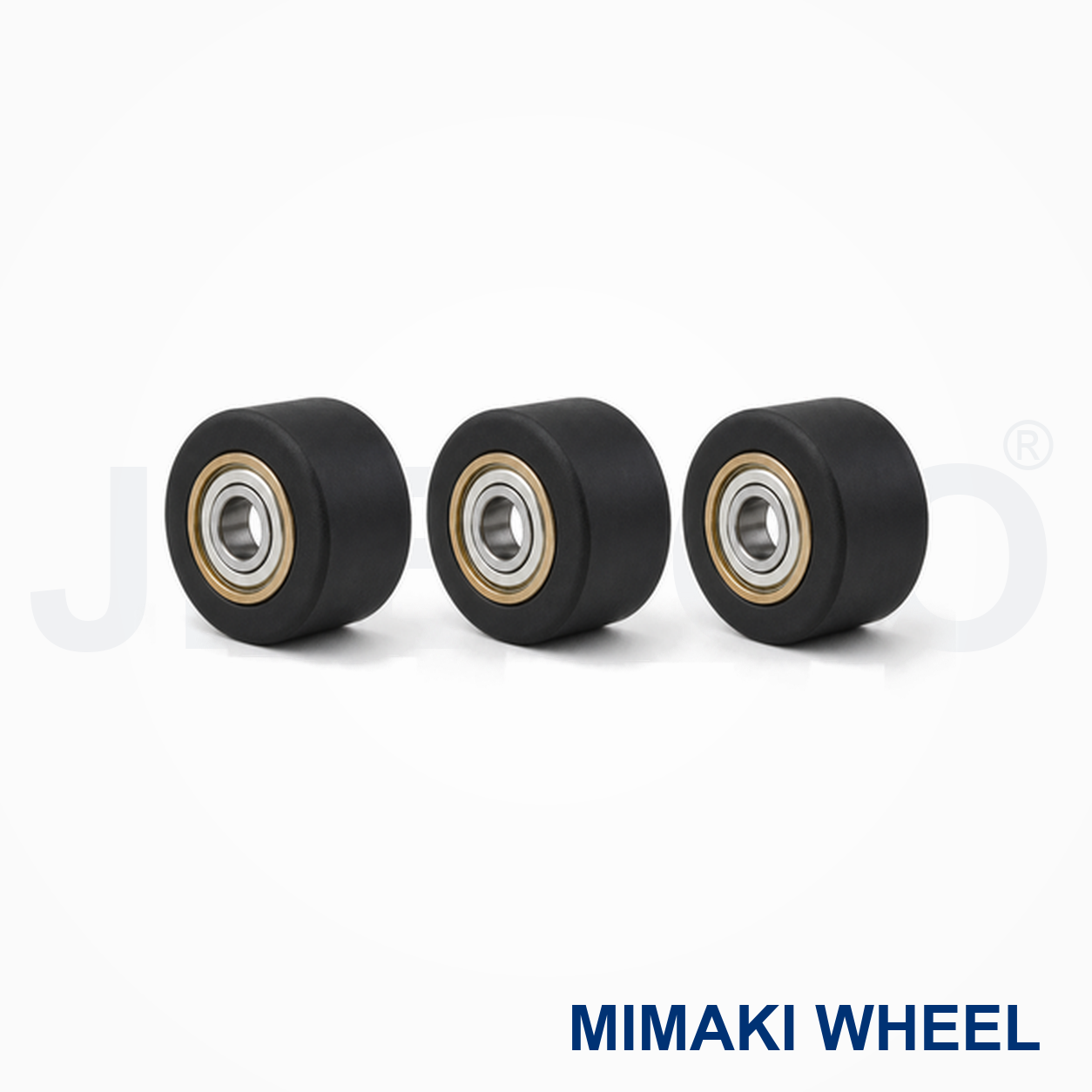
Mimaki Pressure Roller Applications
Mimaki Pressure Roller supports stable media feeding and tracking on compatible Mimaki cutting plotters. It helps hold paper, film, labels and sign media against the feed path while the machine advances and cuts. Confirm the machine model, roller width, shaft position and surface pattern before ordering. Use the Mimaki official website and equipment manual for model-specific references.
Compatibility And Setup Checklist
- Match the roller profile, width and shaft interface to the plotter model.
- Clean the roller contact surface and grit rollers before installation.
- Set pinch-roller pressure evenly so media tracks without skew or edge damage.
- Run a short feed-and-cut test before production.
Feeding Results And Maintenance
Consistent feeding depends on clean contact surfaces, correct pressure and a flat media path. Remove adhesive dust and paper fibers regularly, inspect the roller for glazing or flat spots, and replace it when media slips, drifts or develops repeated tracking marks. Keep the Mimaki Pressure Roller protected from solvents and excessive heat when stored.
Ordering And Safety Notes
Provide the machine model, roller location and required Mimaki Pressure Roller specification when requesting a replacement. Disconnect the machine before servicing moving parts, keep fingers away from pinch points and follow the manufacturer service procedure. General workplace guidance is available from OSHA.
Mimaki Pressure Roller FAQ
What does a pressure roller do?
It keeps media engaged with the feed system so the plotter can advance the sheet accurately during cutting.
Why does media skew?
Skew can result from uneven pressure, contamination, worn rollers, incorrect placement or a damaged media path. Clean and inspect the system before changing settings.
When should the roller be replaced?
Replace it when cleaning no longer restores grip or when visible wear, slipping and repeated tracking errors remain.
For compatible replacement tooling and service guidance, visit JEEFOO cutting-tool support.