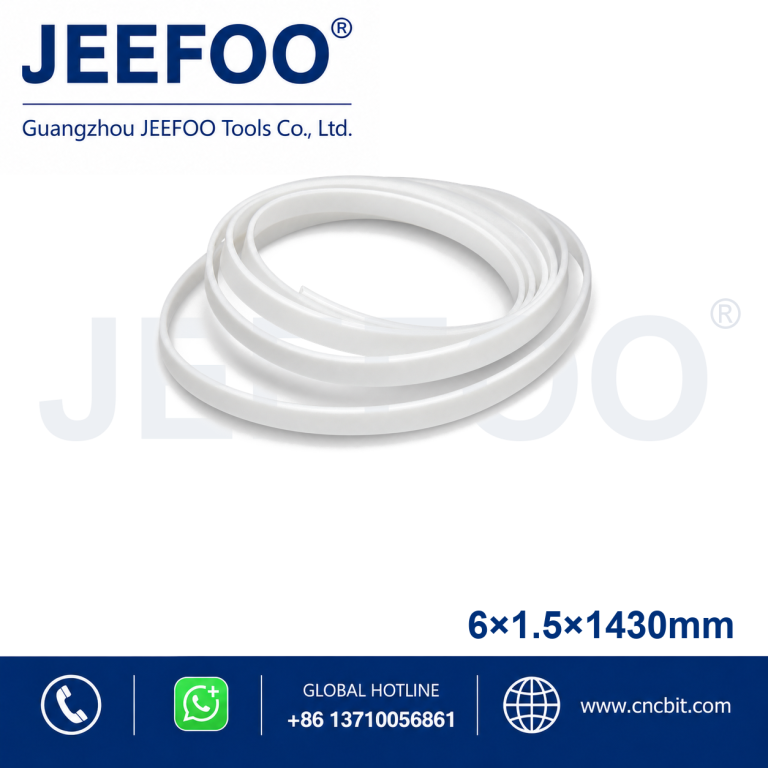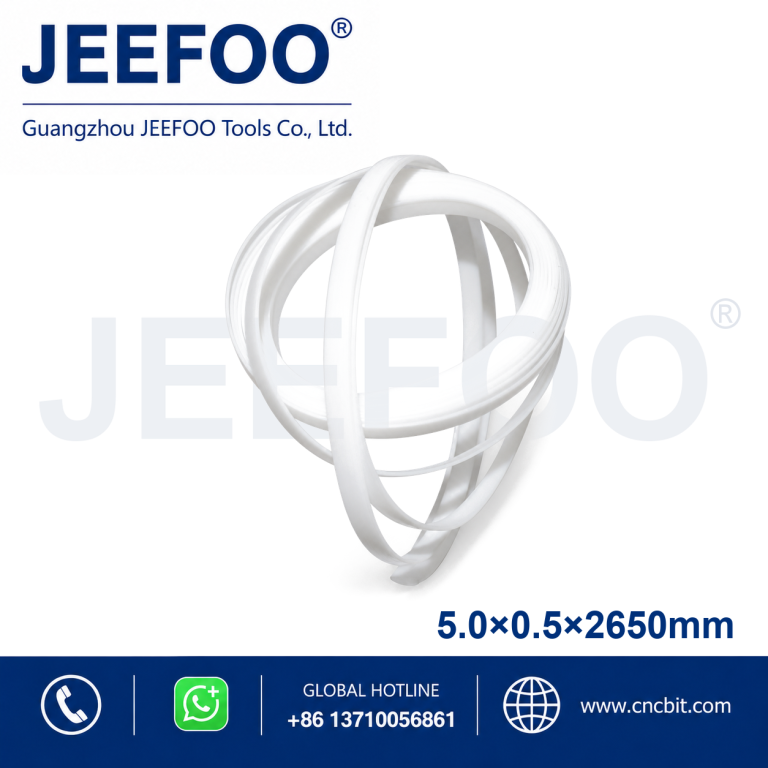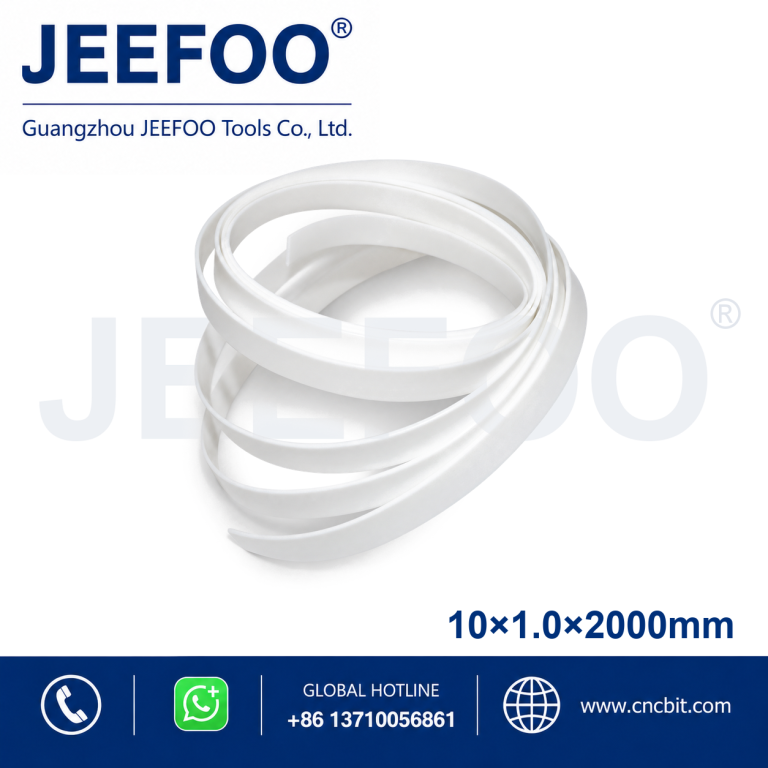
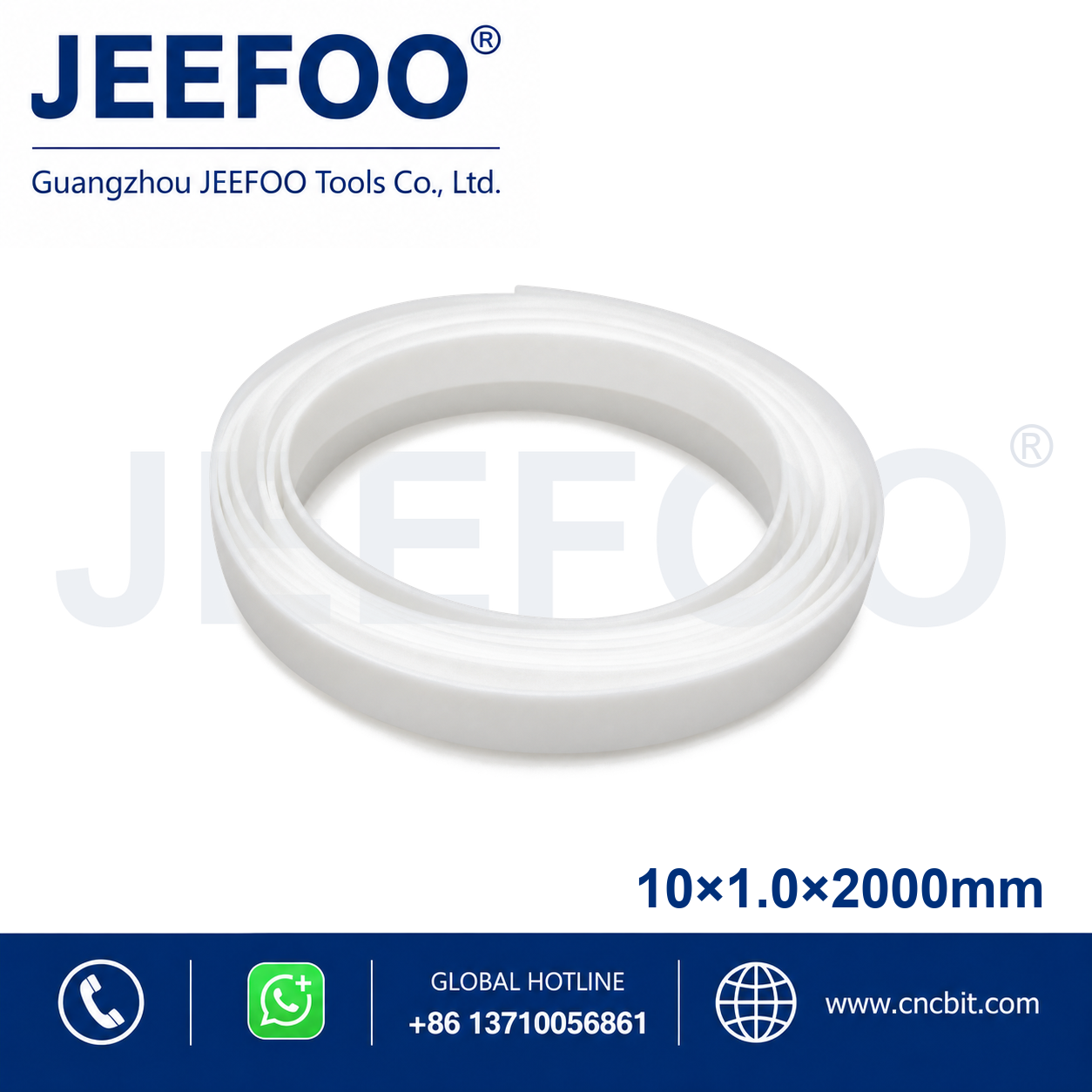
Mimaki 10×1.0x2000mm Pressure Strip is a replacement support strip measuring 10 mm wide, 1.0 mm thick and 2000 mm long. It helps maintain stable media contact beneath the cutting path on compatible Mimaki vinyl cutters and plotters for smoother feeding and more consistent cutting.
Mimaki 10×1.0x2000mm Cutting Plotter Pressure Strip is a replacement pressure strip designed to support smooth media movement and accurate cutting on compatible cutting plotters. Its dimensions are 10 mm wide, 1.0 mm thick and 2000 mm long.
Cutting Plotter Pressure Strip Features
- Provides a stable support surface beneath the cutting path.
- Helps protect the cutter blade and maintain consistent media contact.
- Designed for compatible Mimaki cutting plotters and vinyl cutters.
- Flexible replacement material supports straightforward machine maintenance.
- Accurate dimensions help ensure proper fitting and reliable operation.
Installation and Selection Guidance
Confirm the required width, thickness and total length before ordering. Remove the worn strip and adhesive residue, clean the mounting channel, then install the new strip straight and level without stretching it.
Product Description
- Brand compatibility: Mimaki.
- Width: 10 mm.
- Thickness: 1.0 mm.
- Total length: 2000 mm.
- Product type: Cutting plotter pressure strip.
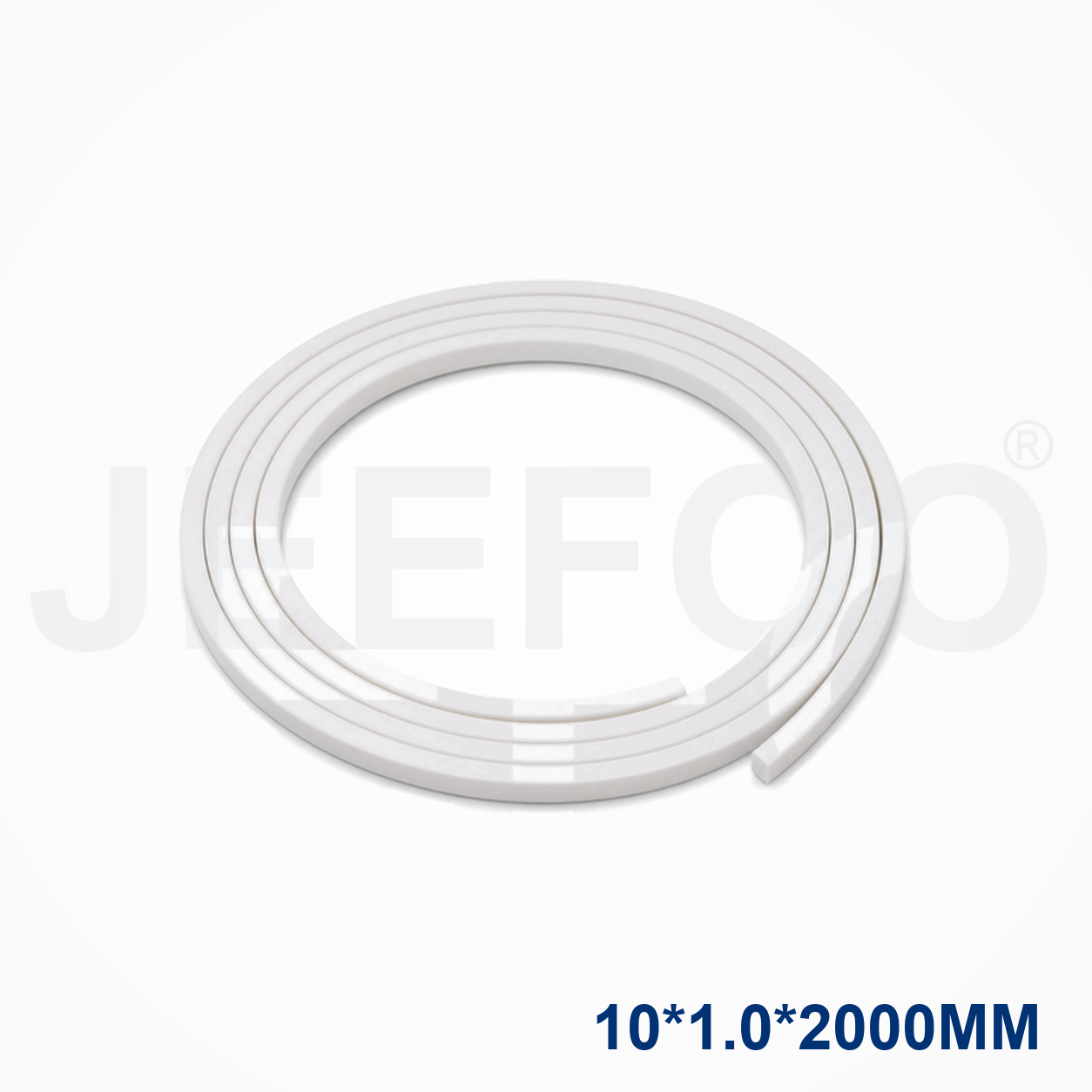
Mimaki Pressure Strip Dimensions and Compatibility
The Mimaki 10×1.0x2000mm Cutting Plotter Pressure Strip is selected when the machine requires a 10 x 1.0 x 2000 mm replacement strip. Check the machine channel, mounting surface and blade path before ordering, and compare the technical requirements with the Mimaki official site when confirming equipment compatibility.
- Measure the worn strip width, thickness and installed length before removal.
- Clean adhesive residue and debris from the mounting channel.
- Install the new pressure strip straight and level without stretching it.
- Test media feed and blade clearance at low speed before production cutting.
Why Choose a Mimaki Cutting Plotter Pressure Strip?
A correctly sized pressure strip helps maintain consistent media support and can reduce uneven contact during cutting. Contact JEEFOO Tools for compatible dimensions and replacement tooling information.
Mimaki 10×1.0x2000mm Pressure Strip Applications
This pressure strip is selected when a compatible cutting plotter needs a clean, continuous support surface for vinyl, labels, adhesive films and other sheet media. The 2000 mm length is useful for long machine beds, but the exact installation method depends on the cutter series and original pressure-strip channel.
Size And Compatibility Checklist
- Confirm the 10 mm width, 1.0 mm thickness and 2000 mm length against the original strip.
- Check the Mimaki cutter model, groove profile and end clearance before fitting.
- Remove adhesive residue and dust so the new strip seats straight without raised sections.
- After installation, run a short media-feed and test-cut sequence before production.
Installation And Cutting Results
A pressure strip should sit flat and parallel to the machine path. Uneven seating can create local gaps, media tracking problems or inconsistent blade contact. For machine-specific operating information, consult the Mimaki official website and the cutter manufacturer documentation. Keep the cutting mat, pinch rollers and media path free of debris.
Ordering And Safety Notes
Before ordering the Mimaki 10×1.0x2000mm Pressure Strip, compare the dimensions and machine series with the product you are replacing. JEEFOO Tools can help confirm replacement details; browse related CNC cutting tools or contact the supplier for fitment support. Handle sharp blades and cutting equipment carefully, and follow workplace guidance from OSHA.
Mimaki Pressure Strip FAQ
What does the pressure strip do?
It provides a stable support surface under the cutting path, helping the media remain flat while the blade follows the design. A worn or damaged strip can reduce cut consistency and affect small details.
How should I check the replacement size?
Measure the existing strip and compare width, thickness, total length and machine-channel fit. Do not assume that strips with similar dimensions are interchangeable across every Mimaki plotter series.
Selecting The Correct Mimaki Pressure Strip
When replacing a worn pressure strip, compare the original part with the Mimaki Pressure Strip 10×1.0x2000mm by measuring width, thickness, length and the machine channel. The correct support strip should sit level with the surrounding surface and should not obstruct the blade carriage or pinch-roller path.
Media Feeding And Cut Quality
A clean support strip helps the media remain stable during long cuts. If vinyl drifts, bubbles or lifts at the cut line, inspect the strip for grooves, adhesive build-up and uneven edges. Also check pinch-roller pressure, mat condition, blade exposure and software settings before changing cutting force.
- Clean the surface with a suitable lint-free method before installation.
- Align the strip with the original reference points and keep both ends straight.
- Test-feed the media at low speed and inspect the cut path.
- Replace the strip when visible grooves or compression affect media contact.
Mimaki Pressure Strip Replacement FAQ
Is this strip universal?
No. Width and thickness may look similar across machines, but the channel, adhesive, length and clearance can differ. Confirm the compatible Mimaki model before purchase.
Can a damaged strip cause poor cutting?
Yes. A raised, grooved or contaminated strip can change media support and contribute to inconsistent depth, tracking or small-detail results. Correct the support surface before increasing blade force.