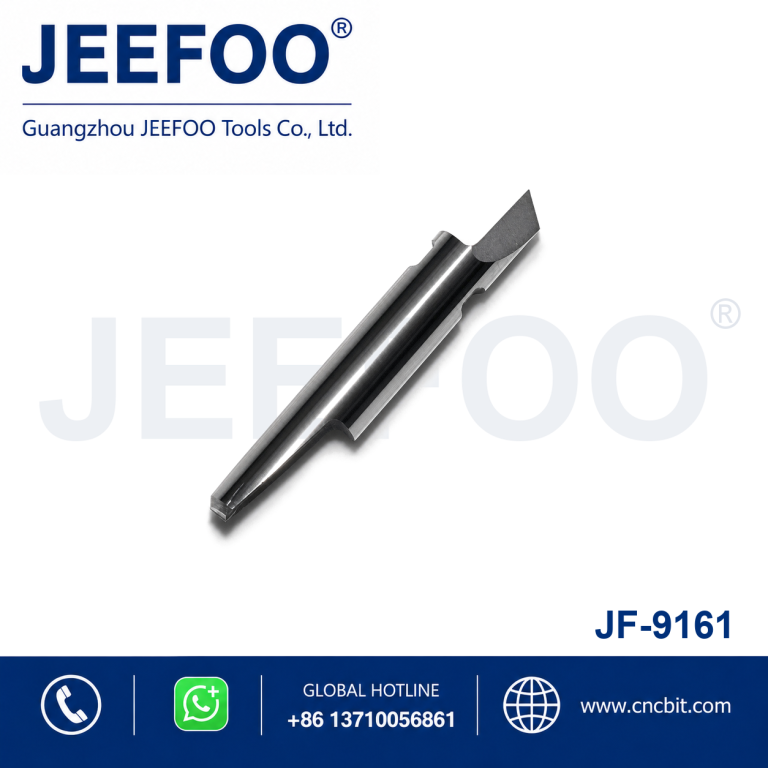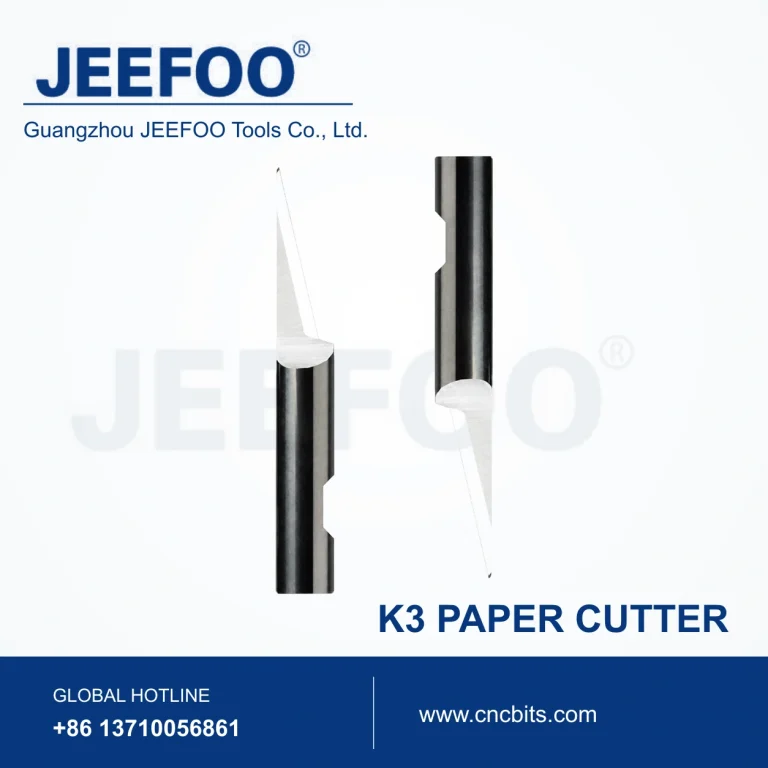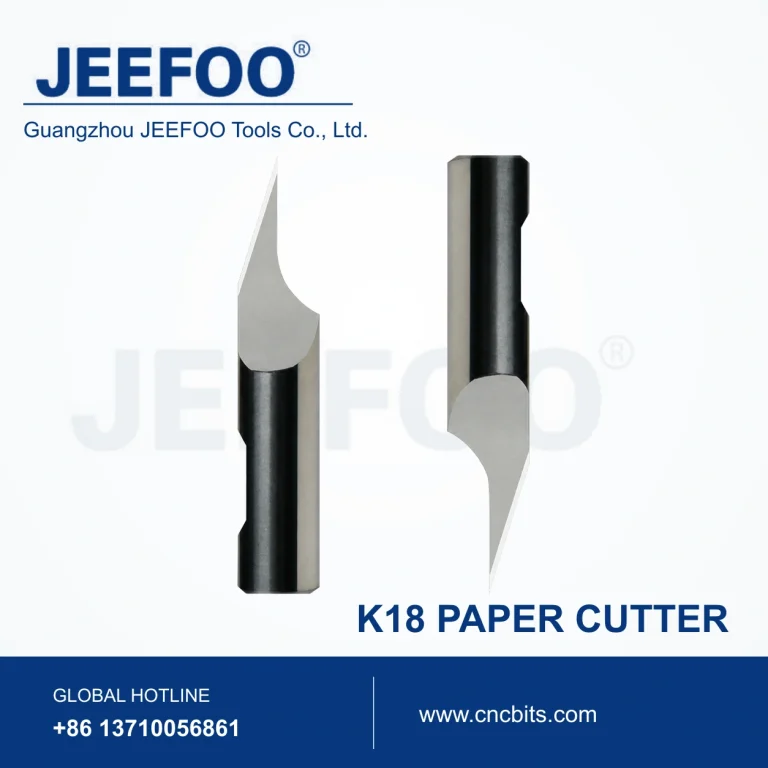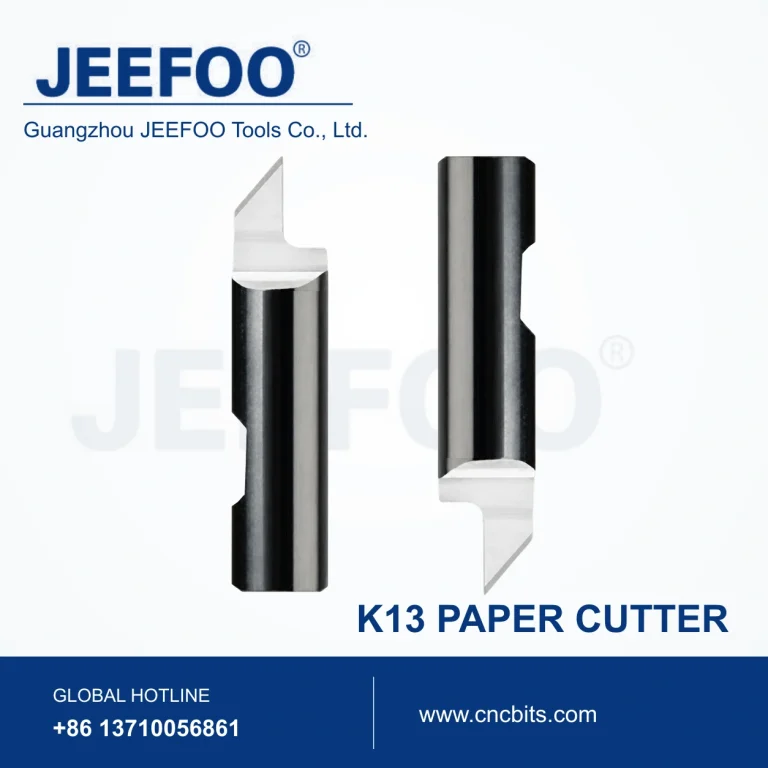
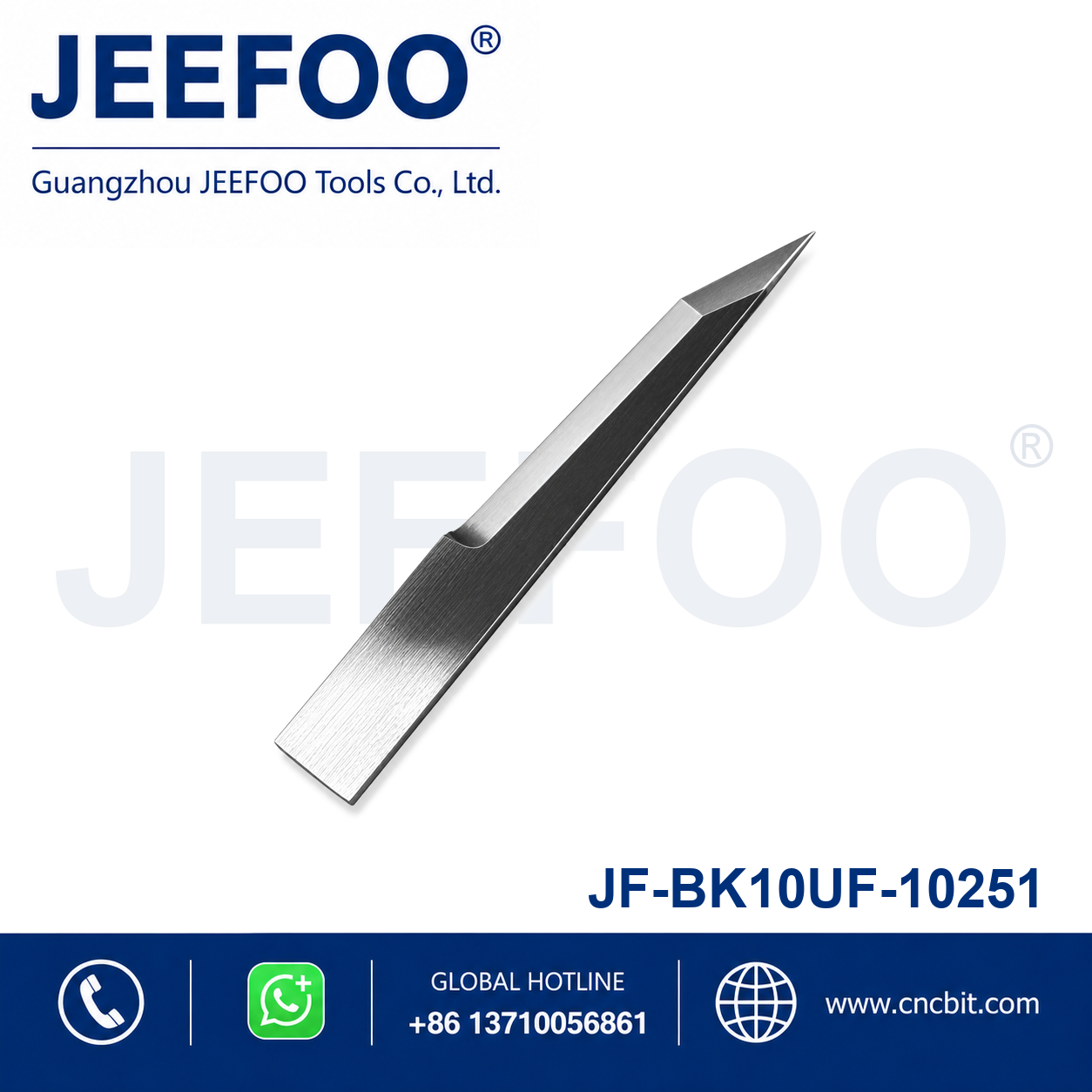
JF BK10UF-10251 Engraving and Cutting Blade is a precision replacement blade intended for compatible engraving, cutting and digital finishing equipment. Its compact cutting geometry supports accurate lines, controlled penetration and clean material separation.
Features
- Precision-ground edge supports detailed engraving and contour cutting.
- Durable blade material provides stable performance in routine production.
- Suitable for compatible automated cutting, marking and engraving systems.
- Replacement format supports convenient installation and maintenance.
Selection and Use
Confirm the exact blade model, holder interface, edge geometry and target material before ordering. Set blade exposure, pressure and cutting speed according to the material, and perform a test cut before production.
Product Description
- Category: Engraving Blade / Cutting Blade.
- Model: JF BK10UF-10251.
- Product type: Precision replacement cutting and engraving blade.
- Compatibility: Match the blade model and holder interface to the equipment.
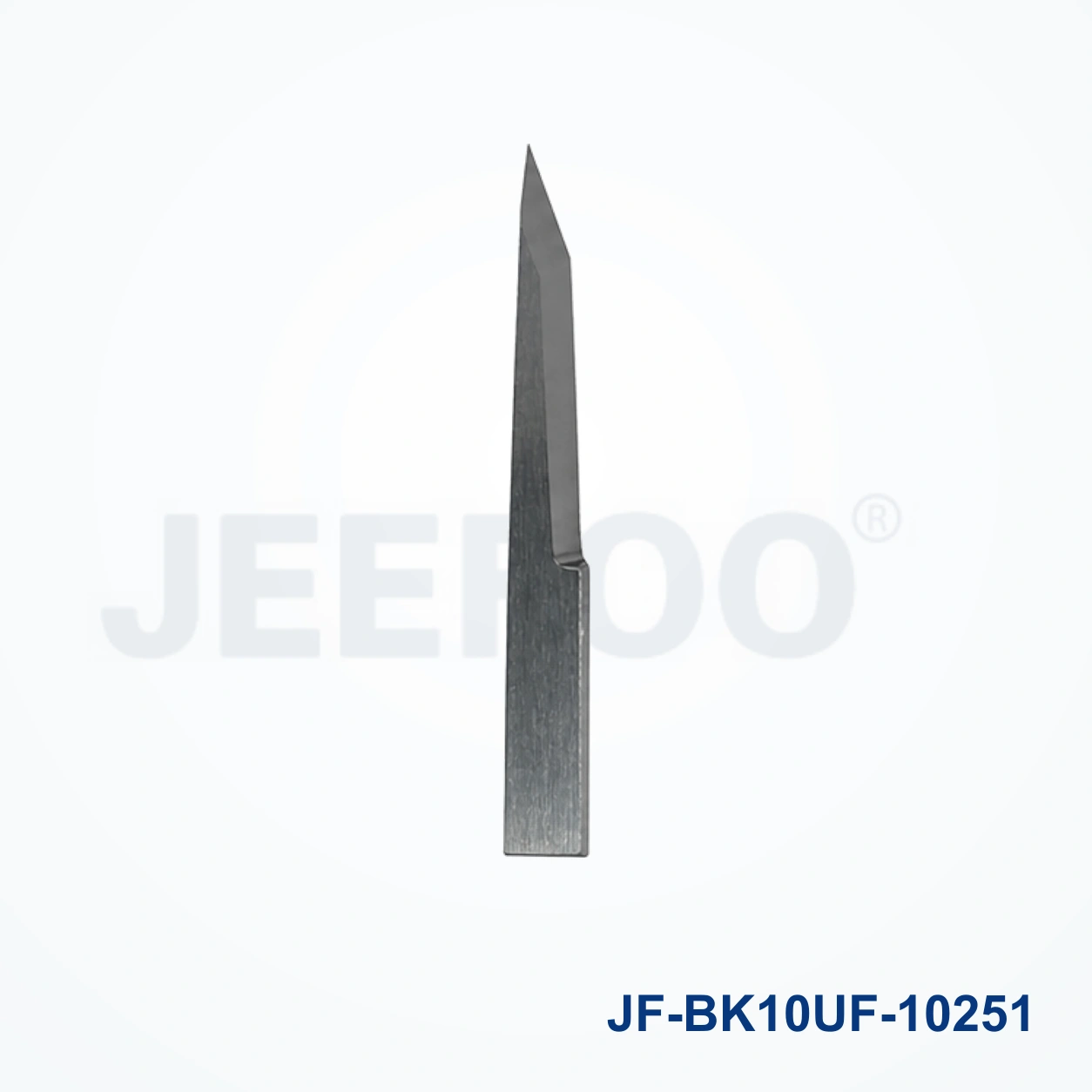
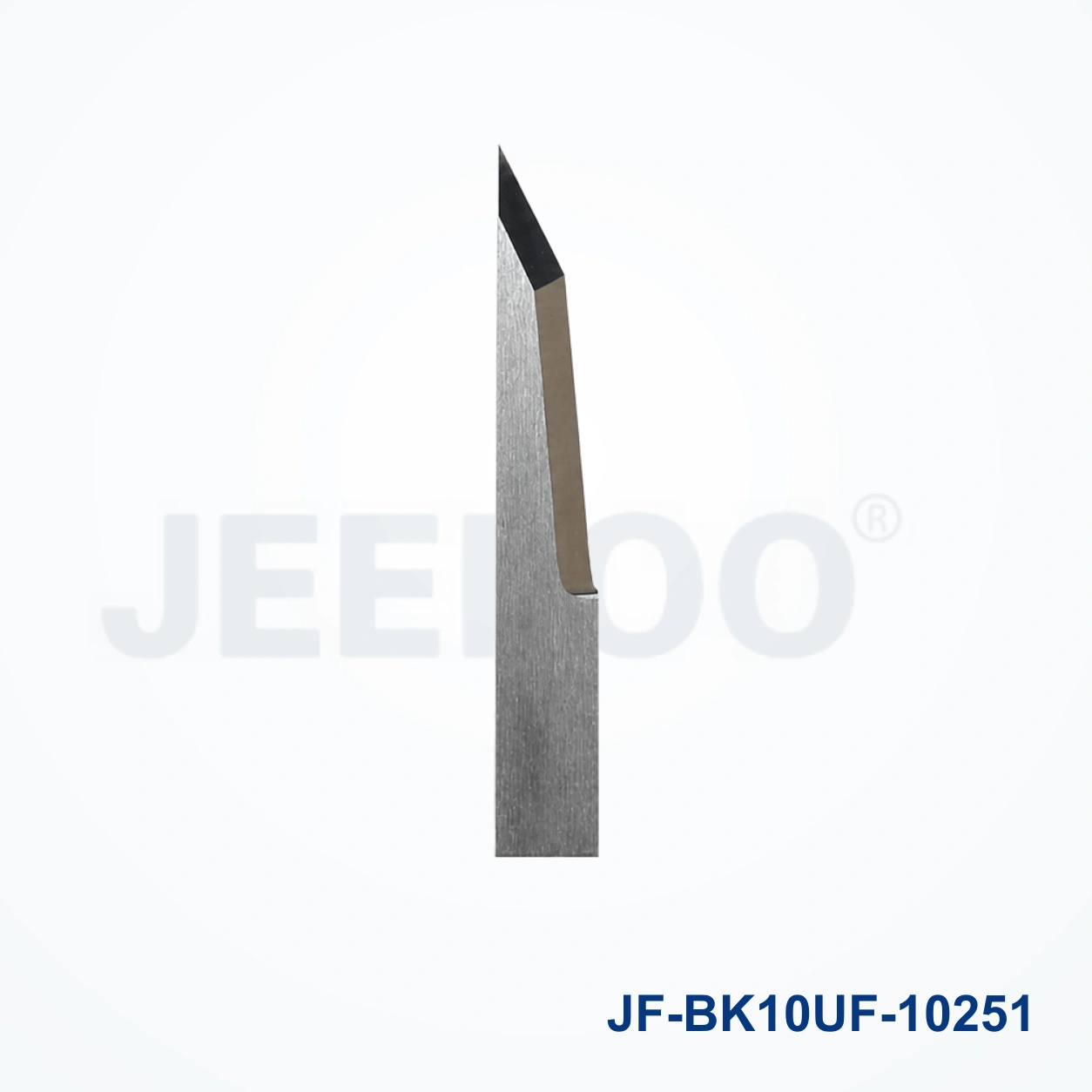
JF BK10UF-10251 Engraving and Cutting Blade Applications
JF BK10UF-10251 Engraving and Cutting Blade is intended for compatible engraving and cutting plotters working with paper, film, labels, sign materials and detailed sheet stock. Its performance depends on the machine, holder, material and cutting settings. Confirm the model and holder interface before ordering, then review the equipment manual for setup guidance.
Compatibility And Setup Checklist
- Match the blade diameter, holder interface and machine model.
- Set blade exposure to the minimum effective depth.
- Use a test cut or test engraving to tune pressure, speed and offset.
- Keep the holder, cutting strip and media path clean.
Cutting Results And Maintenance
Clean details require a sharp edge, stable media and controlled pressure. Inspect the tip after long runs, remove adhesive residue from the holder and replace the blade when corners lift, fine lettering becomes ragged or cutting force increases. Store the JF BK10UF-10251 Engraving and Cutting Blade capped and dry.
Ordering And Safety Notes
Provide the machine model, holder type and required JF BK10UF-10251 Engraving and Cutting Blade specification when ordering. Handle the edge carefully, use eye protection and dispose of worn blades in a sharps container. General workplace guidance is available from OSHA.
JF BK10UF-10251 Engraving and Cutting Blade FAQ
What materials can it process?
Compatible workflows commonly include paper, film, labels, vinyl and other sheet materials, subject to the machine and blade configuration.
How do I prevent over-cutting?
Start with minimum exposure and low pressure, then increase settings gradually after a test cut confirms clean separation without excessive liner marking.
When should the blade be replaced?
Replace it when fine details become ragged, corners lift, force rises or test-cut depth becomes inconsistent.
For compatible replacement tooling requests, visit JEEFOO cutting-tool support.