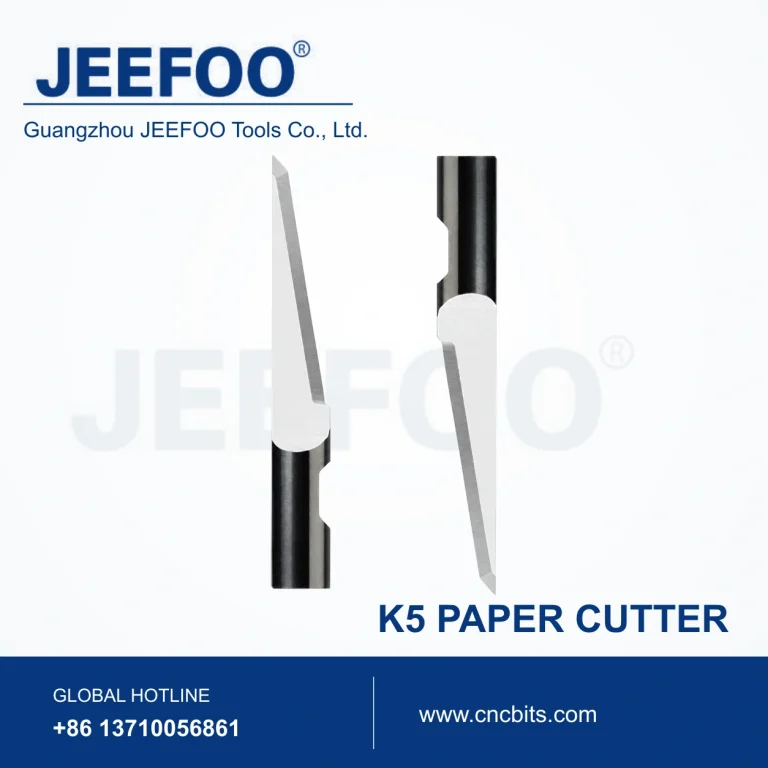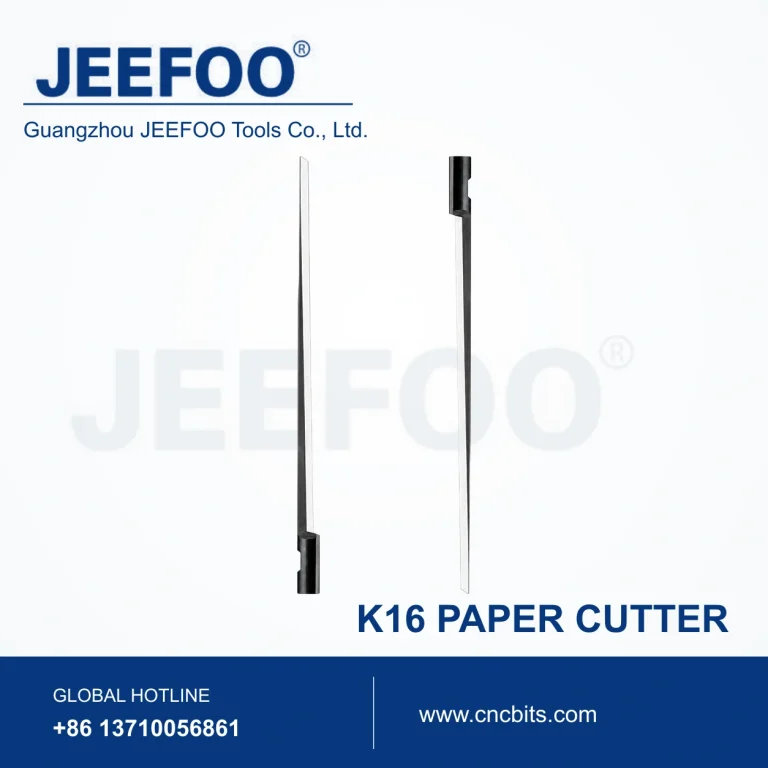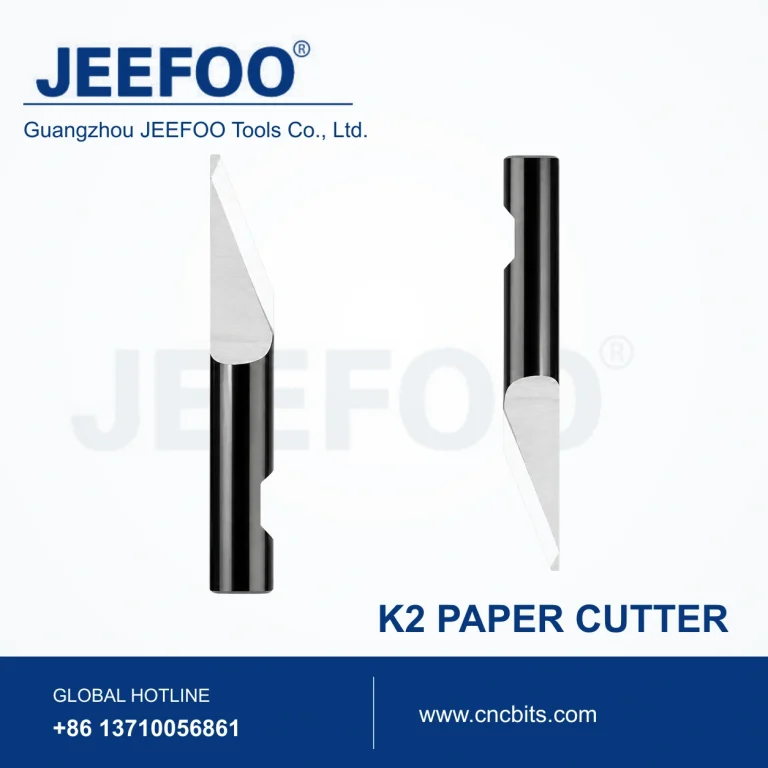
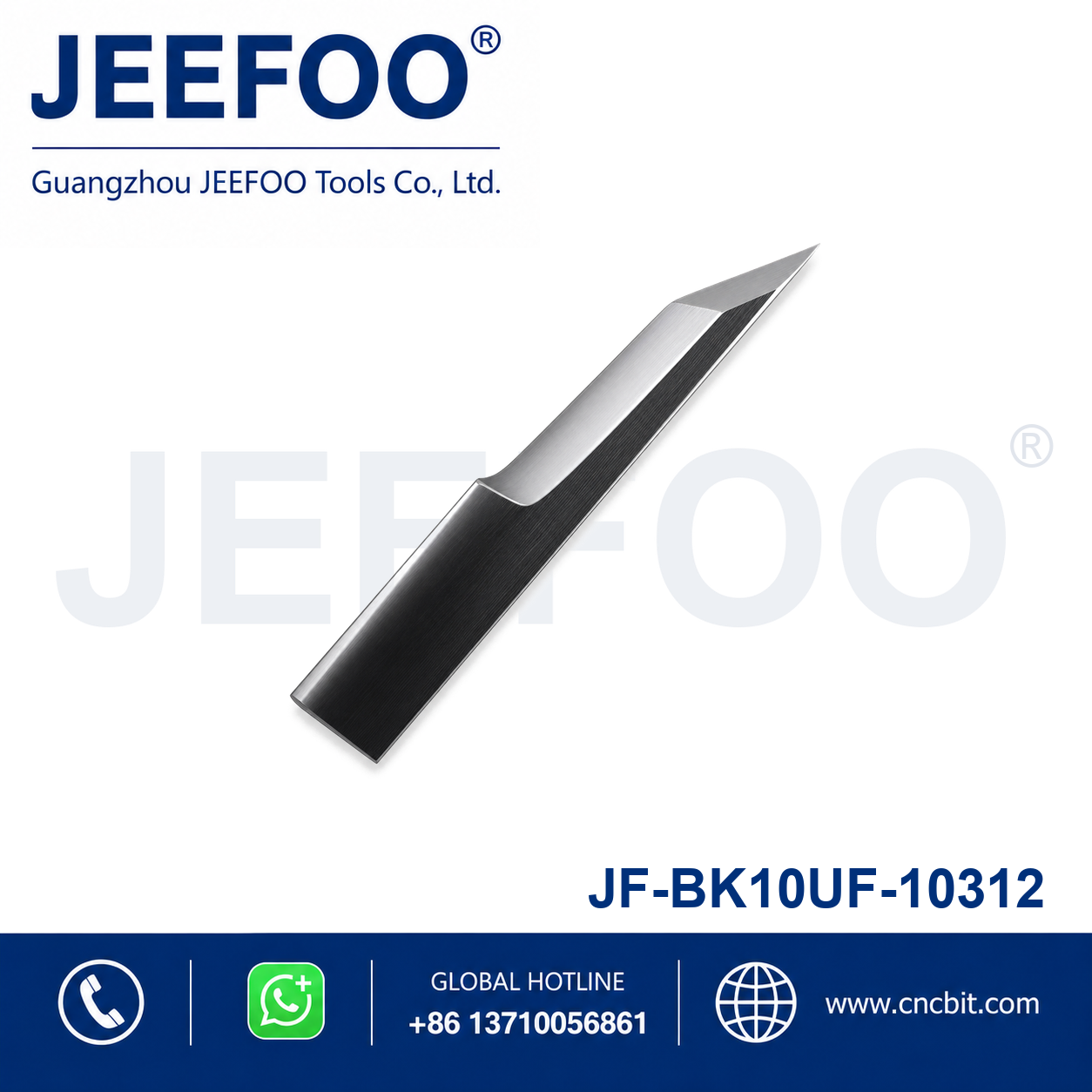
JF BK10UF-10312 Engraving and Cutting Blade is a precision replacement blade intended for compatible engraving, cutting and digital finishing equipment. Its compact cutting geometry supports accurate lines, controlled penetration and clean material separation.
Features
- Precision-ground edge supports detailed engraving and contour cutting.
- Durable blade material provides stable performance in routine production.
- Suitable for compatible automated cutting, marking and engraving systems.
- Replacement format supports convenient installation and maintenance.
Selection and Use
Confirm the exact blade model, holder interface, edge geometry and target material before ordering. Set blade exposure, pressure and cutting speed according to the material, and perform a test cut before production.
Product Description
- Category: Engraving Blade / Cutting Blade.
- Model: JF BK10UF-10312.
- Product type: Precision replacement cutting and engraving blade.
- Compatibility: Match the blade model and holder interface to the equipment.
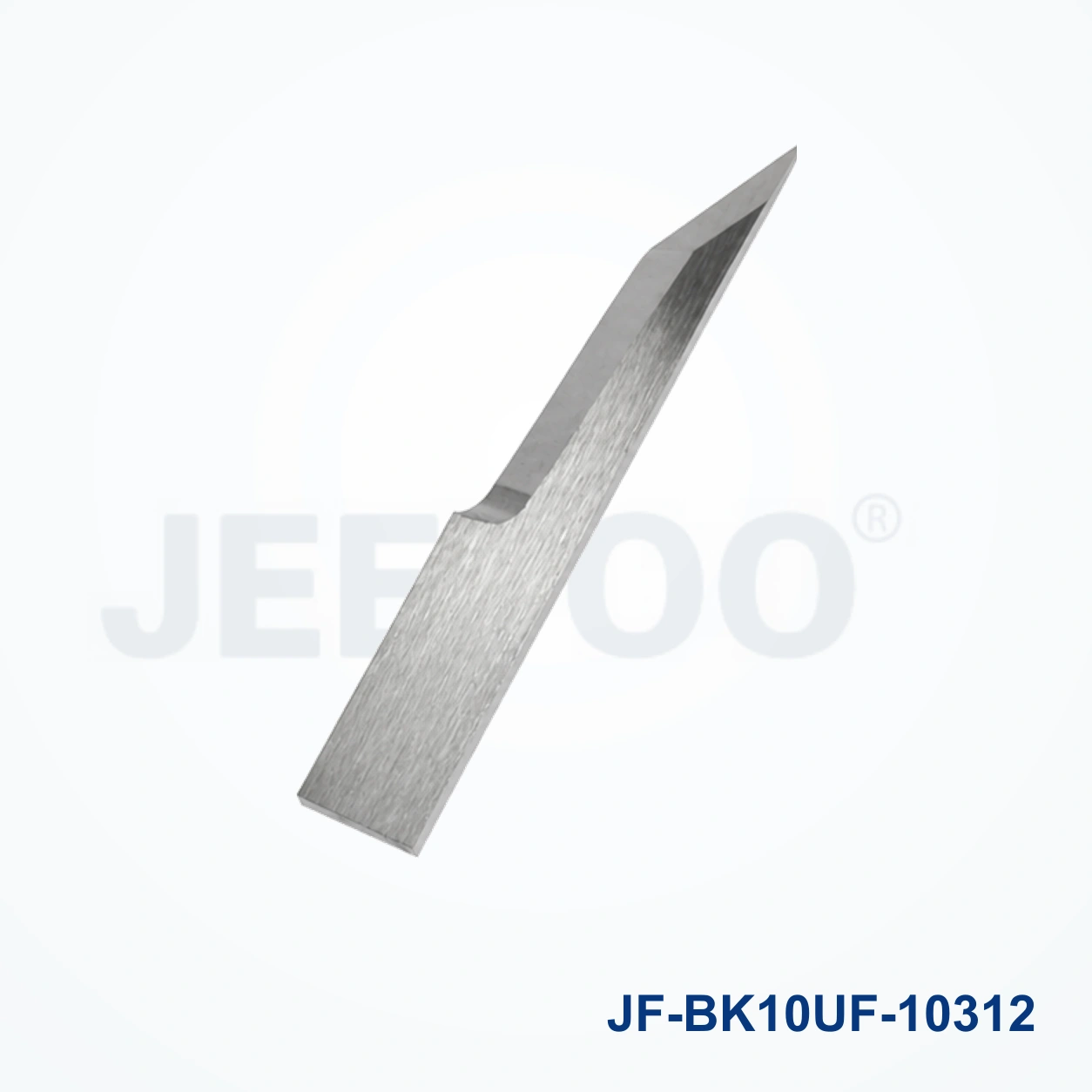
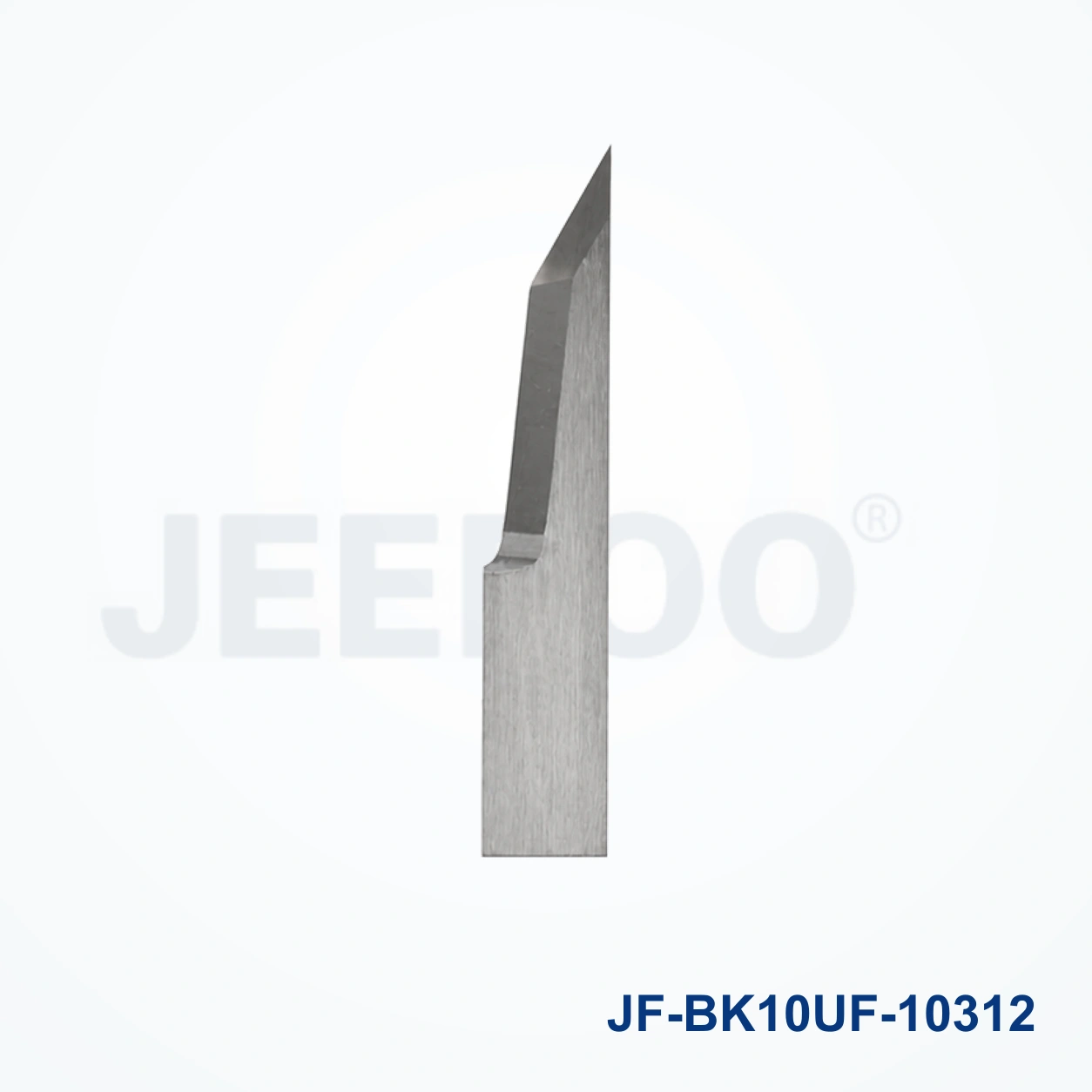
JF BK10UF-10312 Engraving and Cutting Blade Applications
The JF BK10UF-10312 Engraving and Cutting Blade is a precision CNC cutting accessory supplied by JEEFOO Tools in Guangzhou, Guangdong, China. It is designed for compatible plotters and engraving systems that process vinyl, films, paper, card, adhesive sheets and other approved media. A correctly selected blade supports clean lines, stable tracking and repeatable production for sign making, packaging, labels and craft work.
Confirm the machine model, blade diameter, cutting angle, shank specification and material before ordering. Inspect the tip for damage, clean the holder and set only the required blade exposure. Use a small test pattern to adjust pressure and speed, then monitor corners and fine details during production. JEEFOO supports OEM and distributor orders with compatibility checks, packaging and export coordination from Guangzhou.
Installation and maintenance checklist
- Power off the machine before changing the blade.
- Confirm model and shank compatibility.
- Clean the holder and remove adhesive residue.
- Insert the blade straight and lock it securely.
- Set minimal safe exposure for the media.
- Adjust pressure and speed with a test cut.
- Replace the blade when lines become rough or dragged.
Follow machine guarding procedures and review OSHA machine-guarding guidance before maintenance. Contact JEEFOO for technical checks and delivery from China.
Frequently asked questions
How do I choose this blade? Match the BK10UF-10312 reference, holder and material requirements with your machine manual.
How do I order? Send the model, quantity and application to JEEFOO. Visit JEEFOO CNC tool resource center for support.
For production planning, record the plotter model, material thickness, pressure and speed used with this blade. Keep spare blades in a dry protective case and avoid touching the cutting edge. If a cut begins to tear, check blade exposure, holder seating and media adhesion before increasing pressure. Regular cleaning of the carriage and holder helps maintain repeatability. JEEFOO can confirm application details, provide export packing and support customers in Guangzhou, Guangdong and overseas markets.
Use the blade only within the machine manufacturer's approved range. A controlled test cut protects the media and reduces waste when changing from paper to film or adhesive vinyl. Compare corners, circles and small lettering during inspection, and replace the blade when the tip is worn or chipped. This workflow helps operators achieve consistent engraving and cutting results while preserving the original plotter setup.
When replacing the blade, compare the new tip with the previous tool under good lighting and dispose of damaged tools safely. Keep a maintenance log with date, material and test result. This helps identify whether poor quality comes from wear, incorrect pressure or an unsuitable holder. For international buyers, JEEFOO coordinates clear product labeling, protective packaging and shipment from China so the specified blade reaches the correct production line. Ask for a compatibility review before placing a bulk order.
JF BK10UF-10312 Engraving and Cutting Blade Applications
JF BK10UF-10312 Engraving and Cutting Blade is intended for compatible engraving and cutting plotters working with paper, film, labels, sign materials and detailed sheet stock. Its performance depends on the machine, holder, material and cutting settings. Confirm the model and holder interface before ordering, then review the equipment manual for setup guidance.
Compatibility And Setup Checklist
- Match the blade diameter, holder interface and machine model.
- Set blade exposure to the minimum effective depth.
- Use a test cut or test engraving to tune pressure, speed and offset.
- Keep the holder, cutting strip and media path clean.
Cutting Results And Maintenance
Clean details require a sharp edge, stable media and controlled pressure. Inspect the tip after long runs, remove adhesive residue from the holder and replace the blade when corners lift, fine lettering becomes ragged or cutting force increases. Store the JF BK10UF-10312 Engraving and Cutting Blade capped and dry.
Ordering And Safety Notes
Provide the machine model, holder type and required JF BK10UF-10312 Engraving and Cutting Blade specification when ordering. Handle the edge carefully, use eye protection and dispose of worn blades in a sharps container. General workplace guidance is available from OSHA.
JF BK10UF-10312 Engraving and Cutting Blade FAQ
What materials can it process?
Compatible workflows commonly include paper, film, labels, vinyl and other sheet materials, subject to the machine and blade configuration.
How do I prevent over-cutting?
Start with minimum exposure and low pressure, then increase settings gradually after a test cut confirms clean separation without excessive liner marking.
When should the blade be replaced?
Replace it when fine details become ragged, corners lift, force rises or test-cut depth becomes inconsistent.
For compatible replacement tooling requests, visit JEEFOO cutting-tool support.