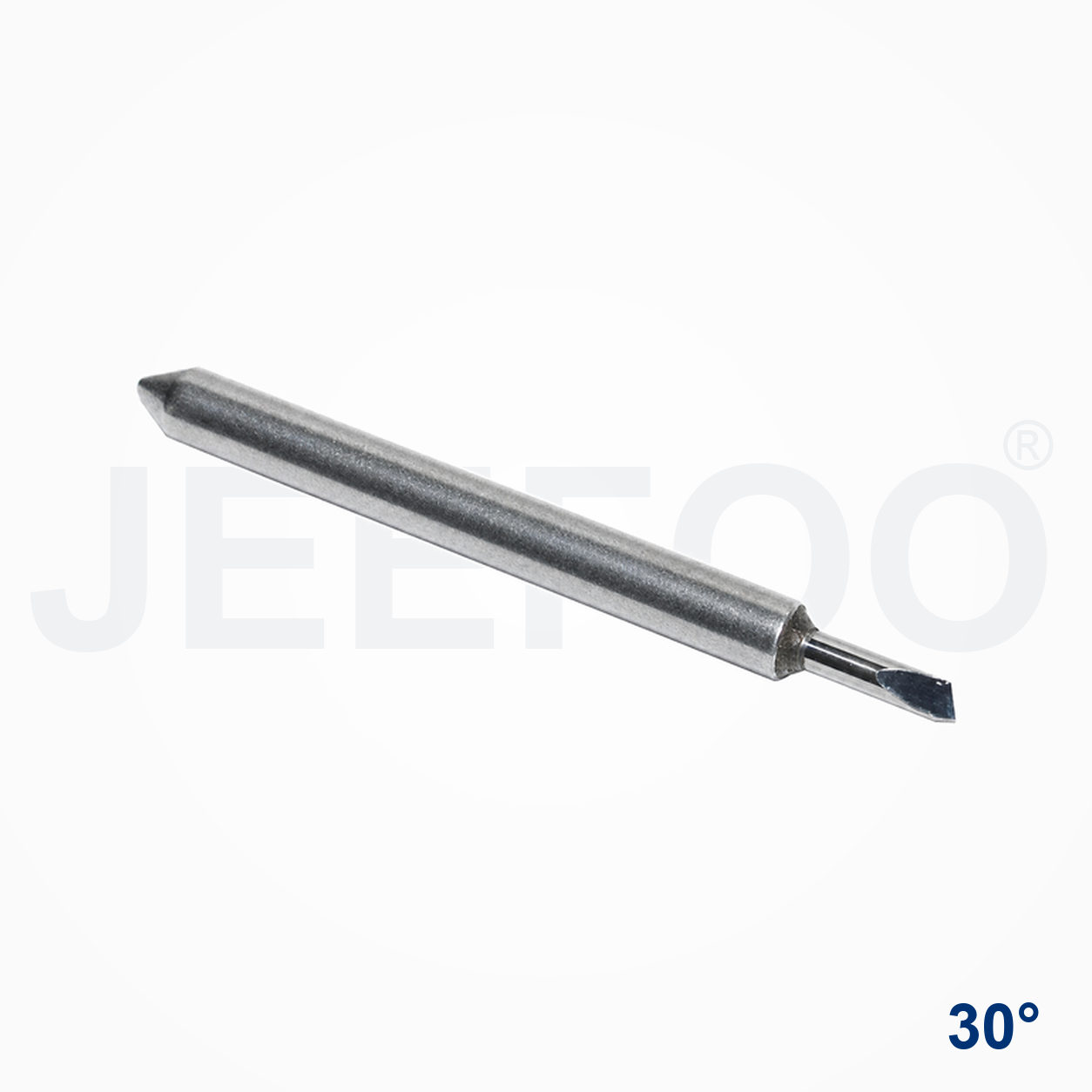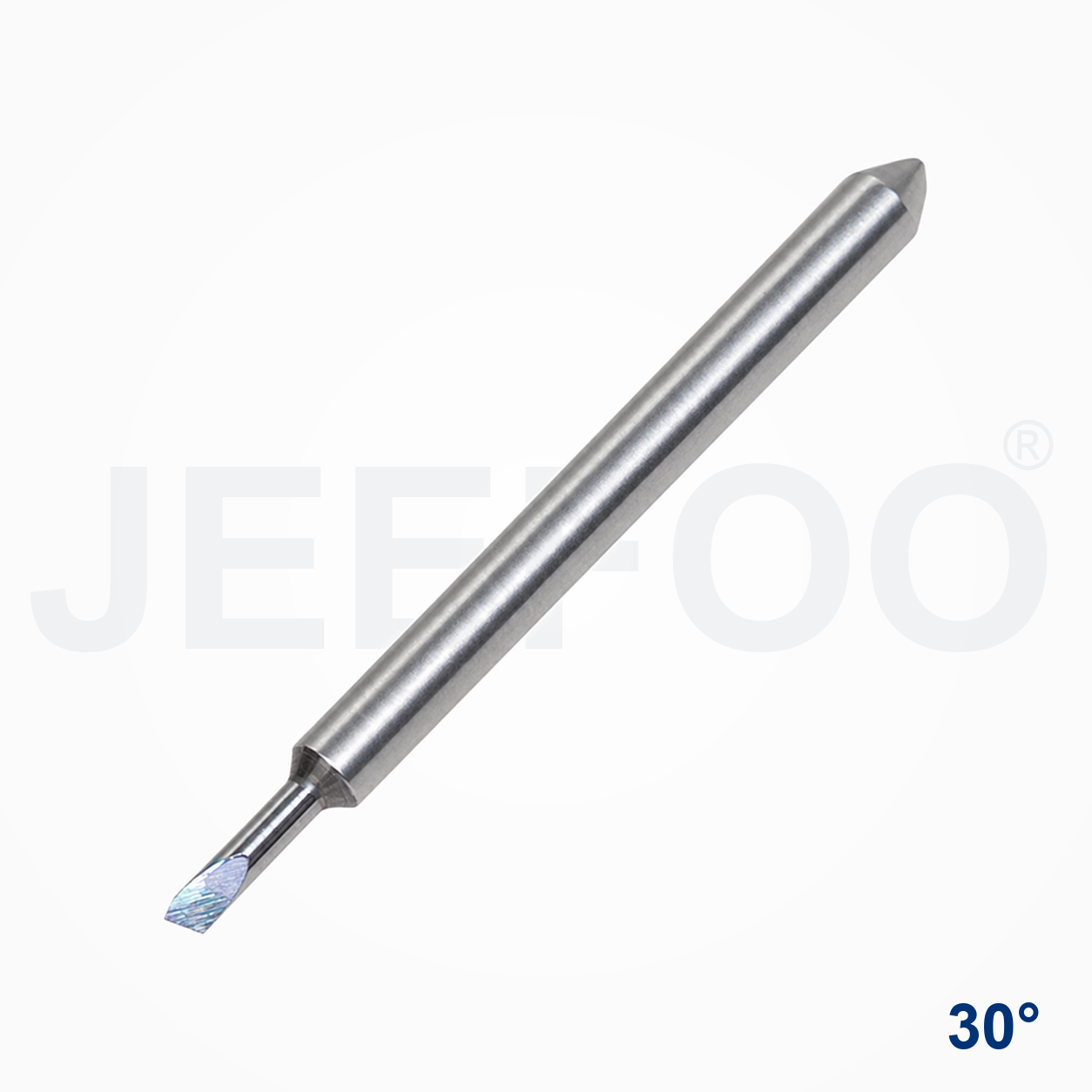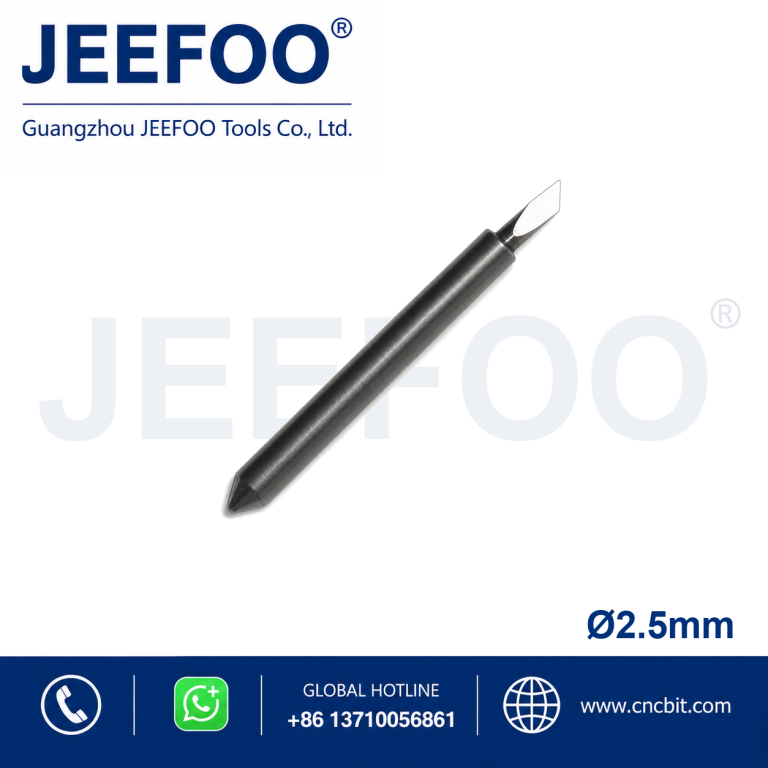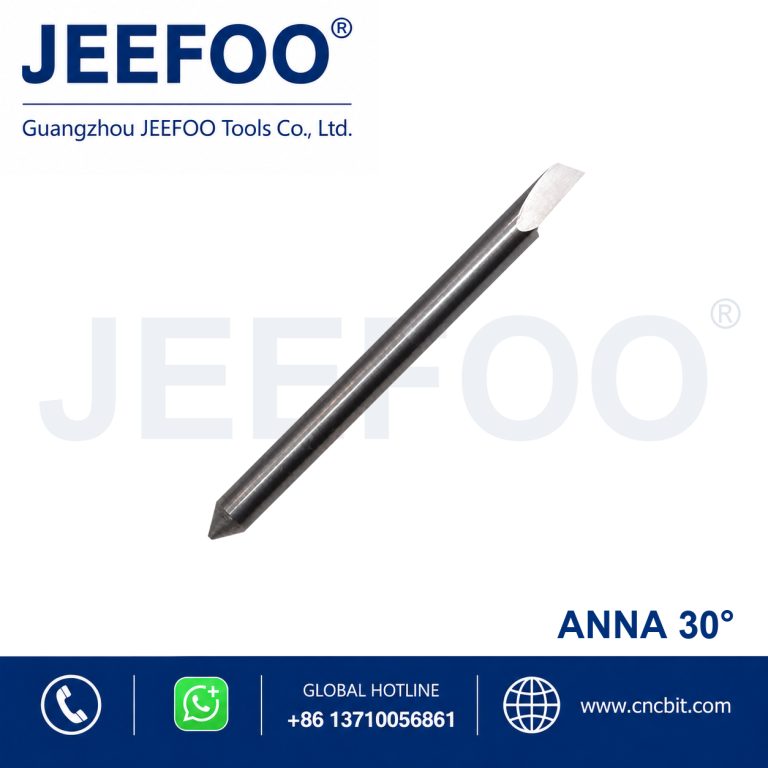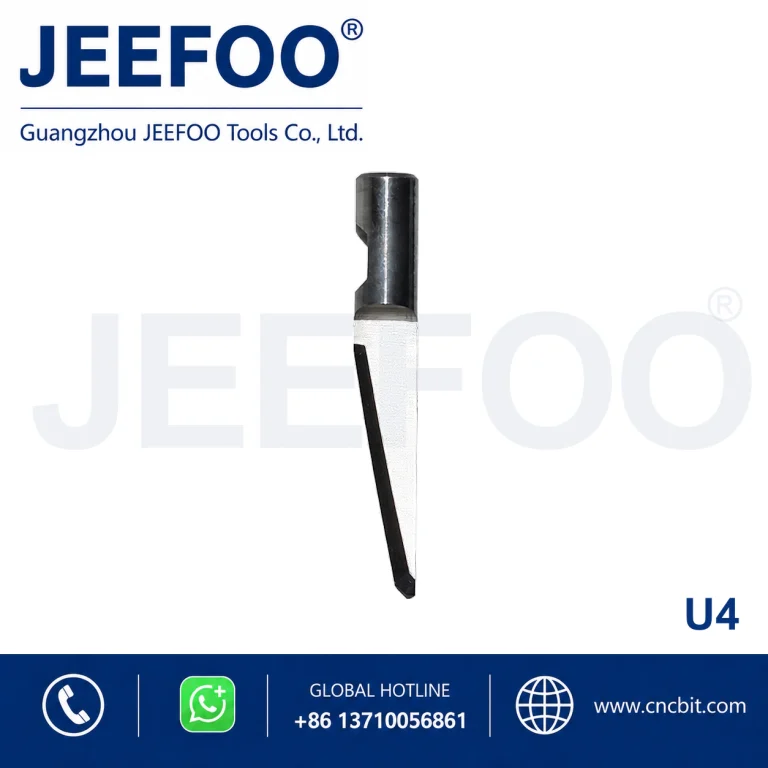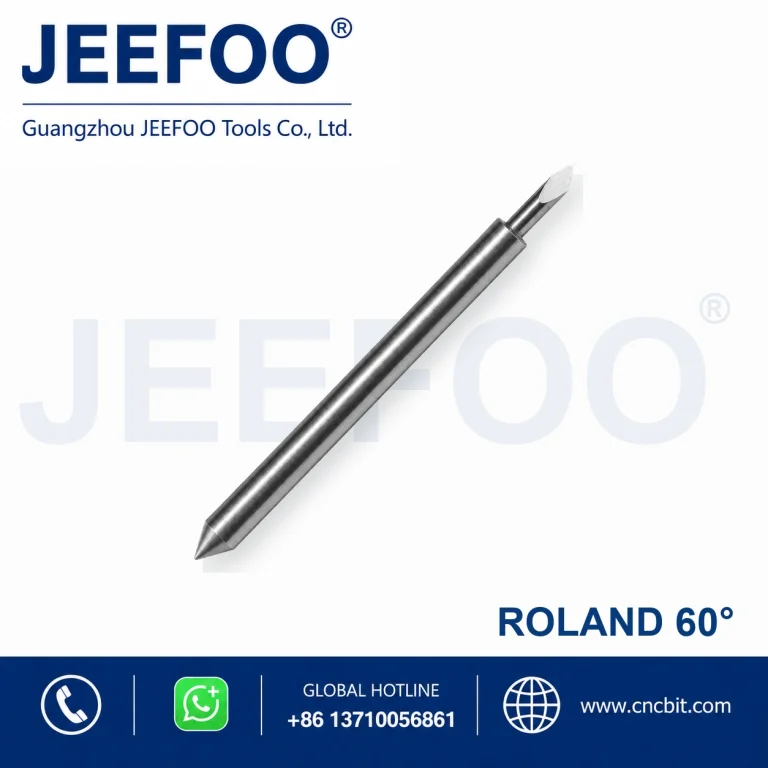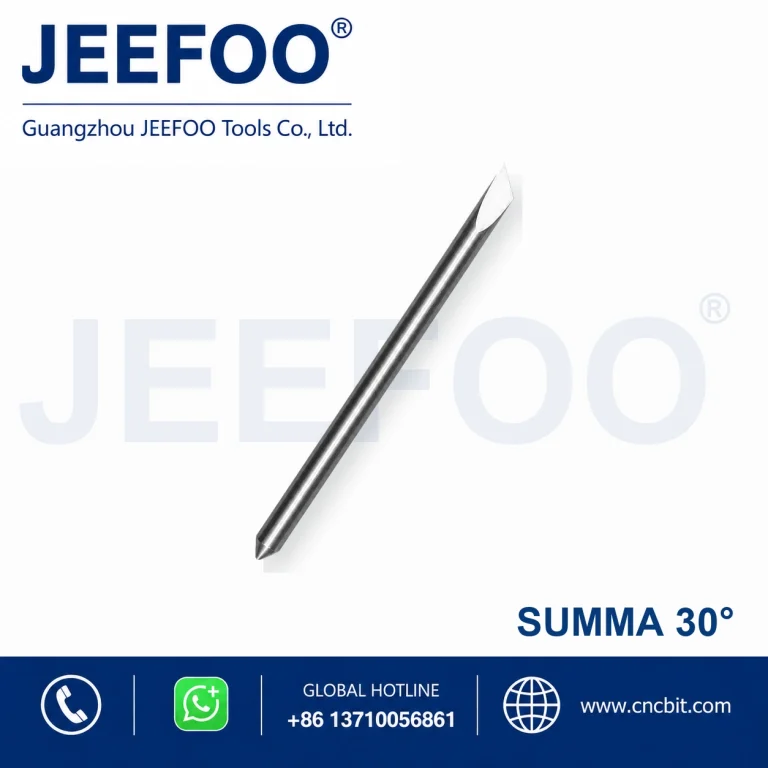
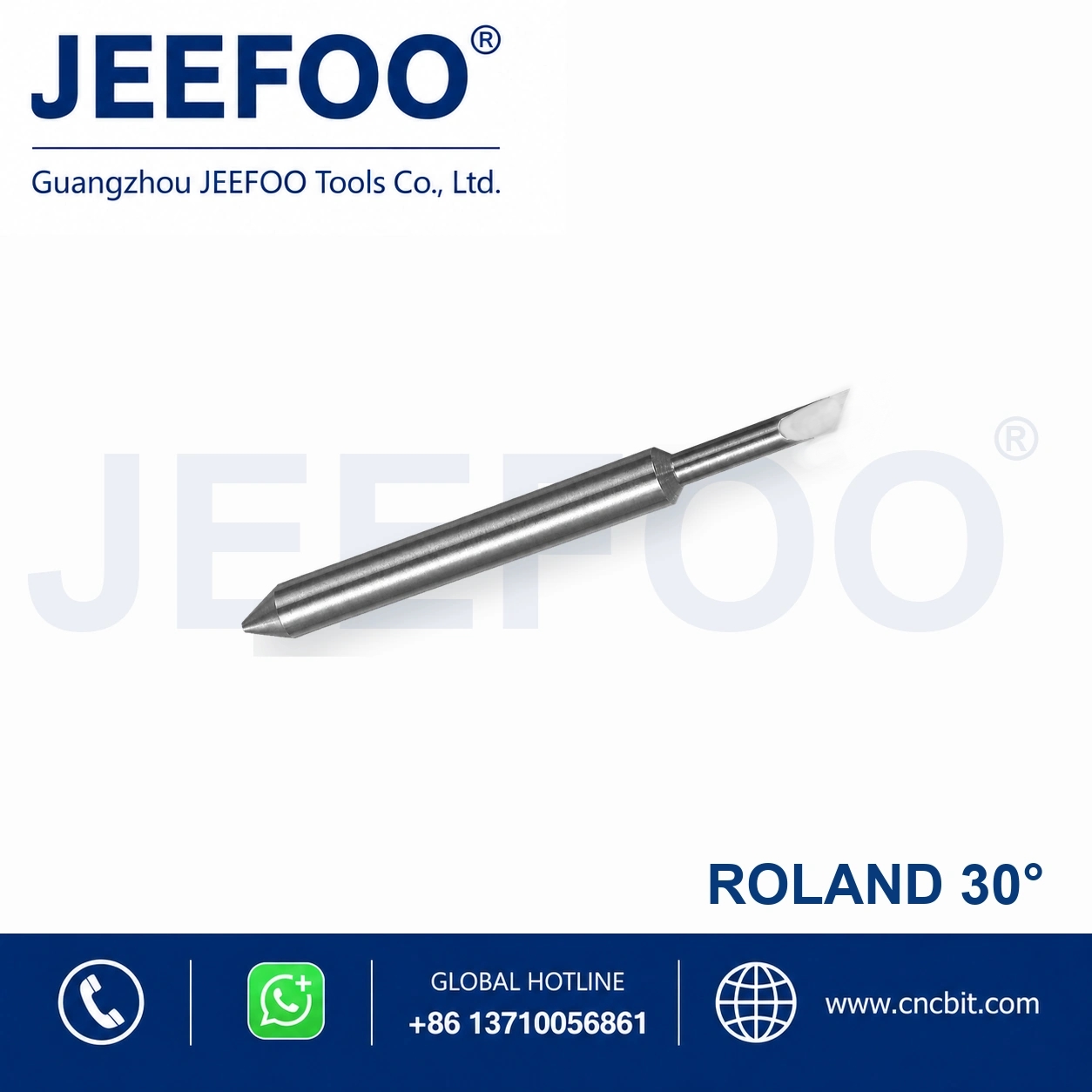
RO(A)-Roland Blade(A) 30 Degree Imported Cutting Plotter Blade is a precision replacement blade for compatible cutting plotters and vinyl cutters. The 30-degree cutting angle supports accurate contour cutting, lettering and detailed graphic production.
Cutting Plotter Blade Features
- Precision-ground cutting point supports clean lines and consistent contour cutting.
- Durable blade material provides dependable wear resistance in routine production.
- Designed for compatible RO(A)-Roland Blade(A) plotter blade holders.
- Suitable for vinyl, adhesive film, sign-making media and other compatible thin materials.
- The 30-degree tip provides a practical balance of detail control and cutting depth for suitable media.
Applications and Selection Guidance
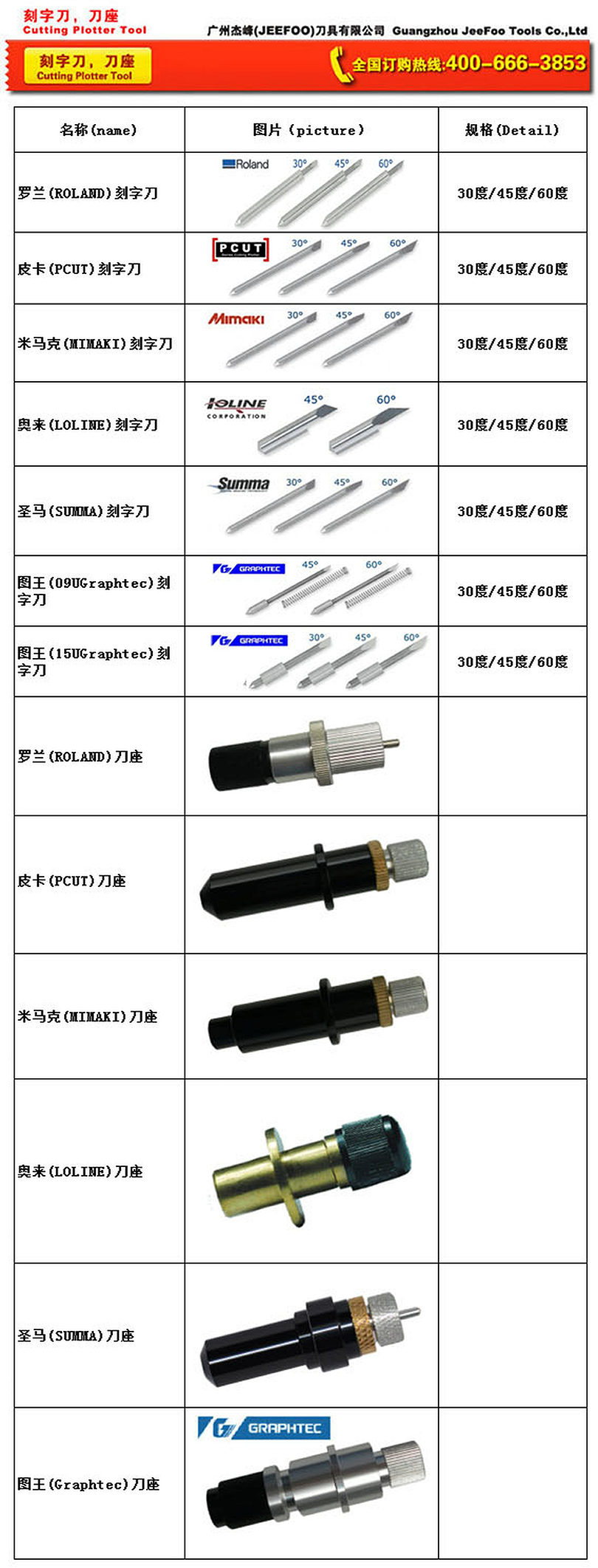
Select the blade angle according to media thickness, detail size and required cutting depth. Confirm blade-holder compatibility before ordering. Set blade exposure, downforce and cutting speed carefully to avoid damaging the backing liner.
- 30-degree blades are suitable for many general thin-film cutting tasks.
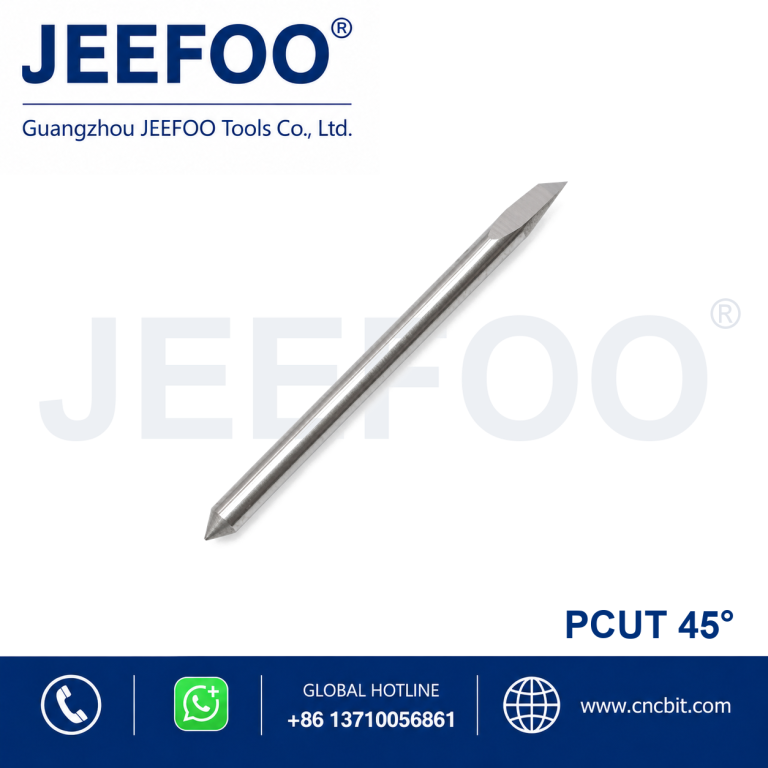
- 45-degree blades provide versatile performance for common sign-making media.
- 60-degree blades are often selected for thicker media, small details or deeper cutting requirements.
- Always perform a test cut before production.
How a 30 Degree Summa Blade Works
A Roland blade with a 30 degree tip is a durable, shallow-angle option for compatible thin sign vinyl, label film and masking media. The cutting point follows the programmed vector while the holder allows the blade to swivel with changes in direction. Accurate results depend on the blade geometry, holder condition, exposed tip, downforce, speed and the actual media.
Applications of the 30 Degree Cutting Plotter Blade
The 30 degree geometry emphasizes tip strength and controlled cutting in compatible thin media, especially for larger lettering, graphics and routine decal work. It is best validated on the exact media because very small details or thick stock may require a different blade angle. Always confirm compatibility with the specific Roland holder and plotter model before installation, because blade diameter, exposed length and holder design must match the machine.
Small letters and tight corners require a clean tip, accurate offset and stable media tracking. Larger graphics may tolerate higher travel speed, but the blade still needs enough time to rotate through sharp direction changes. Use a test cut in an unused area before a production run, then weed the test carefully to evaluate corner closure, liner marking and edge quality.
Setup and Calibration
Inspect the Roland blade under good lighting before installation. The tip should be clean, straight and free from adhesive buildup. Insert it into the compatible holder without touching the point. Expose only enough blade to cut the face material; excessive exposure increases drag, damages the liner and reduces tip life. Clean the holder and verify that the blade rotates freely.
Start with the plotter and media supplier recommendations for force, speed, offset and acceleration. Increase force only in small steps after confirming that the blade exposure is correct. A successful test cut should separate the film cleanly while leaving the release liner largely intact. If corners lift or fail to close, check offset, holder movement, blade wear and media flatness before making multiple parameter changes.
Cut Quality and Tool Life
Adhesive residue, dust and fragments can prevent free swiveling and create random defects. Clean the holder according to the equipment guidance and replace the blade if the tip becomes chipped or rounded. Store unused blades in protective packaging so the points do not contact hard surfaces. Never attempt to straighten a damaged tip or handle the cutting point with bare fingers.
For repeat orders, record the media brand, thickness, liner, blade type, holder, exposure, force, speed and offset that produced a proven result. Recheck calibration when changing media batches, temperature or humidity. Consistent records help distinguish a worn blade from tracking, pressure or material problems and reduce setup waste during future production.
JEEFOO Support from Guangzhou, China
JEEFOO supplies cutting tools and plotter blades from Guangzhou, China for sign shops, distributors and OEM projects. Buyers can explore related engraving and cutting tools and provide the plotter model, holder reference, media and required detail when asking for a blade recommendation. For operating limits and calibration procedures, follow the official Roland support resources for the installed equipment.
Frequently Asked Questions
What is a 30 degree blade used for? It is commonly selected as a general-purpose geometry for compatible sign vinyl, labels and masking media. The correct choice still depends on thickness and construction.
Why does the liner get cut? Excessive blade exposure or force is a common cause. Reduce exposure first, perform a test cut and then fine-tune pressure in small steps.
When should the blade be replaced? Replace it when cleaning and calibration no longer restore clean corners, stable weeding and consistent cut depth.
Product Description
- Brand series: RO(A)-Roland Blade(A).
- Blade angle: 30 degrees.
- Product type: Cutting plotter replacement blade.
- Application: Lettering, decals, graphics, vinyl and compatible film cutting.
- Selection: Match the blade to the correct holder and plotter model.