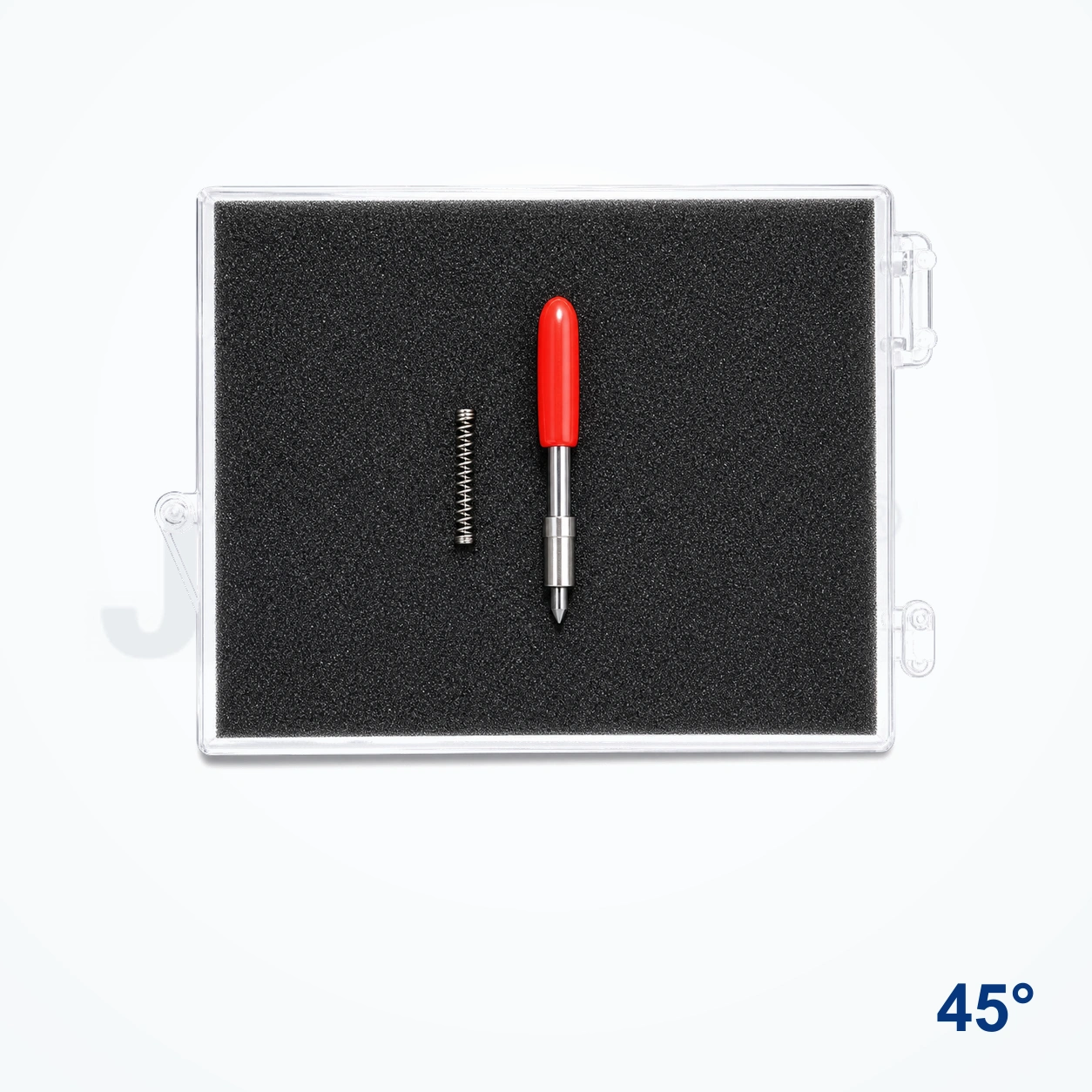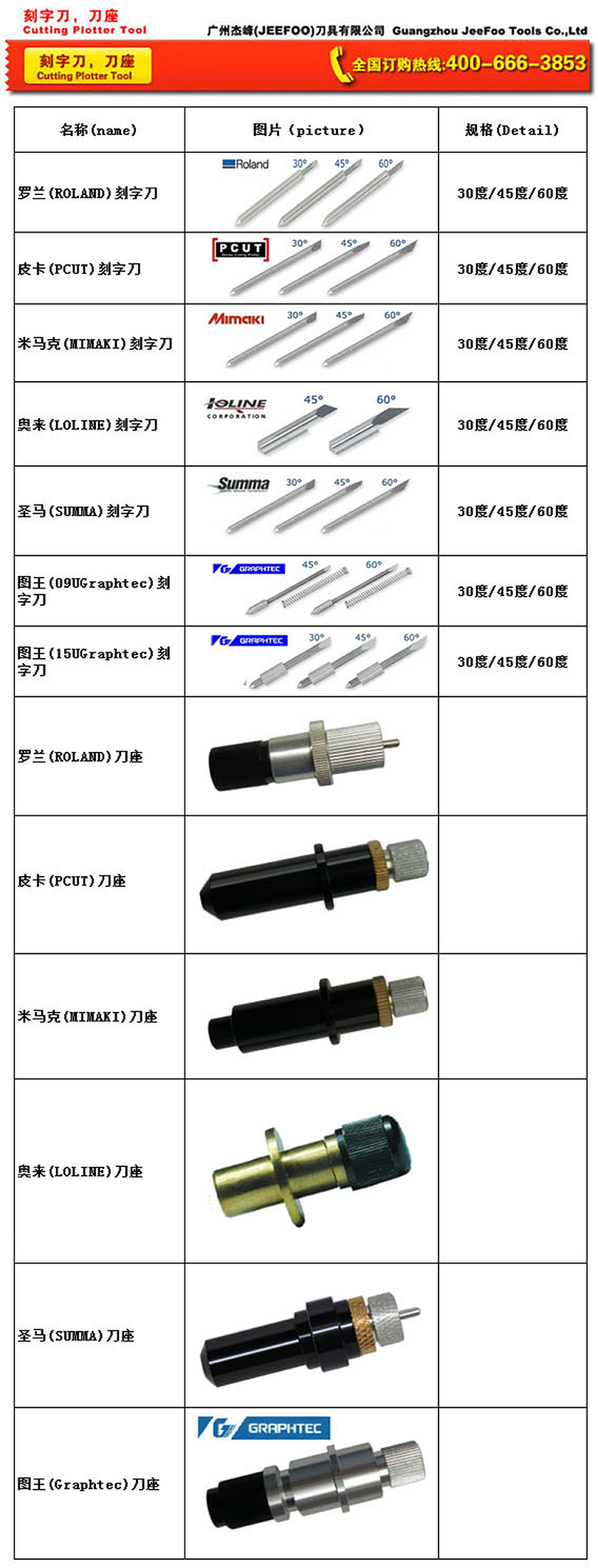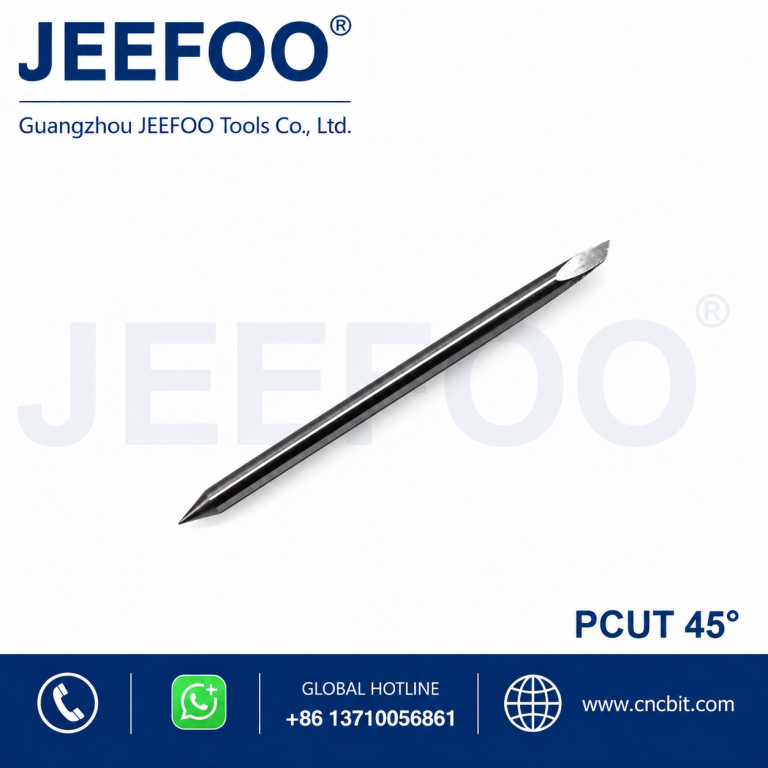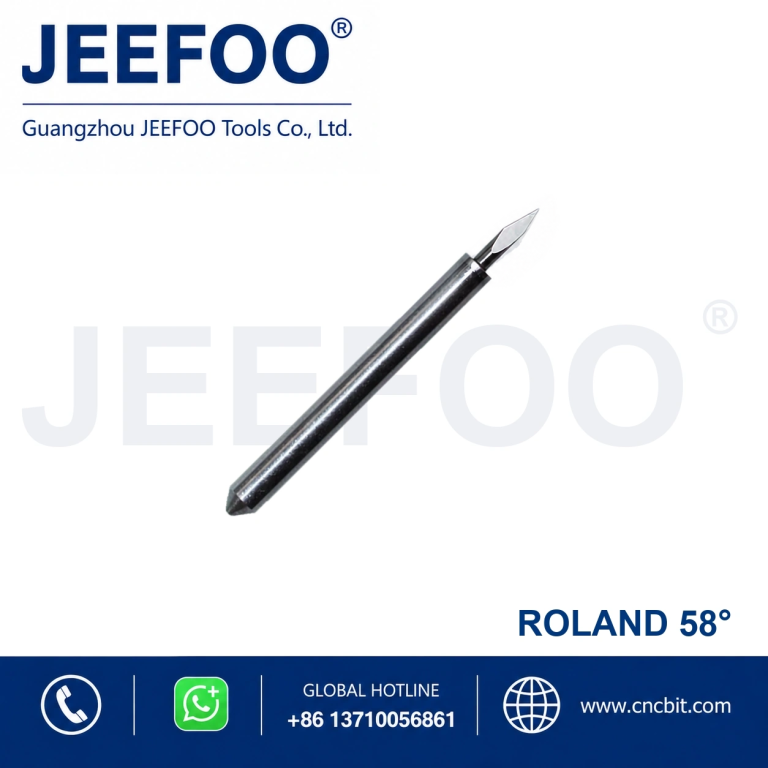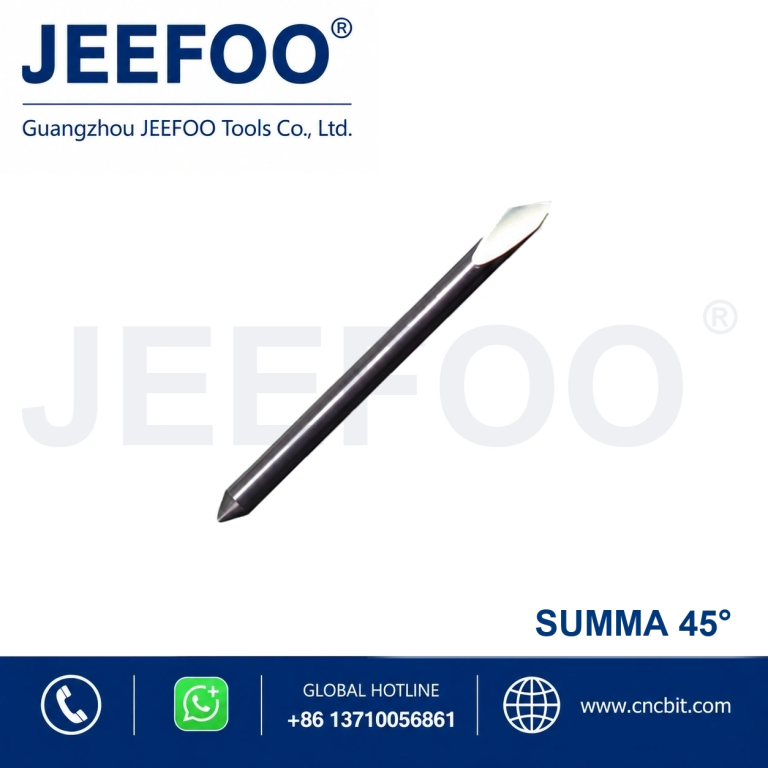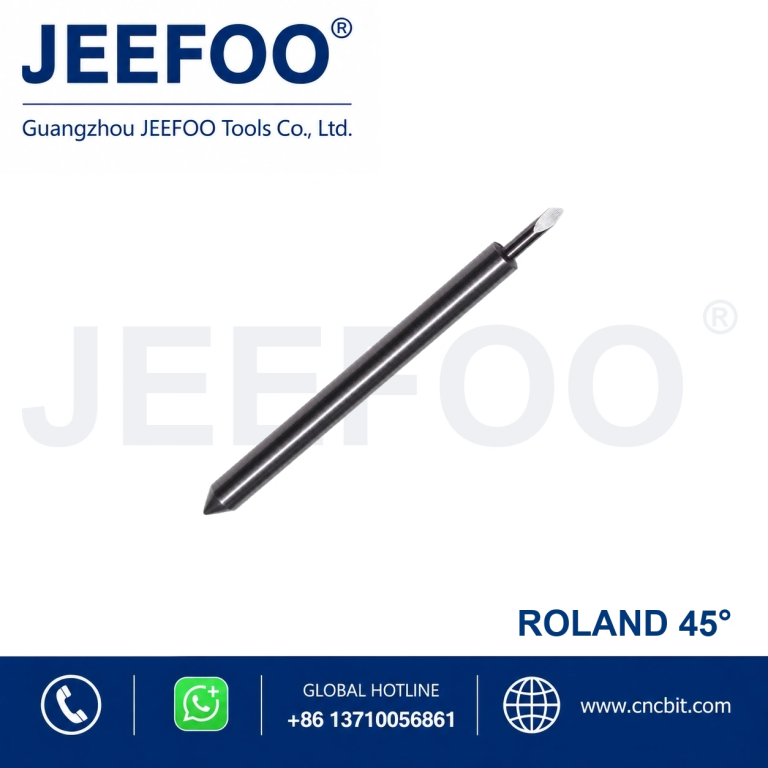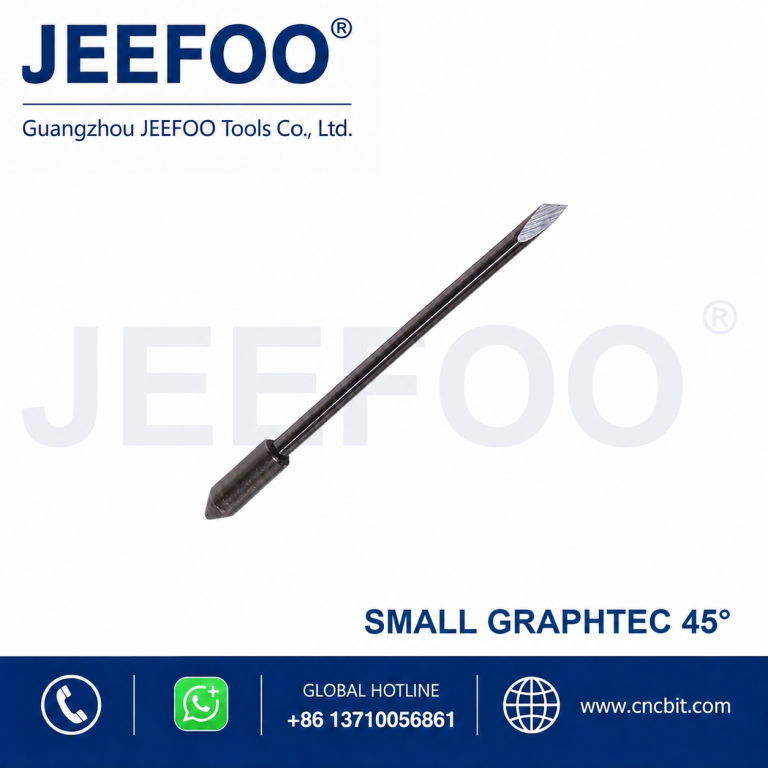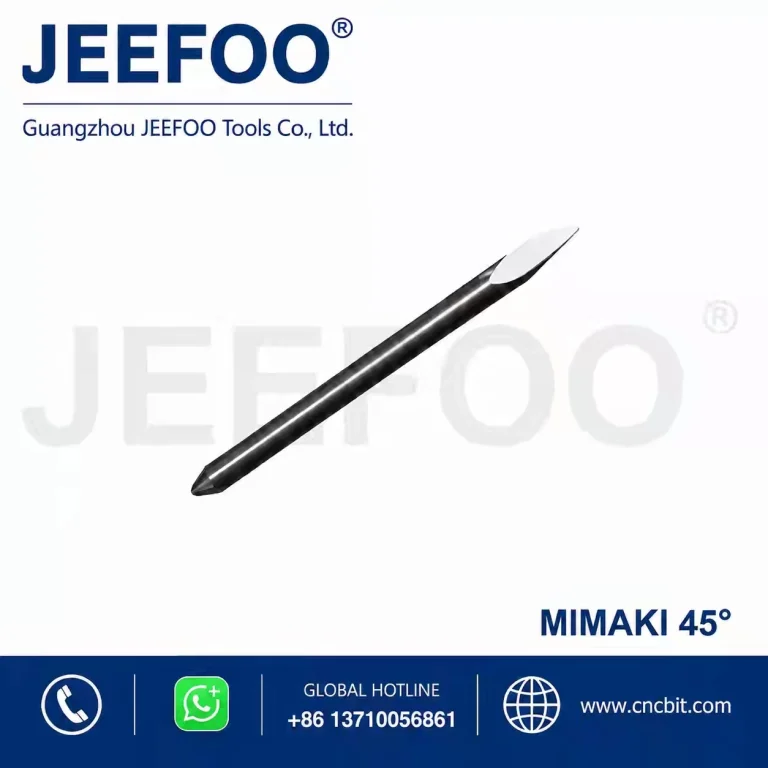
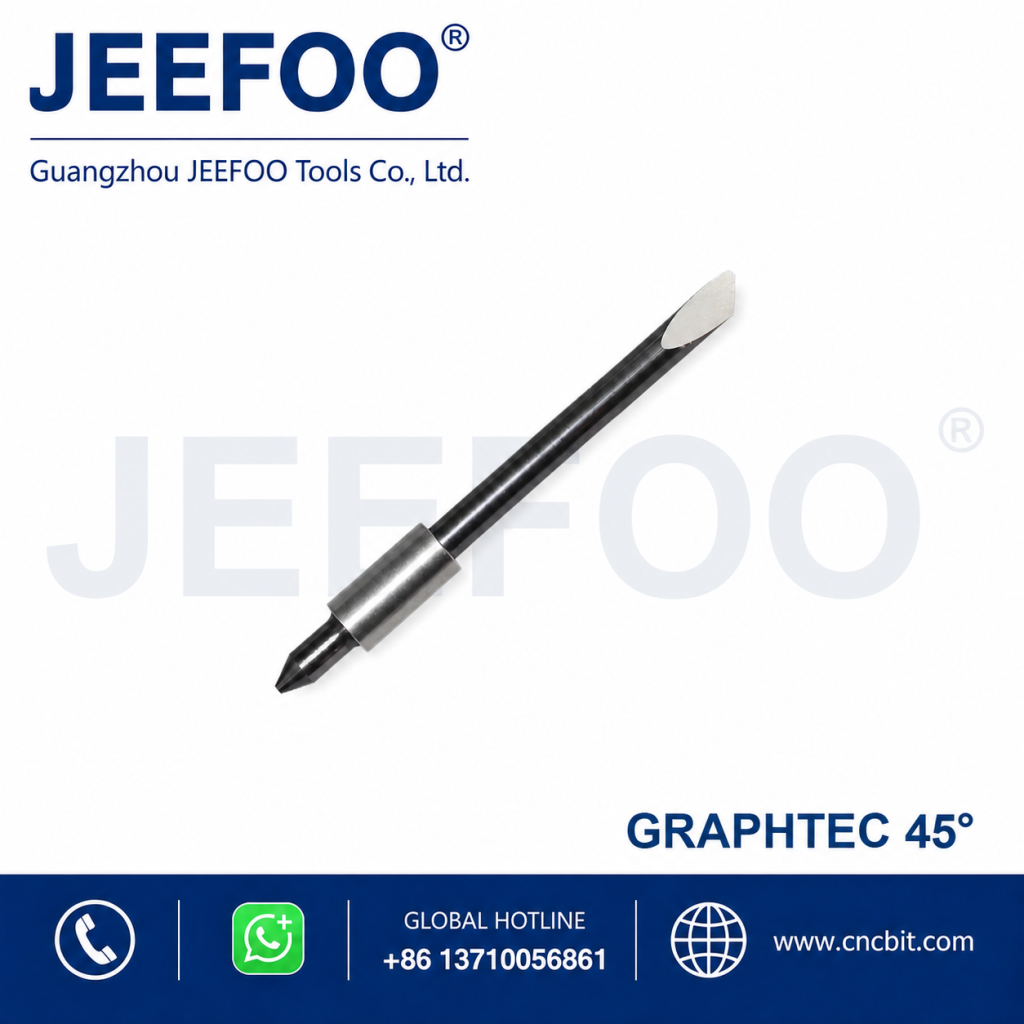
The Graphtec large 45 degree plotter blade is a practical choice for sign shops and production teams that need clean, controlled cuts on everyday vinyl media. Designed for compatible large-type Graphtec blade holders, this 45-degree blade balances detail cutting with reliable performance on standard adhesive films. JEEFOO supplies cutting tools from Guangzhou, Guangdong, China for distributors, sign makers, and professional users seeking consistent replacement blades.
Graphtec Large 45 Degree Plotter Blade Features
- 45-degree cutting angle for general-purpose vinyl and lettering work
- Compatible profile for suitable Graphtec large-type blade holders
- Sharp cutting edge for smooth curves, corners, and small characters
- Stable geometry that supports repeatable offset and force settings
- Useful for sign production, labels, graphics, masks, and decals
Large-Type Graphtec Compatibility
Before ordering, compare the blade dimensions and holder style with the part currently installed in your plotter. “Large” describes the compatible Graphtec blade format, not the size of the artwork it can cut. Correct holder fit, free blade rotation, and proper tip exposure are essential. If the blade does not seat fully or rotate smoothly, do not force it into the holder.
Materials and Cutting Applications
This blade is intended for compatible self-adhesive vinyl, lettering film, masking film, thin label stock, and similar plotter-cut media. A 45-degree point is commonly selected for routine work because it offers a useful balance between detail and durability. Material thickness, liner hardness, adhesive, surface coating, and machine condition can all affect the final result.
Always make a small test cut before a production run. The vinyl should weed cleanly while the backing liner remains only lightly marked. If corners lift, circles do not close, or small text tears, check blade condition and holder movement before increasing pressure. Excessive force can shorten blade life and damage cutting strips.
How to Set Up the Plotter Blade
- Power off the plotter and remove the compatible blade holder.
- Clean the holder opening and confirm that no vinyl dust blocks rotation.
- Insert the blade carefully and verify that the tip rotates freely.
- Set minimum blade exposure so only the cutting tip extends beyond the holder.
- Load the material, select a low starting force, and run a test pattern.
- Adjust force, speed, and offset gradually until edges weed cleanly.
Exposure, Force, Speed, and Offset
Blade exposure should be just enough to cut the face film, not the entire liner. Start with conservative force and moderate speed, then change one parameter at a time. Offset compensates for the distance between the blade tip and its rotation center; an incorrect value can produce rounded corners or small hooks. Save successful settings by material so operators can repeat the job more efficiently.
Production Test and Quality Control
For dependable production, inspect the first cut, a middle sample, and the final sheet rather than relying only on the initial test. Check small letters, tight corners, circles, and long straight lines for lifting or incomplete separation. Keep the plotter’s pinch rollers, cutting strip, and blade holder clean, because worn or contaminated components can imitate the symptoms of a dull blade. Record the material name, batch, force, speed, offset, and blade-change date. This simple quality-control routine helps teams identify process drift, reduce wasted vinyl, and maintain consistent results across repeat orders.
Maintenance and Replacement
Remove adhesive residue with a suitable non-abrasive cleaning method and store spare blades in protective packaging. Replace the blade when cut quality declines after normal setting checks, when the tip is chipped, or when more force is repeatedly required. Do not touch the sharp point. A planned replacement schedule is safer and more economical than compensating for wear with excessive pressure.
Plotter Blade Supplier in Guangzhou, Guangdong
JEEFOO supports customers in Guangzhou, Guangdong and international markets with cutting-tool selection and application guidance. For additional models and compatible accessories, visit our cutting tools and product range. When requesting a quotation, share your plotter model, holder style, blade angle, target material, and expected quantity so compatibility can be checked efficiently.
Frequently Asked Questions
What is a 45-degree Graphtec blade used for?
It is generally used for standard sign vinyl, lettering film, labels, masks, and other routine cutting jobs. It offers a versatile balance for many applications performed with a compatible vinyl cutter.
How much blade tip should be exposed?
Expose only enough tip to cut through the face film. Too much exposure increases drag, damages the liner, and can make small graphics lift during cutting.
When should the Graphtec large 45 degree plotter blade be replaced?
Replace it when clean cuts cannot be restored through normal cleaning and setting adjustments, or when inspection shows a worn or damaged tip. Confirm the holder and cutting strip are in good condition first.