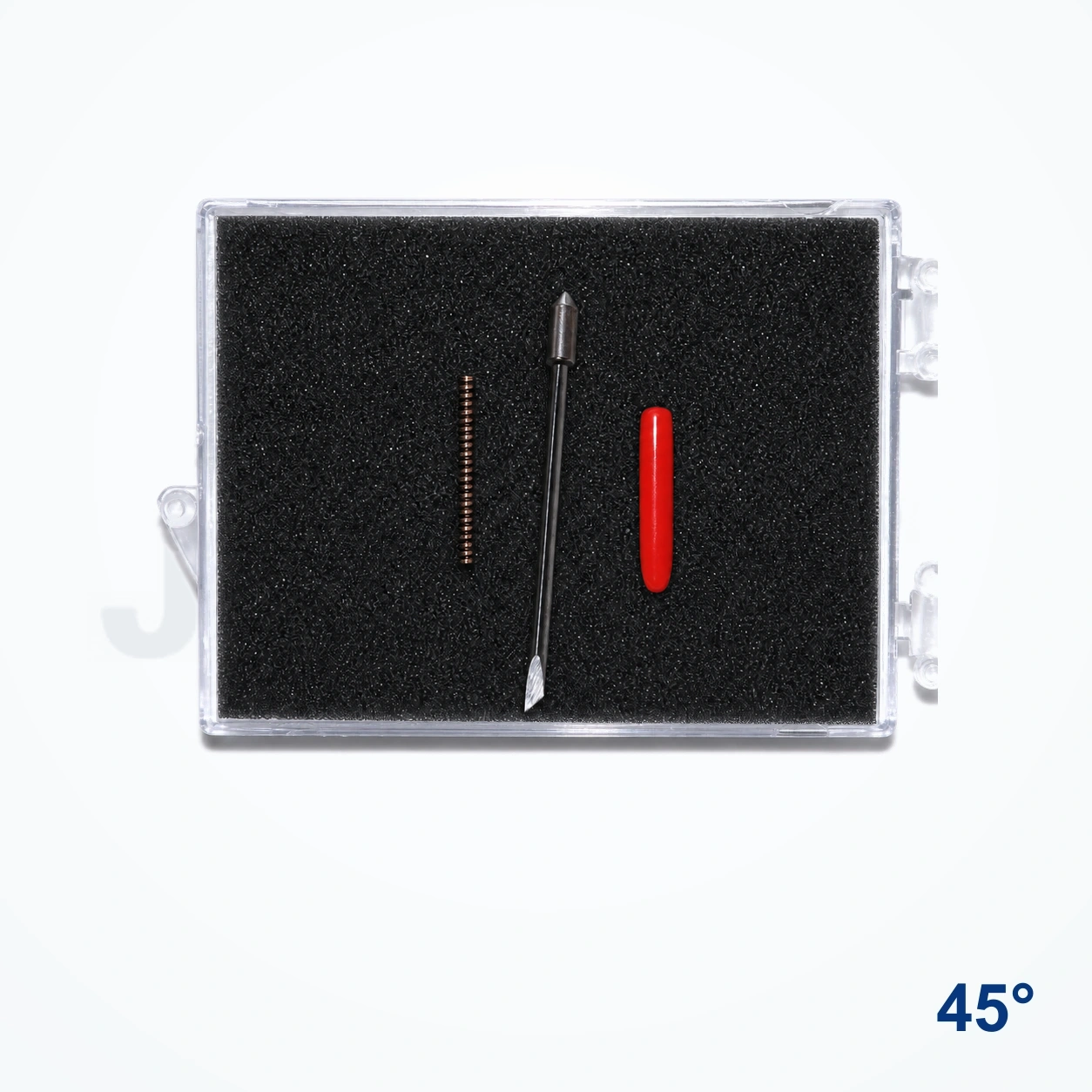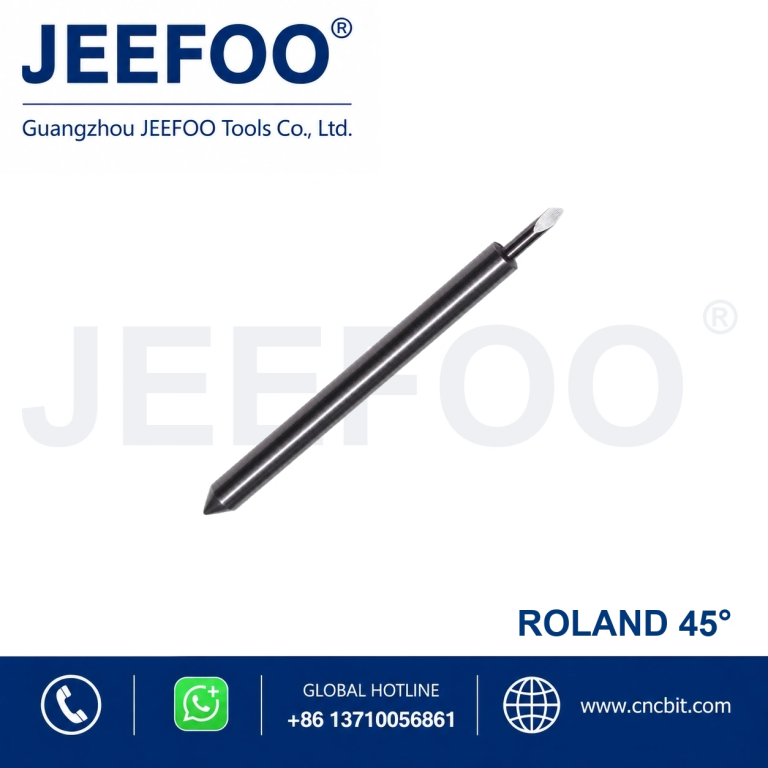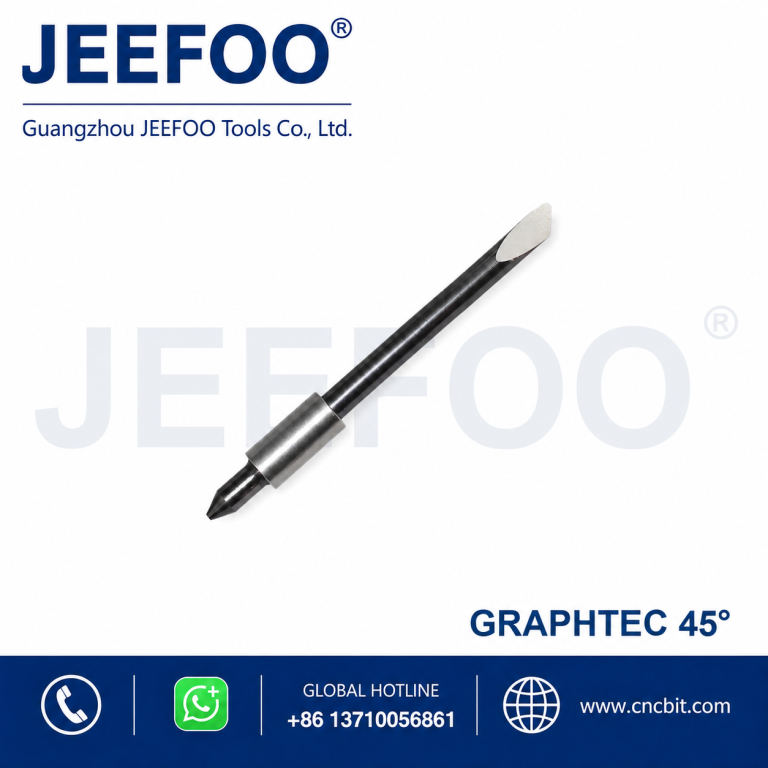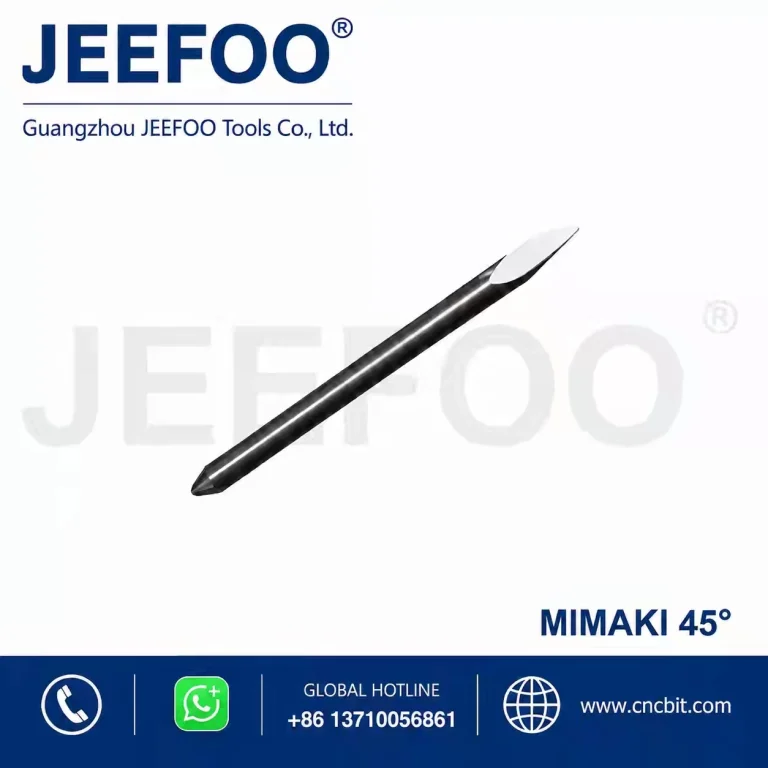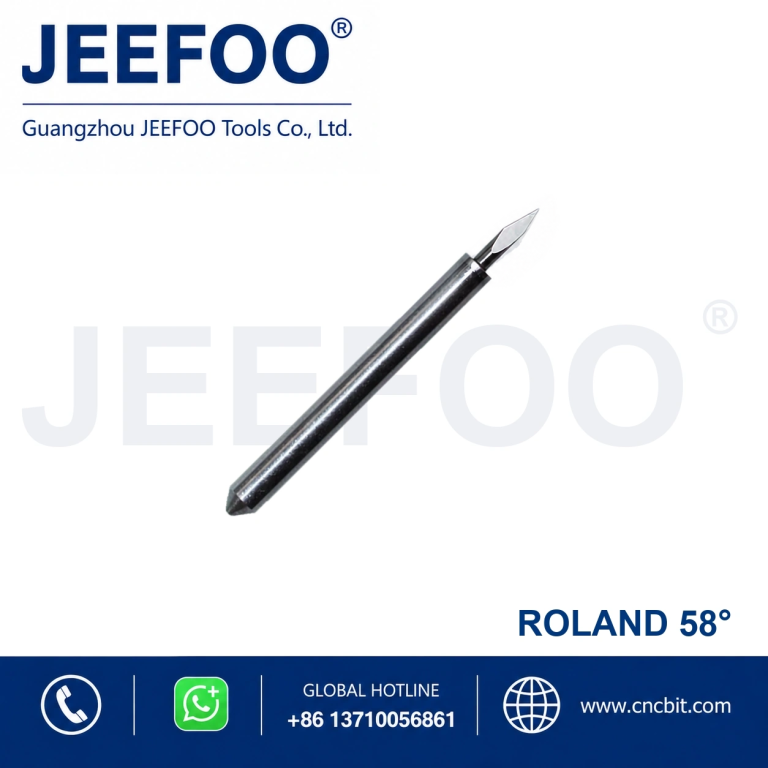
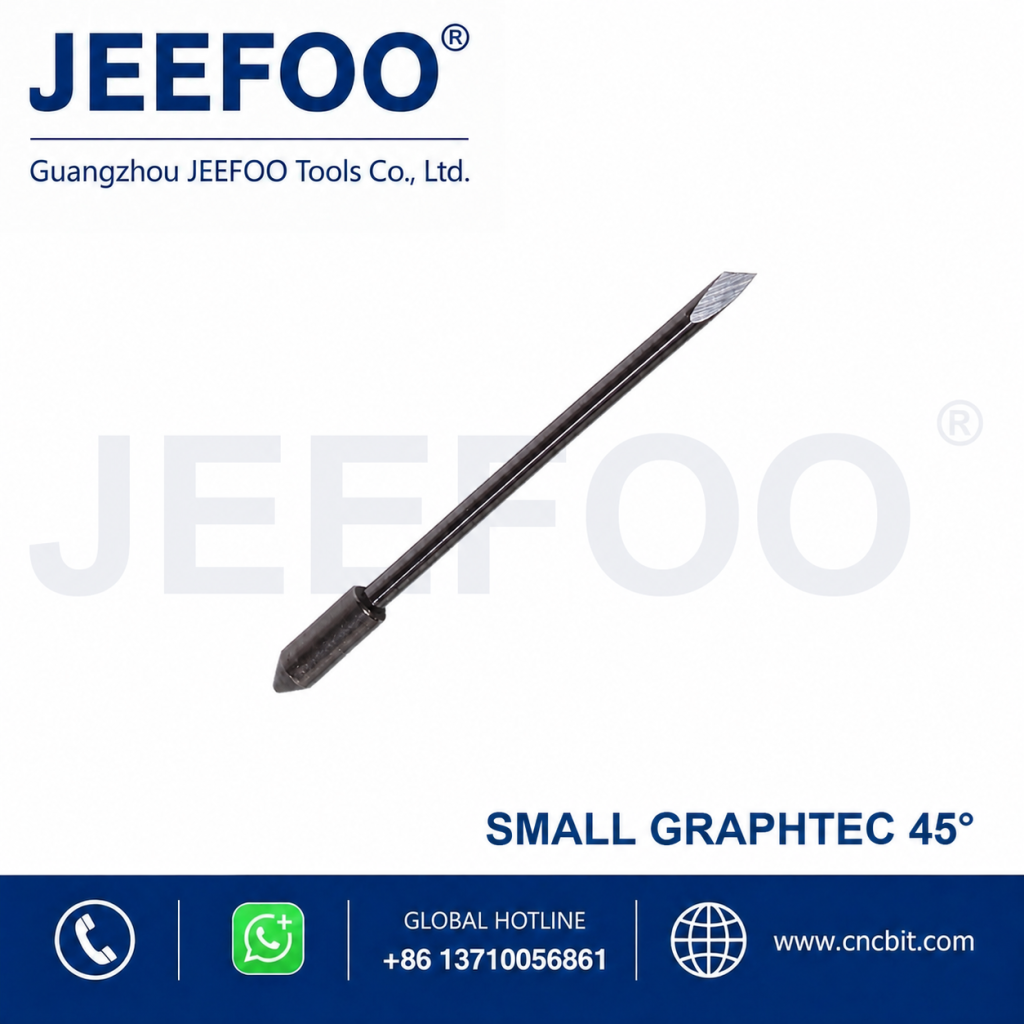
The Graphtec 45 degree plotter blade is an AAAAA-grade imported small-type replacement for precision vinyl and sign-film cutting on compatible Graphtec machines. Its general-purpose 45-degree point balances detail, cutting depth, and tip strength for everyday contour work when blade exposure, offset, force, and speed are correctly set.
Graphtec 45 Degree Plotter Blade Features
- 45-degree point: practical for routine vinyl, lettering film, and general graphics.
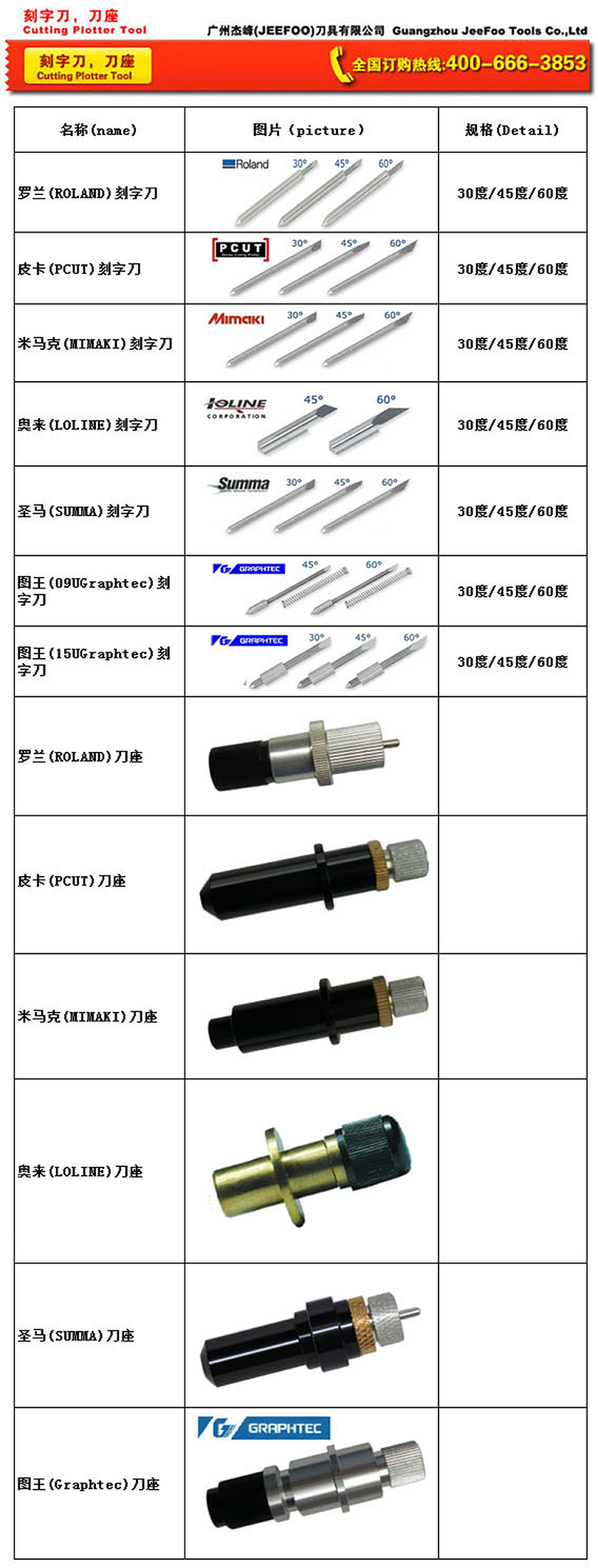
- Small Graphtec-compatible style: confirm the blade holder and machine model.
- AAAAA-grade imported blade: designed for sharp, consistent contour cutting.
- Fine tip: supports letters, logos, labels, stencils, and decorative decals.
- Replaceable consumable: quick replacement helps restore production quality.
Small-Type Compatibility
Graphtec-compatible blades are available in different styles, so the word “small” is an important selection detail. Compare the blade dimensions, holder interface, and machine requirements before ordering. A blade that does not seat correctly can create excessive runout, irregular corners, or unsafe operation.
Materials and Cutting Applications
This blade is intended for compatible self-adhesive vinyl, lettering film, masking film, heat-transfer media, label stock, and selected sign-making sheets. Typical projects include vehicle graphics, window lettering, packaging labels, garment graphics, craft decals, logos, and paint masks.
Material thickness, adhesive, surface coating, and backing paper vary. The correct setup cuts the face film cleanly while leaving the release liner substantially intact. Always run a test cut after changing media, replacing the blade, or loading a new production roll.
How to Set Up a Graphtec Plotter Blade
- Confirm the small blade style and holder compatibility with the Graphtec model.
- Clean the holder and verify that the blade rotates freely.
- Set minimal exposure, approximately equal to the face-film thickness.
- Enter the correct offset and begin with conservative force and speed.
- Run a test pattern and inspect corners, weeding, and the release liner.
- Adjust one parameter at a time until the test cut is clean.
Exposure, Force, Speed, and Offset
Too much exposed blade increases drag and can damage both the liner and tip. Excessive force shortens service life. Incorrect offset causes rounded or hooked corners. Reduce speed for small text and intricate graphics so the blade can rotate accurately through direction changes.
Production Test and Quality Control
Before a long production run, cut a small test design containing a square, circle, fine letters, and a weeding border. Check whether corners meet cleanly, curves remain smooth, small characters stay attached, and the release liner is not deeply scored. Record the working exposure, force, speed, and offset for each commonly used film. These records reduce setup time when the same material returns. If quality changes during a run, inspect the tip for adhesive buildup and confirm the media is feeding straight before increasing force. Consistent testing protects both the blade and finished graphics.
Maintenance and Replacement
Remove adhesive residue and film fragments from the holder without touching the sharp tip. Store spare blades dry and protected. Replace the blade when corners stop closing, weeding becomes difficult, edges look ragged, or force must be increased repeatedly. Inspect the holder and cutting strip because wear can imitate a dull blade.
Plotter Blade Supplier in Guangzhou, Guangdong
JEEFOO supplies Graphtec 45 degree plotter blades from Guangzhou, Guangdong, China for sign shops, distributors, garment-decoration businesses, and international buyers. Customers can confirm machine model, small-type holder, media, angle, and quantity before purchasing. Browse the JEEFOO cutting tool range for related plotter blades and holders.
Frequently Asked Questions
Is 45 degrees suitable for standard vinyl?
Yes. A 45-degree blade is commonly used for standard compatible sign vinyl and lettering film. Confirm settings with the media and machine guidance.
Why are corners rounded?
Offset may be incorrect, the blade may not rotate freely, or the tip may be worn. Clean the holder, verify offset, and run a new test cut.
Why is the release liner being cut?
Blade exposure or force is likely too high, or the cutting strip may be damaged. General machine background is available in this vinyl cutter overview.