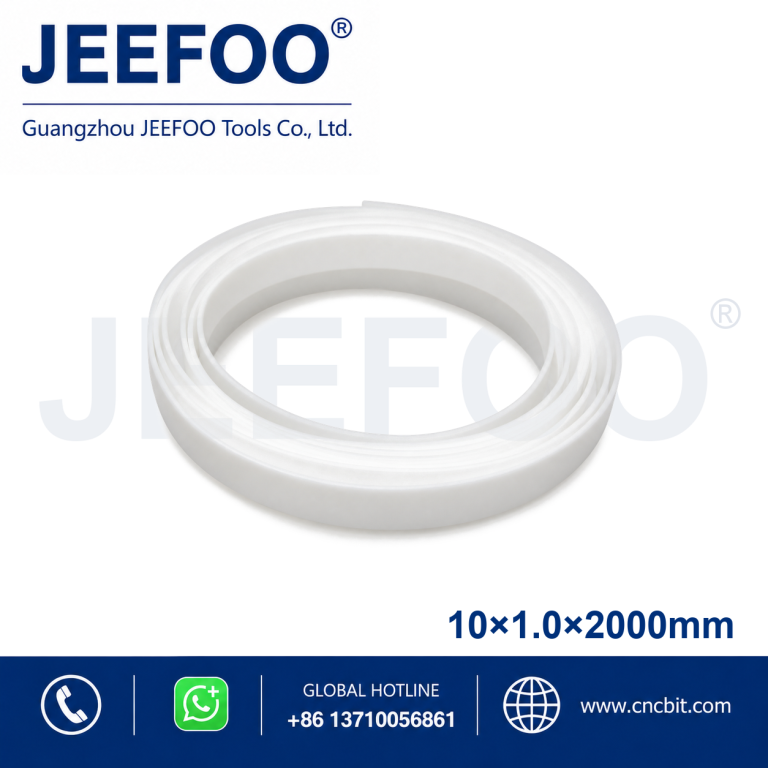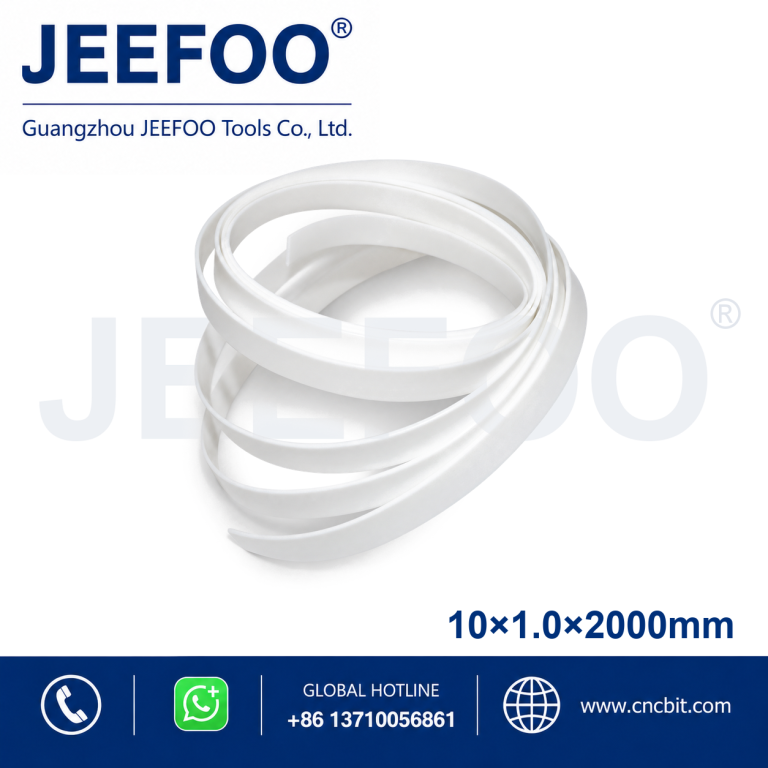
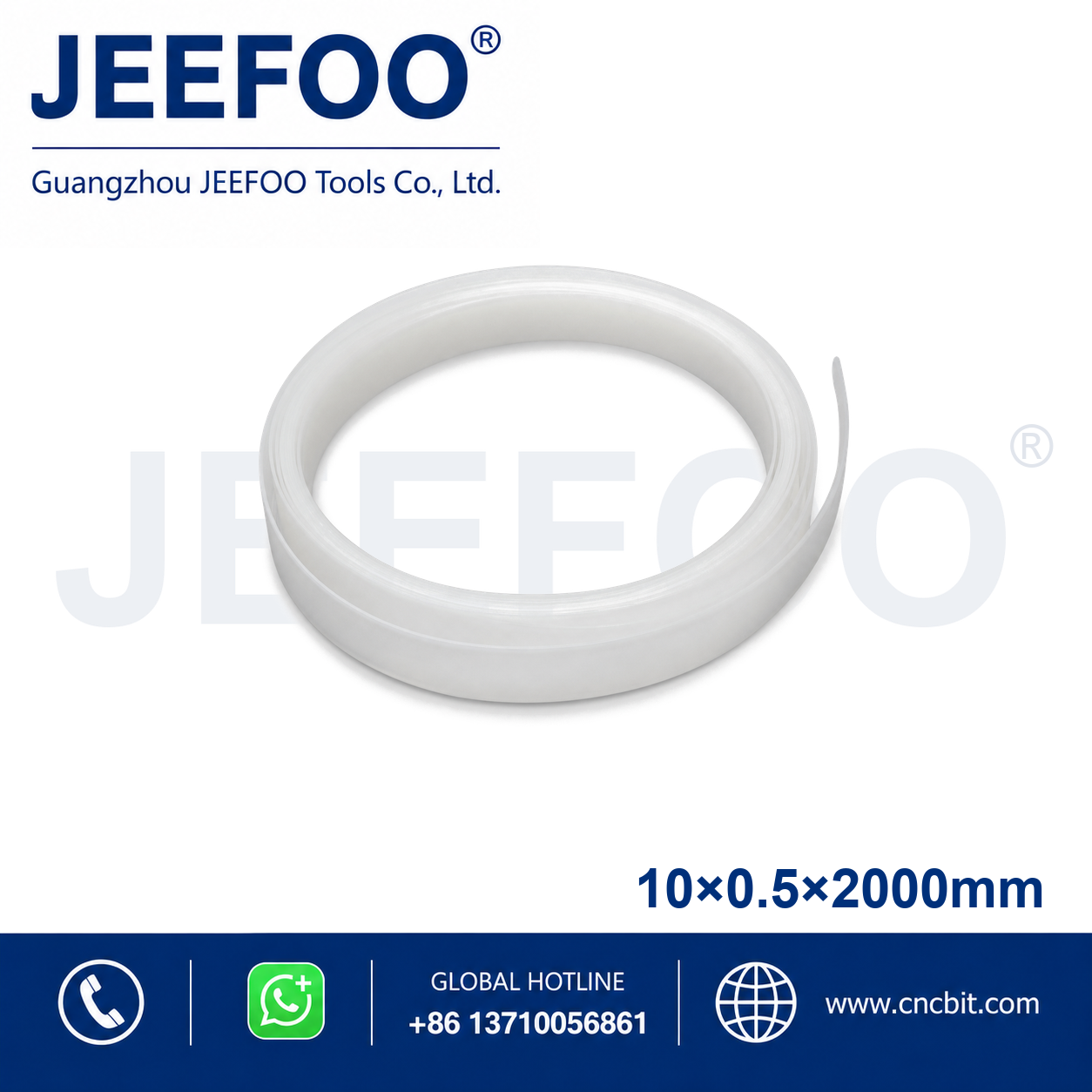
Graphtec 10×0.5x2000mm Cutting Plotter Pressure Strip is a replacement pressure strip designed to support smooth media movement and accurate cutting on compatible cutting plotters. Its dimensions are 10 mm wide, 0.5 mm thick and 2000 mm long.
Cutting Plotter Pressure Strip Features
- Provides a stable support surface beneath the cutting path.
- Helps protect the cutter blade and maintain consistent media contact.
- Designed for compatible Graphtec cutting plotters and vinyl cutters.
- Flexible replacement material supports straightforward machine maintenance.
- Accurate dimensions help ensure proper fitting and reliable operation.
Installation and Selection Guidance
Confirm the required width, thickness and total length before ordering. Remove the worn strip and adhesive residue, clean the mounting channel, then install the new strip straight and level without stretching it.
Product Description
- Brand compatibility: Graphtec.
- Width: 10 mm.
- Thickness: 0.5 mm.
- Total length: 2000 mm.
- Product type: Cutting plotter pressure strip.
Choosing the Correct Pressure Strip
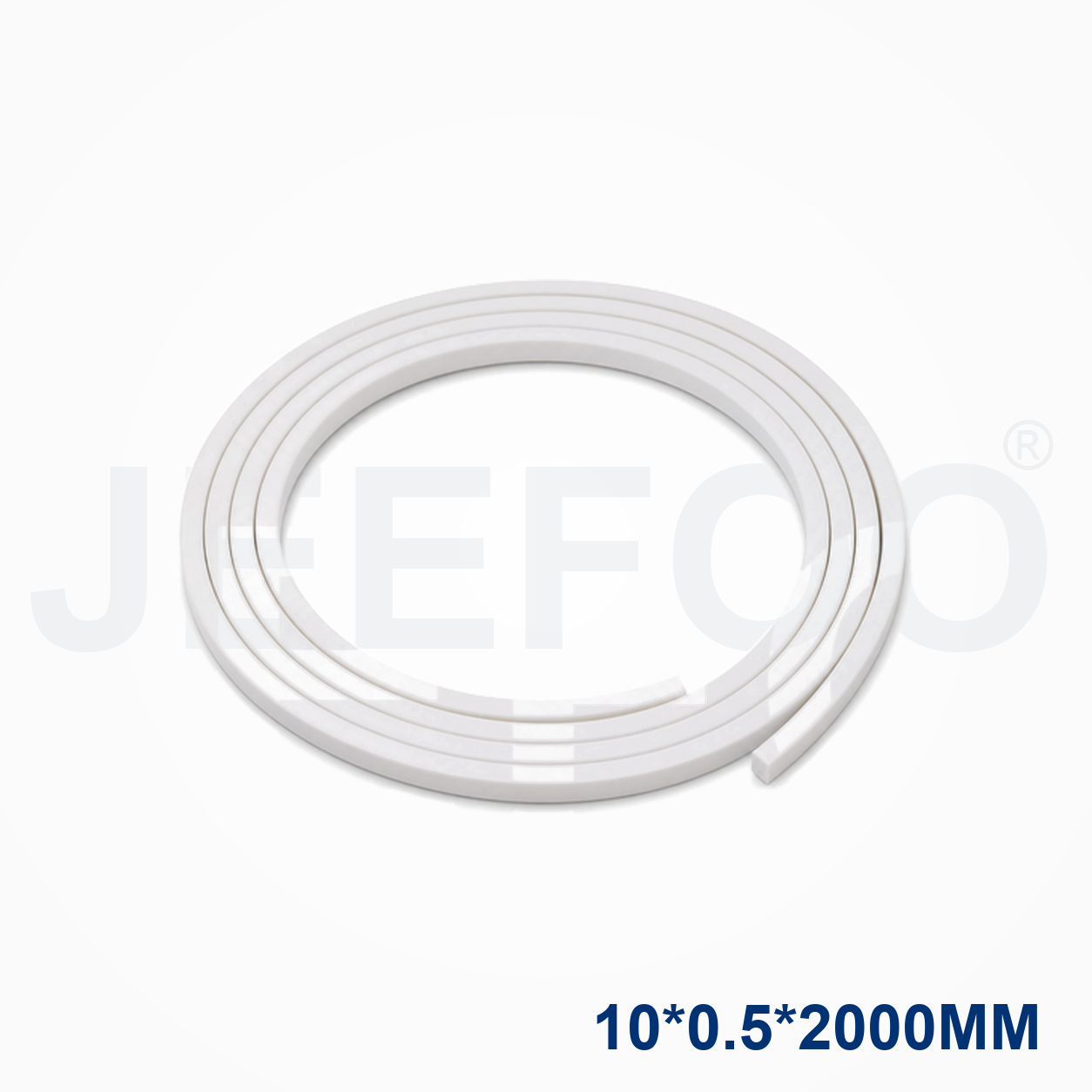
The Graphtec 10×0.5x2000mm Cutting Plotter Pressure Strip is identified by its 10 mm width, 0.5 mm thickness and 2000 mm length. Confirm these measurements against the worn strip, the mounting channel and the plotter model before ordering. A properly matched strip supports smooth media feeding under the pinch rollers and helps maintain accurate tracking over long cutting jobs.
Do not choose a replacement only from a similar photograph. Width controls the supported area, thickness affects the working height and length determines whether the strip covers the complete cutting path. If the channel profile or end clearance differs, send the machine model and a clear image to the supplier for confirmation. Recording the exact dimensions in the purchase note reduces the risk of an incompatible replacement.
Installation and Maintenance Checklist
- Switch off and isolate the plotter before removing the worn strip.
- Clean dust, adhesive residue and loose material from the mounting channel.
- Position the new strip straight, level and fully seated without stretching it.
- Run a slow test feed and inspect media tracking before normal production.
- Replace the strip when grooves, compression or uneven support become visible.
Regular inspection is useful when the plotter runs for long shifts or handles abrasive media. A clean and level pressure strip helps the media remain stable, protects the cutting surface and supports consistent results across repeated jobs.
Compatibility and Safety
Use the Graphtec 10×0.5x2000mm Cutting Plotter Pressure Strip only with compatible equipment and follow the machine manual during installation. Keep hands clear of pinch rollers and moving carriages during testing. For general machine-guarding principles, review OSHA machine guarding guidance. If you need help checking a dimension or compatible cutting-plotter part, contact JEEFOO Tools with the model and required size.
Graphtec 10×0.5x2000mm Cutting Plotter Pressure Strip FAQ
What do 10×0.5x2000mm dimensions mean?
They identify a strip that is 10 mm wide, 0.5 mm thick and 2000 mm long. Confirm all three measurements because a different thickness may sit at the wrong working height even when the length appears correct.
How can I confirm compatibility?
Compare the old part, the mounting channel and the plotter model. When the machine designation is uncertain, provide a photograph and measured dimensions to the supplier.
When should the strip be replaced?
Replace it when the surface is worn, grooved, compressed or no longer supports media evenly. Uneven support can cause tracking errors and inconsistent cuts.
What information should I provide when ordering?
Provide the brand and model, width, thickness and length, plus the quantity required. This helps confirm the correct pressure strip before dispatch.
For a replacement order, quote the Graphtec 10×0.5x2000mm Cutting Plotter Pressure Strip specification exactly so the supplier can verify fit.
Keep the Graphtec 10×0.5x2000mm Cutting Plotter Pressure Strip clean and level during service for reliable media support.