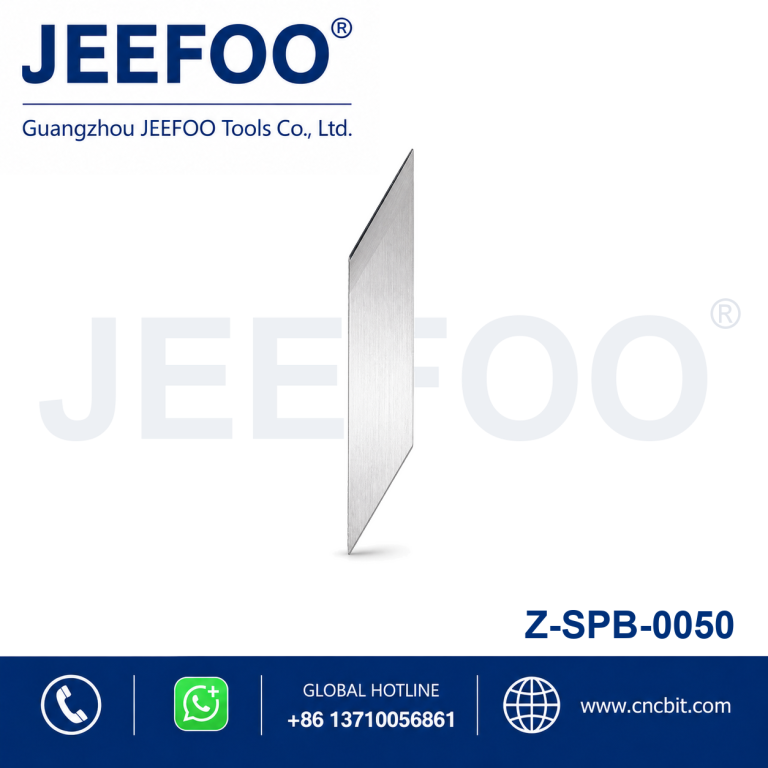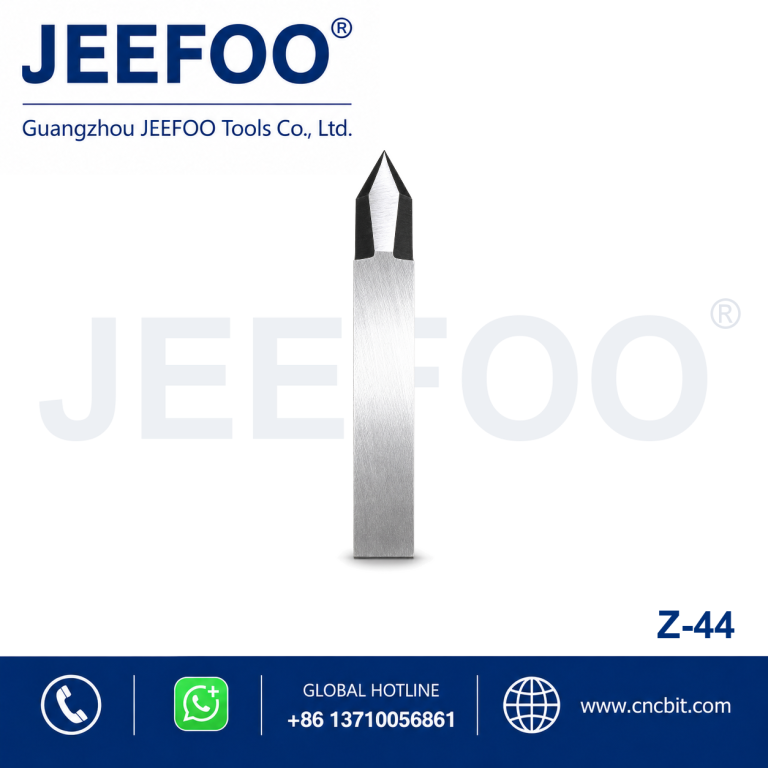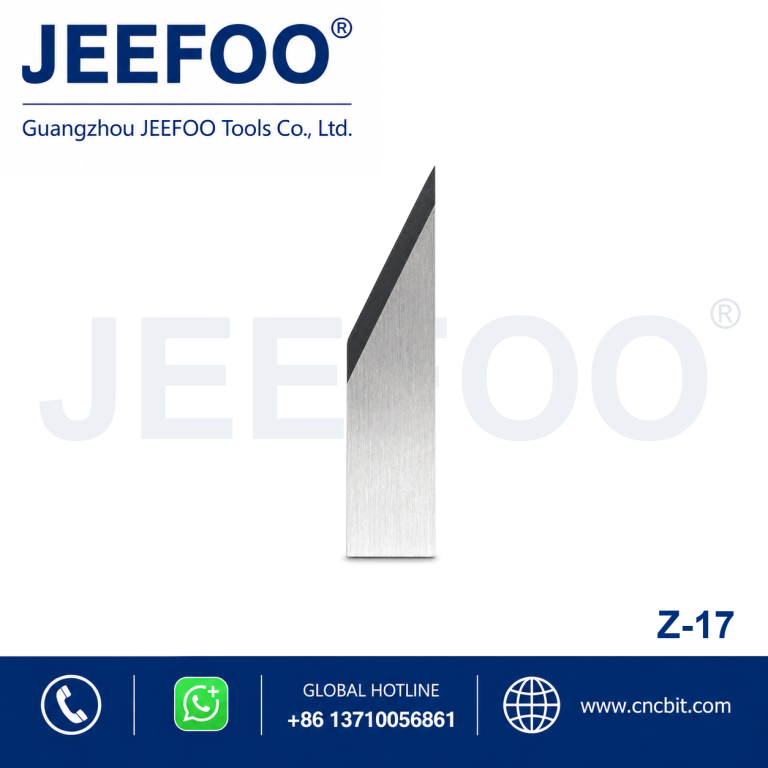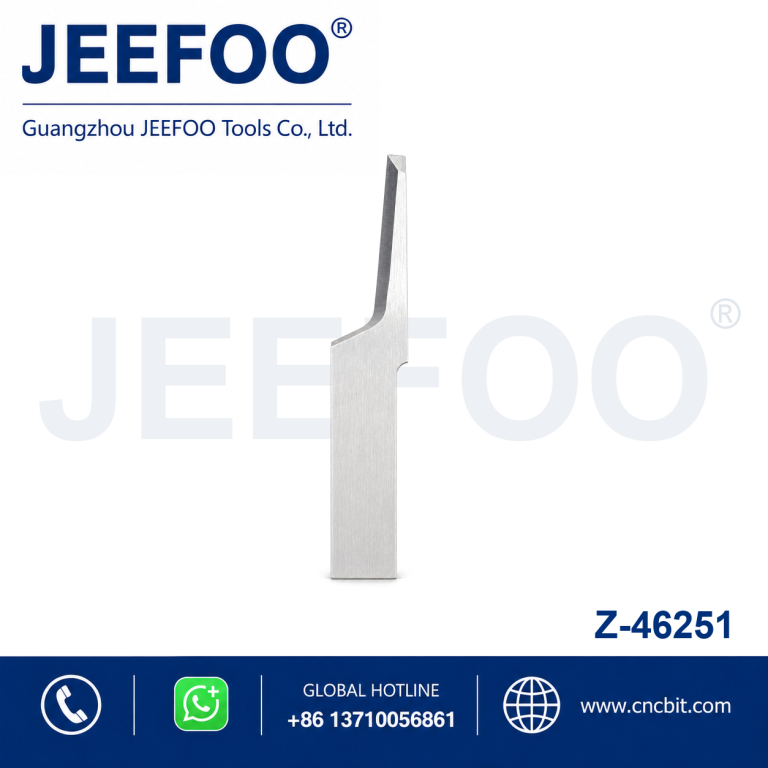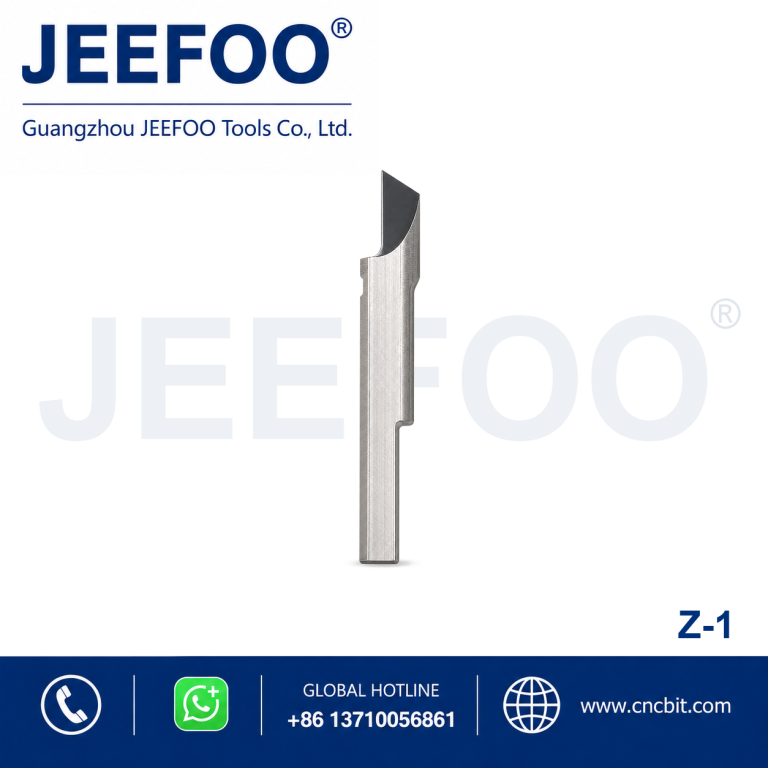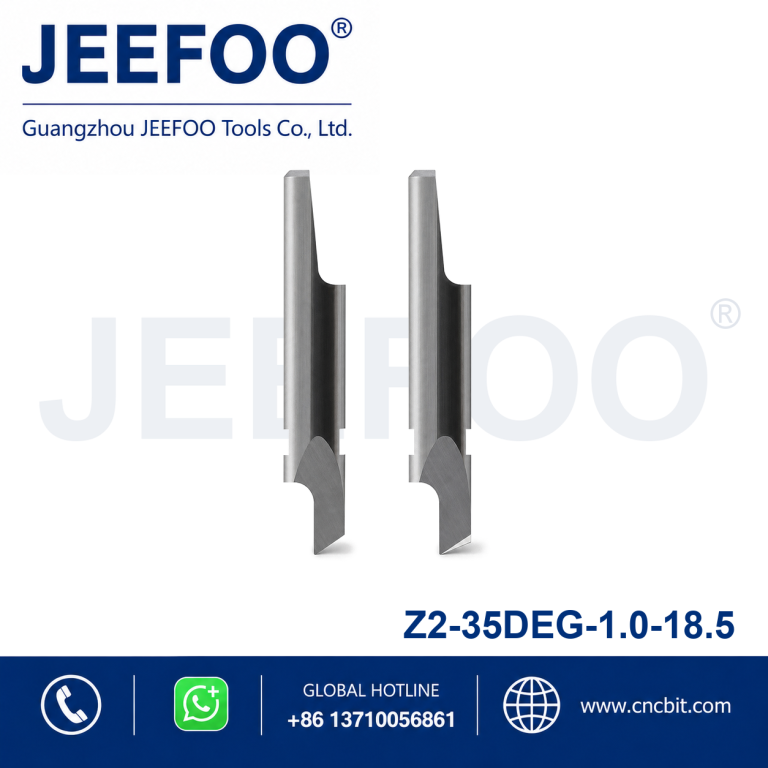
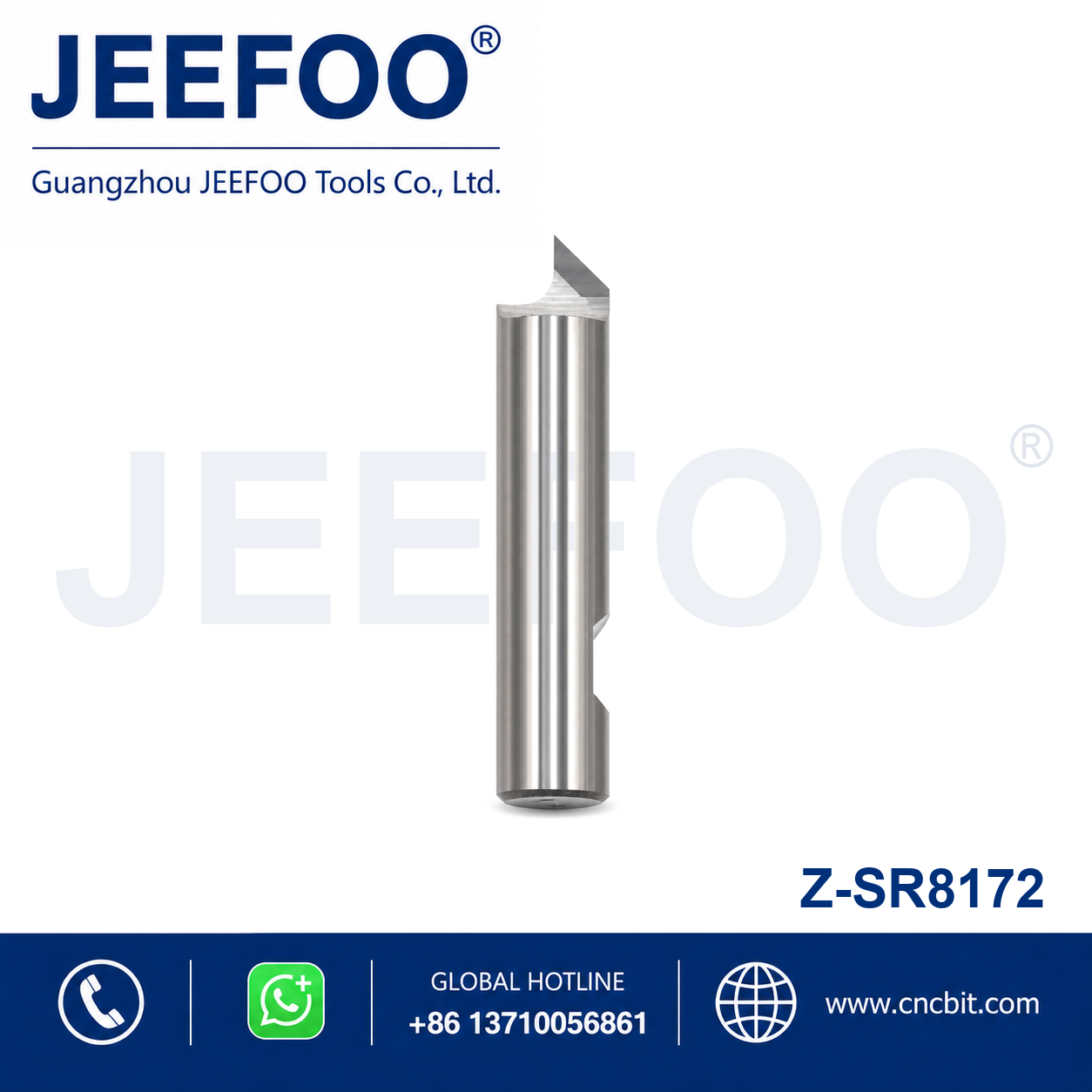
SR8172 Digital Cutting Blade Guide
The SR8172 digital cutting blade is an SR-series replacement knife for compatible automated cutting systems. It is intended for controlled contour cutting when blade dimensions, holder interface, cutting depth and material match the machine specification. Confirm compatibility from the equipment manual and product drawing before installation.
What Is the SR8172 Blade Used For?
Digital cutting blades are used in flatbed and automated systems for materials such as paperboard, gasket stock, foam, film, leather, textiles and selected composite sheets. Actual suitability depends on material density, thickness, backing and cutting method. Run a sample because visually similar sheets can require different blade exposure, force and speed.
Compatibility Checklist
- Confirm the SR8172 reference matches the machine and tool holder.
- Check blade length, thickness, width, edge angle and mounting geometry.
- Verify the maximum usable cutting depth against the material thickness.
- Inspect holder movement and make sure no debris prevents correct seating.
- Use only the cutting mode approved by the equipment manufacturer.
Installation and Calibration
Power down or place the machine in its approved service state before handling the blade. Wear cut-resistant protection and hold the knife by its non-cutting surfaces. Seat it fully in the holder, tighten the specified clamp and verify orientation. After installation, perform the machine’s height or depth calibration and run a small test pattern away from production parts.
Force, Speed and Cutting Depth
Start with conservative settings based on the machine manual and material supplier information. Use only enough depth to pass through the work material without cutting deeply into the underlay. Excessive force accelerates edge wear and can distort flexible sheets. Reduce speed for tight corners, small shapes and dense media, then adjust one parameter at a time.
How to Improve Cut Quality
Keep the material flat and firmly held by vacuum or the approved clamping method. Clean the cutting surface and verify that the underlay is even. If corners lift or edges tear, inspect the blade for damage, reduce speed and confirm the correct toolpath direction. A sharp SR8172 digital cutting blade should cut cleanly without relying on extreme pressure.
Troubleshooting
- Incomplete cut: check calibration, blade exposure, edge wear and material support.
- Ragged edge: reduce speed, inspect the knife and confirm material compatibility.
- Damaged underlay: decrease cutting depth and force.
- Dimension error: verify holder seating, machine calibration and tool offset.
Blade Care and Replacement
Clean residue using an approved method, protect the edge during storage and never mix loose blades with other tools. Replace the blade when increased force is needed, cut quality declines or the tip is chipped. Record approximate production life by material so maintenance can be planned before quality changes.
Ordering Information
Provide JEEFOO with the machine brand, holder reference, SR8172 code, material, thickness and desired cut type. These details help confirm whether the SR8172 digital cutting blade is appropriate. Explore more JEEFOO digital cutting blades and follow the machine manufacturer’s safety and maintenance instructions and applicable OSHA machine-guarding guidance.
Frequently Asked Questions
Can one blade setting work for every material?
No. Thickness, density, surface coating and backing affect the required depth, force and speed. Save validated settings for each material after a successful test.
When should the blade be replaced?
Replace it when the edge is damaged, cutting force rises noticeably or repeatable quality cannot be restored through cleaning and calibration.
SR Series SR8172 Digital Cutting Blade is a precision replacement blade for compatible CNC digital cutting systems. Its specialized geometry is intended to support accurate contour cutting, controlled penetration and stable processing of correctly matched sheet materials.
Key Features
- Precision-ground cutting geometry supports clean edges and detailed cutting paths.
- Durable blade construction provides stable performance in routine production.
- Designed for compatible automated, oscillating or digital cutting equipment.
- Compact replacement format supports convenient installation and maintenance.
Applications
Depending on the machine, holder and blade geometry, this model may be used for suitable paperboard, gasket material, foam, rubber, film, textile, leather, composite sheet and packaging media. Confirm material compatibility before production.
Product Description
- Series: SR Series.
- Model: SR8172.
- Product type: CNC digital cutting replacement blade.
- Selection: Match the blade model, holder interface and cutting depth to the equipment and material.
- Setup: Perform a test cut to verify blade exposure, pressure, speed and tool offset.