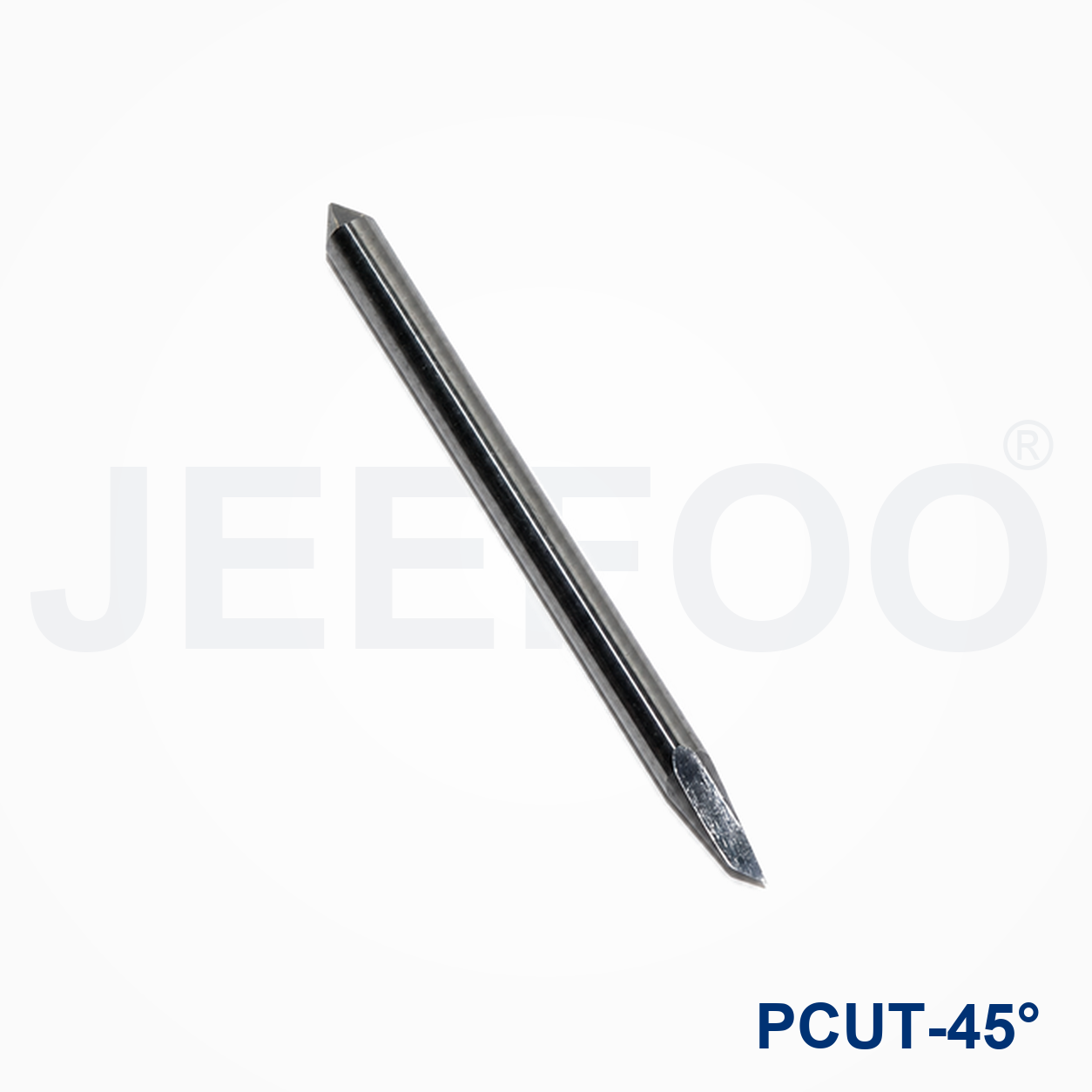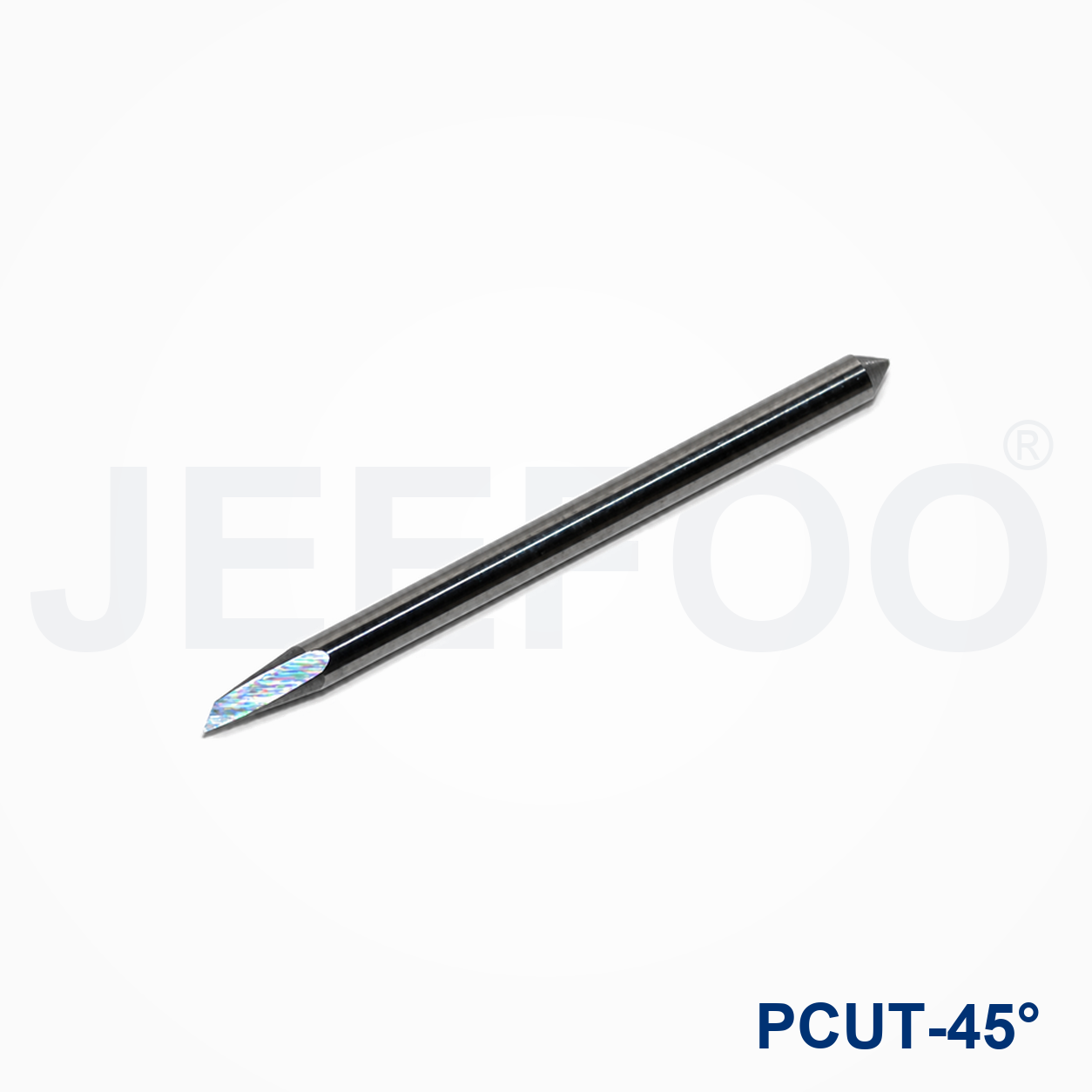
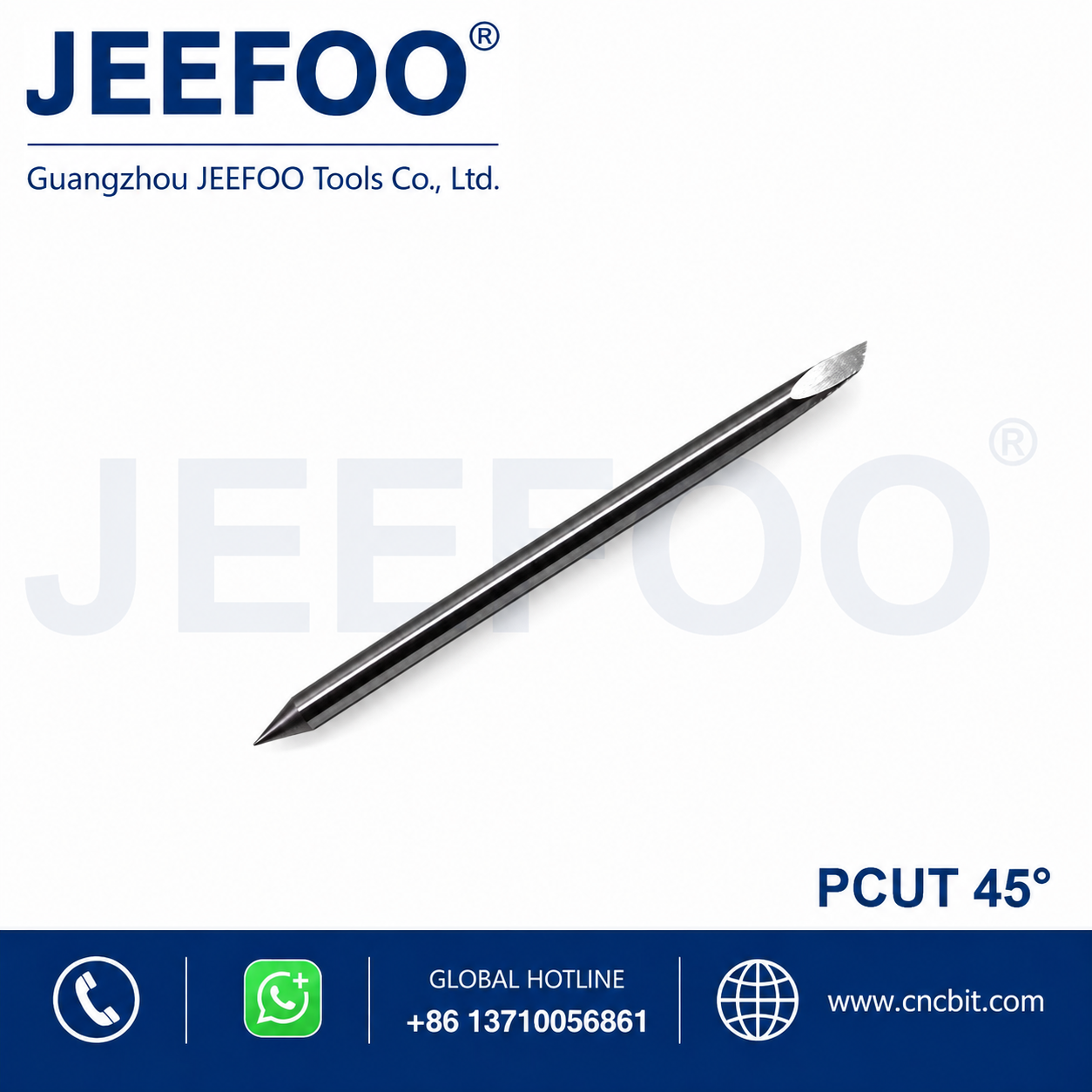
45 degree imported cutting plotter blade Guide
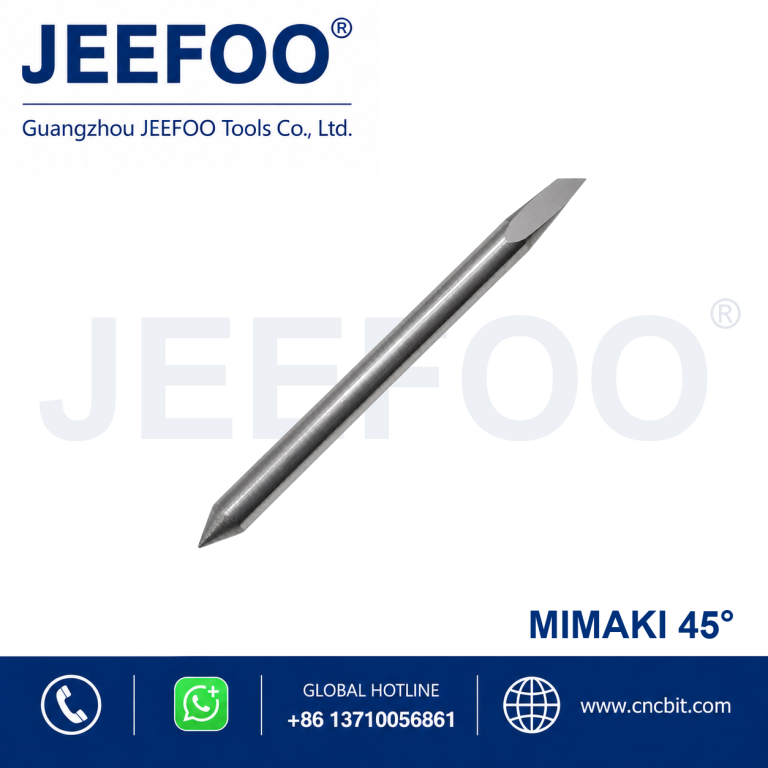
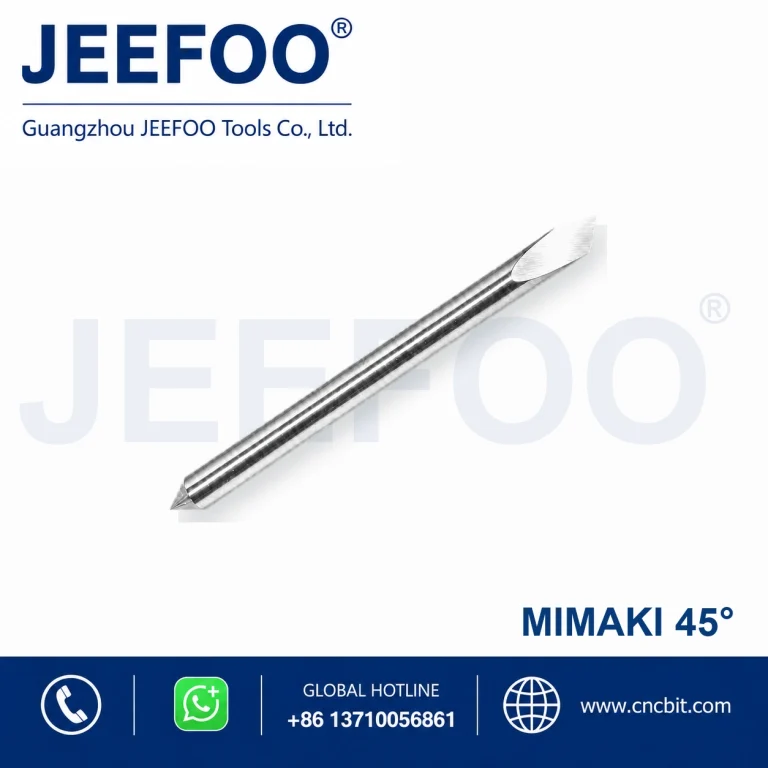
A 45 degree imported cutting plotter blade provides a balanced imported blade geometry for general sign vinyl, masking film and everyday contour work. The PC(A)-Pcut Blade(A) model can be used for fine lettering, small graphics and controlled contour cutting when the holder, offset and pressure are matched to the plotter and media.
When Should You Use a 60 Degree Blade?
Choose the 45 degree geometry for common thin and medium sign films, labels, masking material and general graphics. It balances detail with edge strength. For very thick, reflective or flock media, compare a steeper blade recommended by the plotter manufacturer and verify the result with a test cut.
Setup Checklist
- Confirm that the blade diameter and holder type match the cutting plotter.
- Insert the blade cleanly and check that it rotates freely inside the holder.
- Expose only enough tip to cut through the face material, not deeply into the backing liner.
- Set the correct blade offset in the plotter software or controller.
- Run a small square-and-triangle test before cutting the full design.
How to Adjust Pressure, Speed and Offset
Start with low force and increase it in small steps until the graphic weeds cleanly. Excess pressure can damage the liner, round small corners and increase tip wear. Reduce speed for small text and complex paths. If corners are incomplete or hooks appear at path changes, verify the holder movement first, then fine-tune the offset value for the 45 degree imported cutting plotter blade.
Troubleshooting Cut Quality
If the media is not cut completely, inspect blade exposure, tip condition and force before making a large adjustment. If the liner is deeply scored, reduce exposure and pressure. Tearing or lifted corners may indicate excessive speed, a damaged tip, contaminated adhesive or a blade holder that does not swivel smoothly. Replace worn components rather than compensating with extreme force.
Care and Working Life
Keep the holder free of adhesive dust and scraps. Remove the blade carefully, wipe the accessible surfaces and store spare blades in a protected container. Avoid touching the cutting edge or using the tip to clear debris. Consistent shallow exposure and correct pressure help preserve sharpness and maintain repeatable detail.
Buyer Information to Confirm
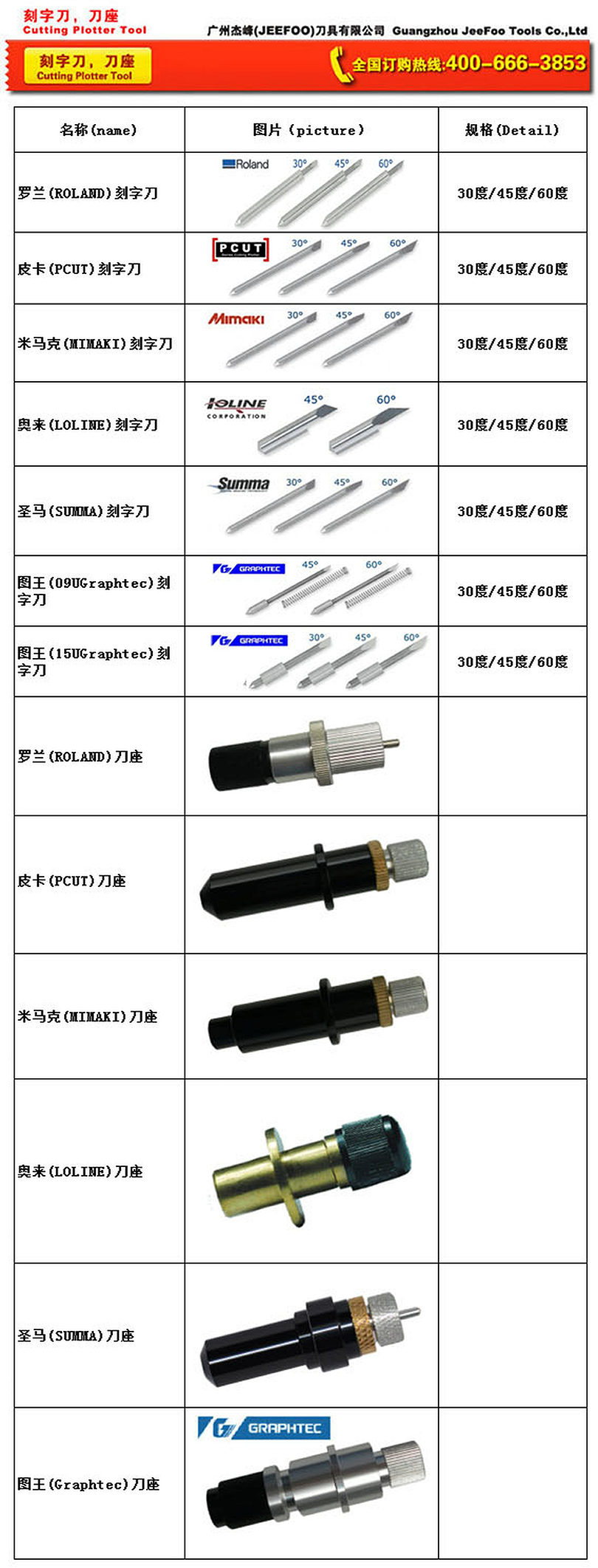
Before ordering a 45 degree imported cutting plotter blade, confirm the plotter brand and model, holder dimensions, blade diameter, material type and typical graphic size. JEEFOO can use these details to help identify a compatible PC(A)-Pcut Blade(A) configuration. Review more JEEFOO cutting tools and always follow the operating guidance supplied by the plotter manufacturer.
Frequently Asked Questions
Will a 45 degree imported blade suit every vinyl cut?
No. It is a versatile general-purpose choice, but very thin or unusually thick media may need a different geometry. Use a test pattern and follow the plotter manufacturer’s recommendation.
Why does the backing paper get cut?
The blade may protrude too far or the cutting force may be too high. Reduce blade exposure first, then recalibrate force with a small test cut.
PC(A)-Pcut Blade(A) 45 Degree Imported Cutting Plotter Blade is a precision replacement blade for compatible cutting plotters and vinyl cutters. The 45-degree cutting angle supports accurate contour cutting, lettering and detailed graphic production.
Cutting Plotter Blade Features
- Precision-ground cutting point supports clean lines and consistent contour cutting.
- Durable blade material provides dependable wear resistance in routine production.
- Designed for compatible PC(A)-Pcut Blade(A) plotter blade holders.
- Suitable for vinyl, adhesive film, sign-making media and other compatible thin materials.
- The 45-degree tip provides a practical balance of detail control and cutting depth for suitable media.
Applications and Selection Guidance
Select the blade angle according to media thickness, detail size and required cutting depth. Confirm blade-holder compatibility before ordering. Set blade exposure, downforce and cutting speed carefully to avoid damaging the backing liner.
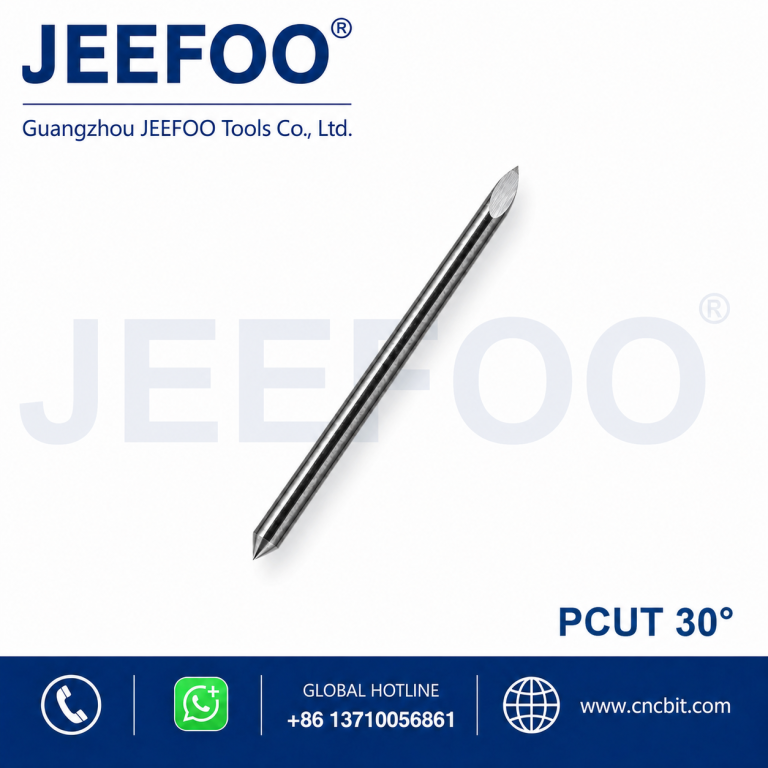
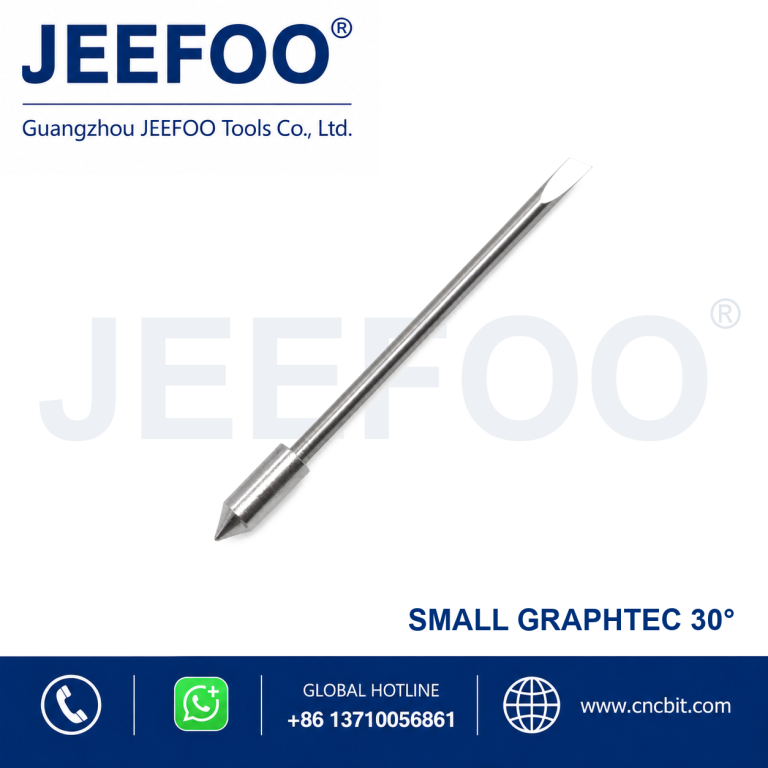
- 30-degree blades are suitable for many general thin-film cutting tasks.
- 45-degree blades provide versatile performance for common sign-making media.
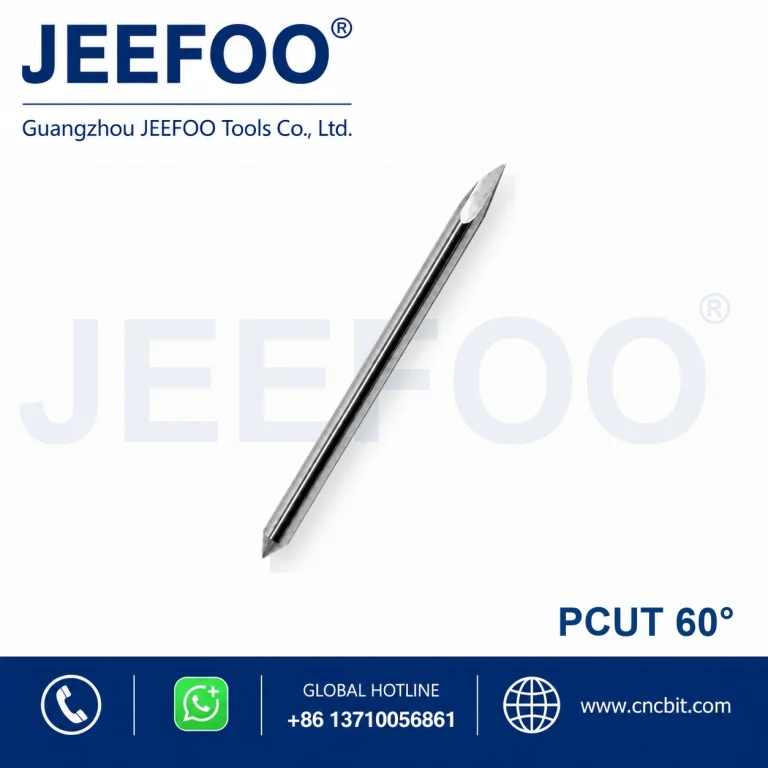
- 60-degree blades are often selected for thicker media, small details or deeper cutting requirements.
- Always perform a test cut before production.
Product Description
- Brand series: PC(A)-Pcut Blade(A).
- Blade angle: 45 degrees.
- Product type: Cutting plotter replacement blade.
- Application: Lettering, decals, graphics, vinyl and compatible film cutting.
- Selection: Match the blade to the correct holder and plotter model.