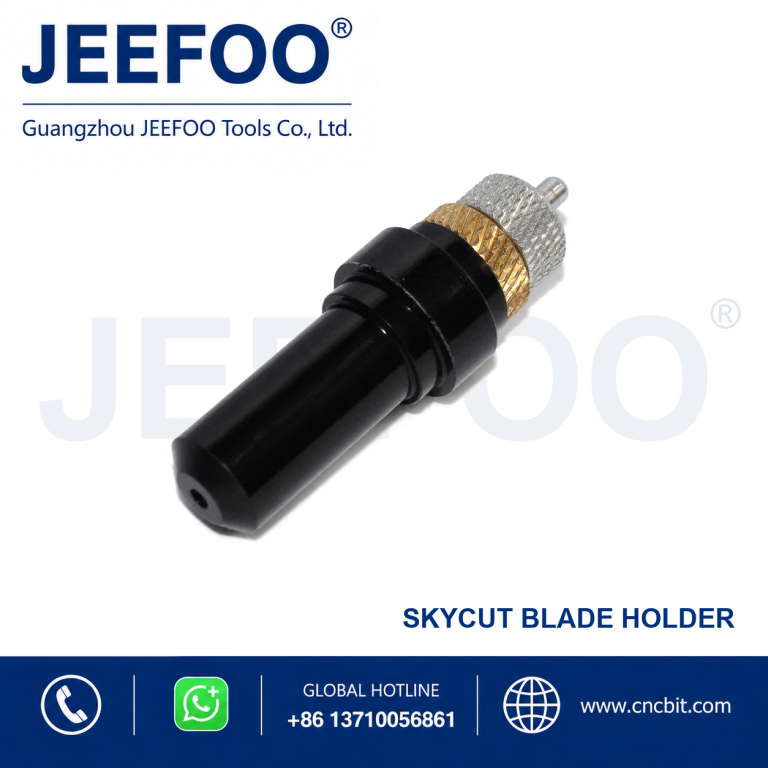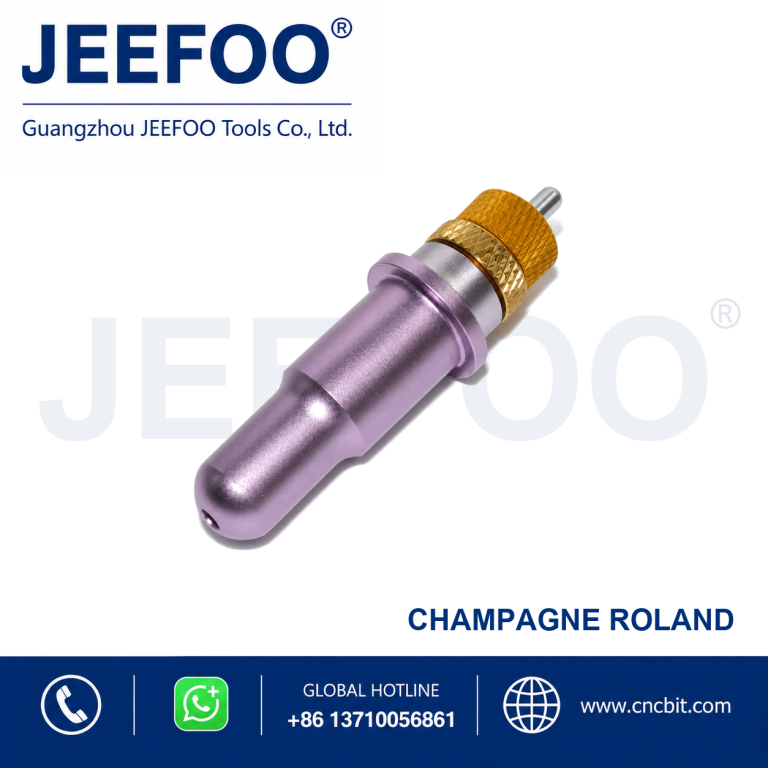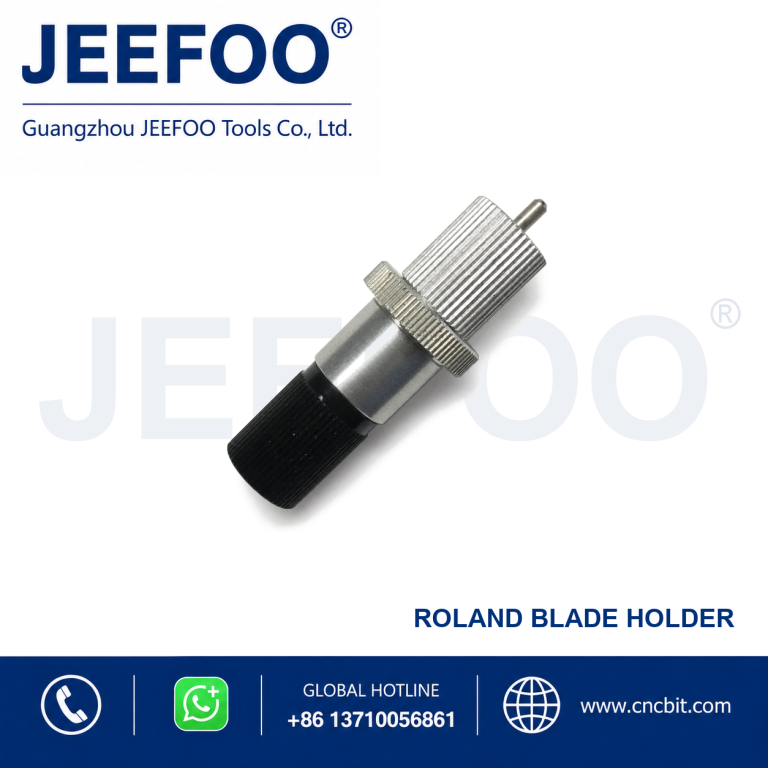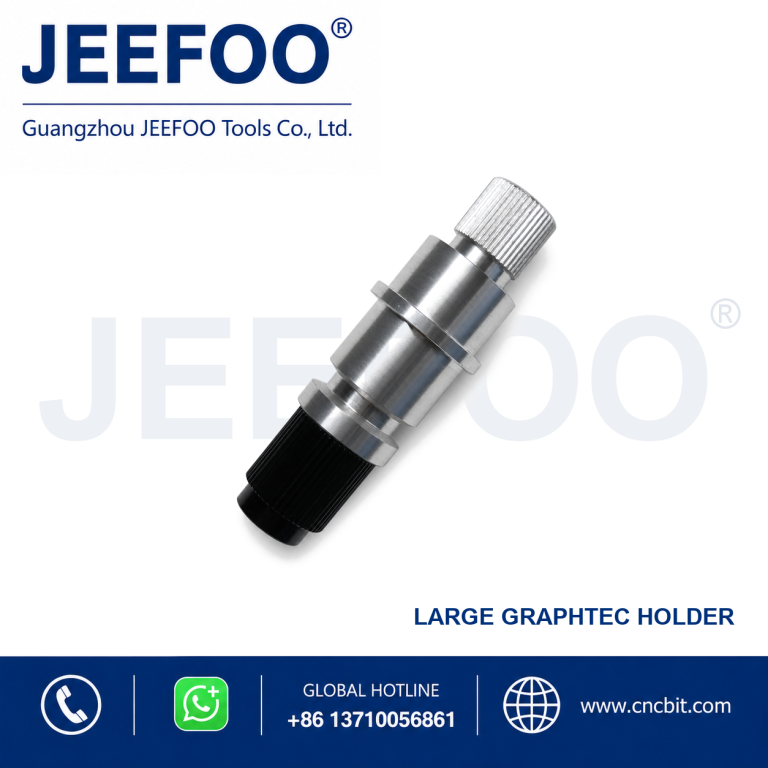
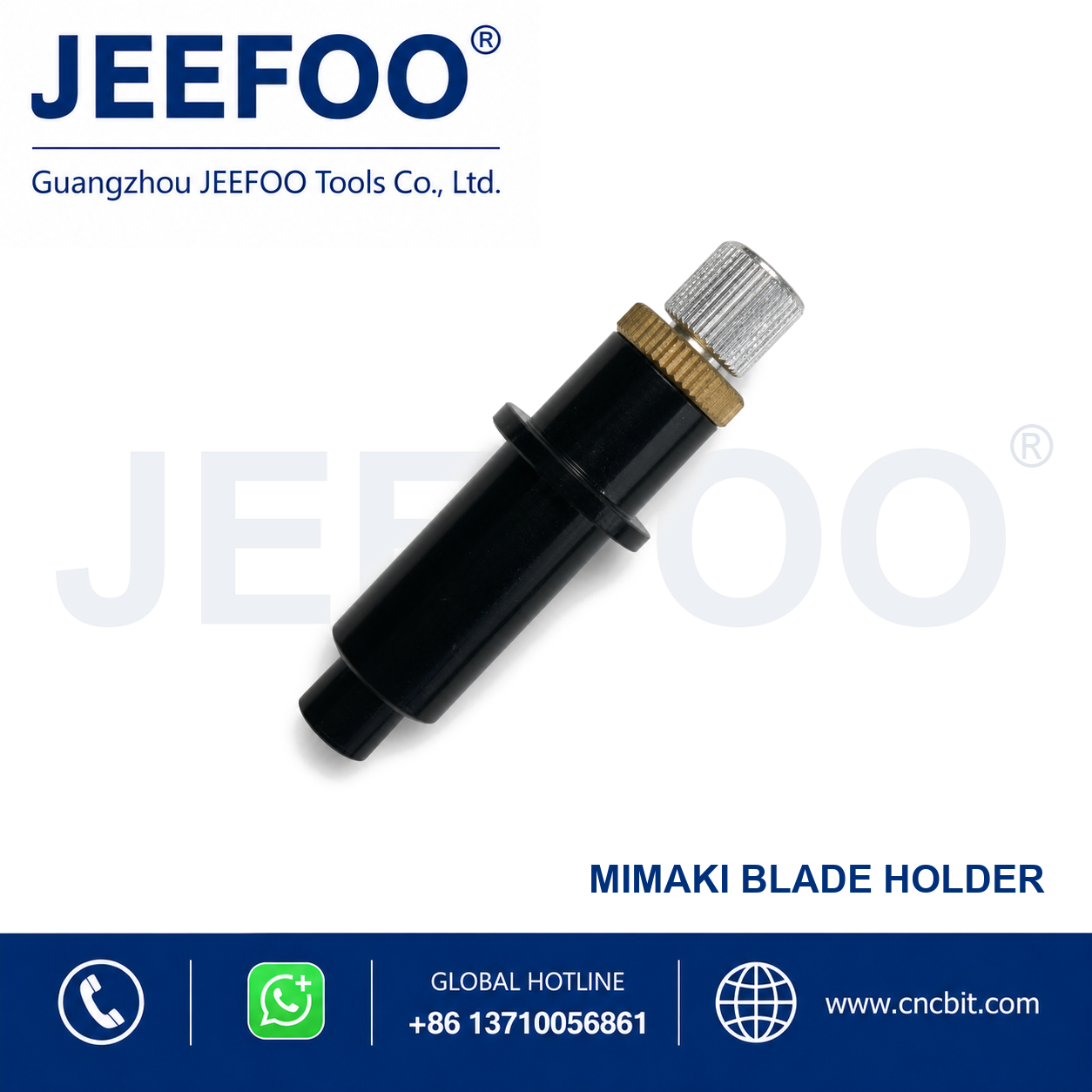
Mimaki Blade Holder is designed to secure a compatible cutting blade in a correctly matched cutting plotter. Its adjustable construction supports stable blade exposure, accurate tracking and convenient blade replacement.
Features
- Compatible holder design for correctly matched cutting plotters.
- Supports precise blade exposure adjustment for different media thicknesses.
- Stable clamping helps maintain clean contours and repeatable cutting results.
- Convenient installation and blade replacement for routine production use.
Selection Guidance
Confirm the plotter model, carriage interface and blade shank size before ordering. After installation, set minimal blade exposure and perform a test cut to adjust pressure and speed.
Product Description
- Product type: Cutting plotter blade holder.
- Style: Mimaki compatible.
- Application: Vinyl, film, label and suitable sheet-media contour cutting.
- Selection: Match the holder interface and blade dimensions to the machine.
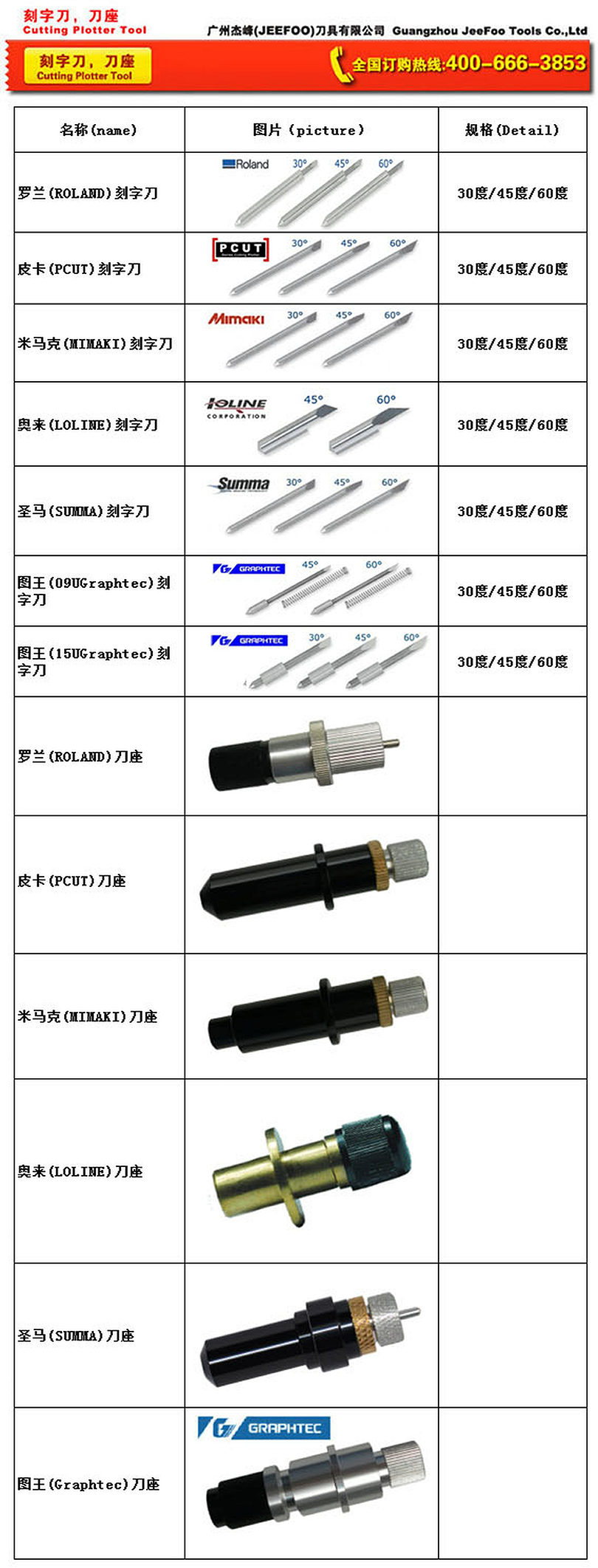
Mimaki Blade Holder Applications
Mimaki Blade Holder secures a compatible plotter blade and helps maintain stable alignment during cutting. Correct holder fit supports repeatable depth and clean details on paper, film, labels and sign materials. Confirm the machine model, holder interface and blade diameter before ordering. Consult the Mimaki official website and the equipment manual.
Compatibility And Setup Checklist
- Match the holder interface, blade diameter and machine model.
- Inspect the cap, bearing and clamping surfaces before fitting.
- Set blade exposure to the minimum effective depth.
- Run a test cut to confirm pressure, offset and corner quality.
Holder Maintenance And Cutting Results
Dust, adhesive residue and worn bearings can cause wobble or inconsistent depth. Clean the Mimaki Blade Holder using an appropriate dry method, keep the shaft free of debris and replace it when play remains after cleaning. Stable alignment helps reduce liner scoring and ragged details.
Ordering And Safety Notes
Provide the machine model, holder type and required Mimaki Blade Holder specification when ordering. Disconnect the plotter before service, keep hands away from moving parts and handle blades with care. General workplace guidance is available from OSHA.
Mimaki Blade Holder FAQ
Why is the holder important?
It centers the blade and transfers consistent pressure so the cutting edge follows the programmed path.
How do I check compatibility?
Compare the machine model, holder interface, blade diameter and cap style with the equipment manual or supplier specification.
When should it be replaced?
Replace it when visible damage, wobble, excessive play or inconsistent cutting remains after cleaning and correct setup.
For compatible replacement tooling requests, visit JEEFOO cutting-tool support.