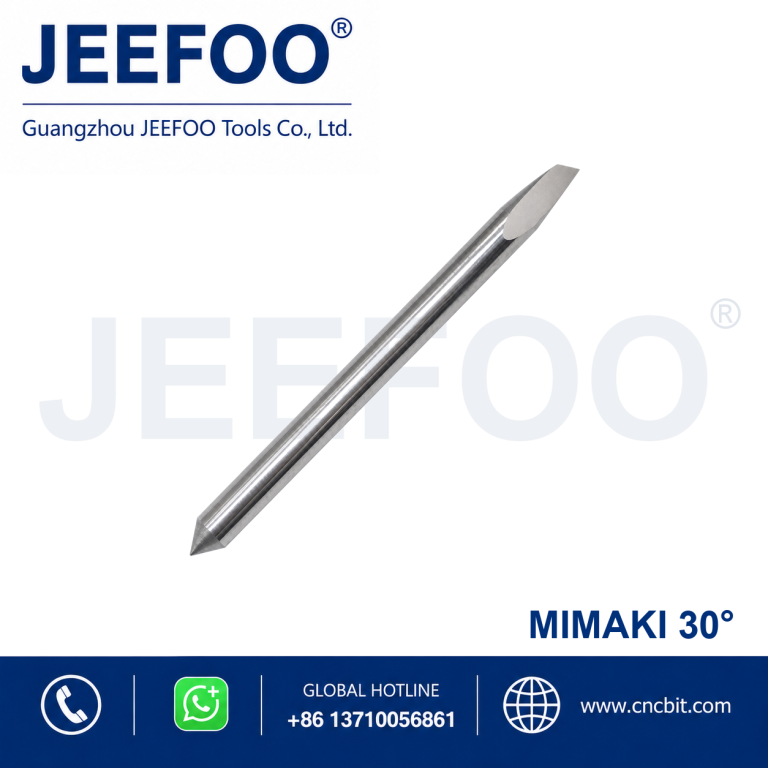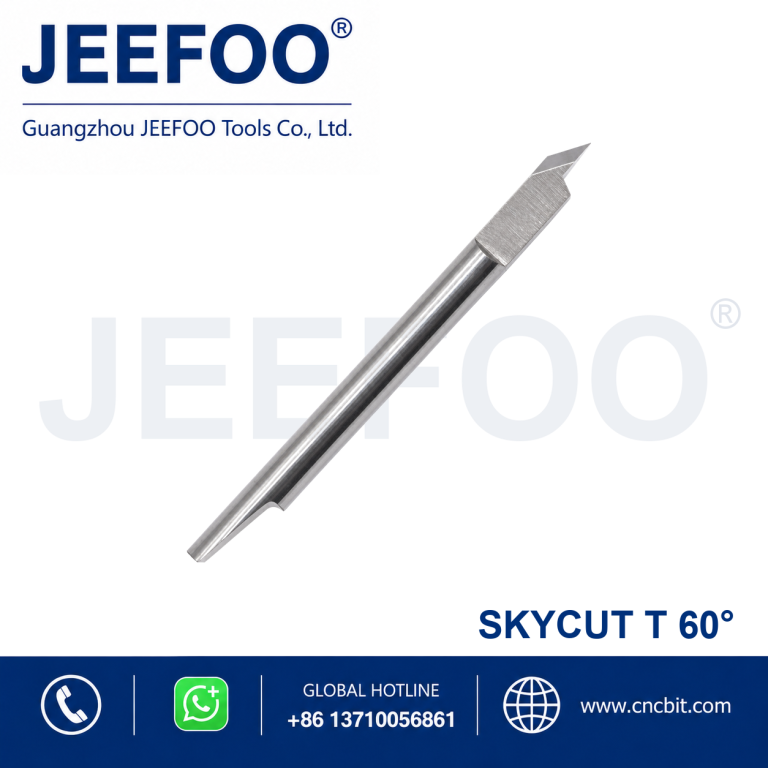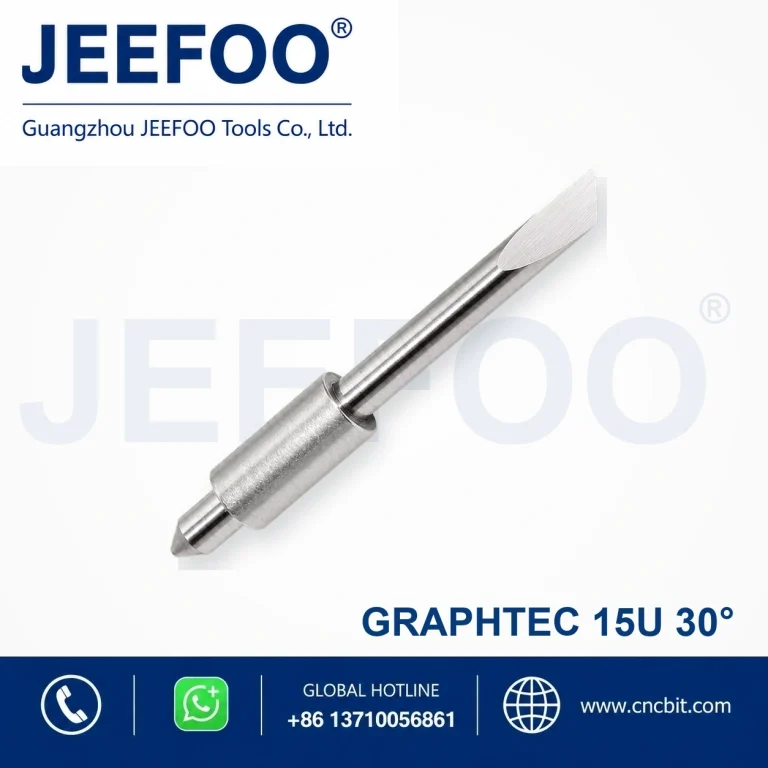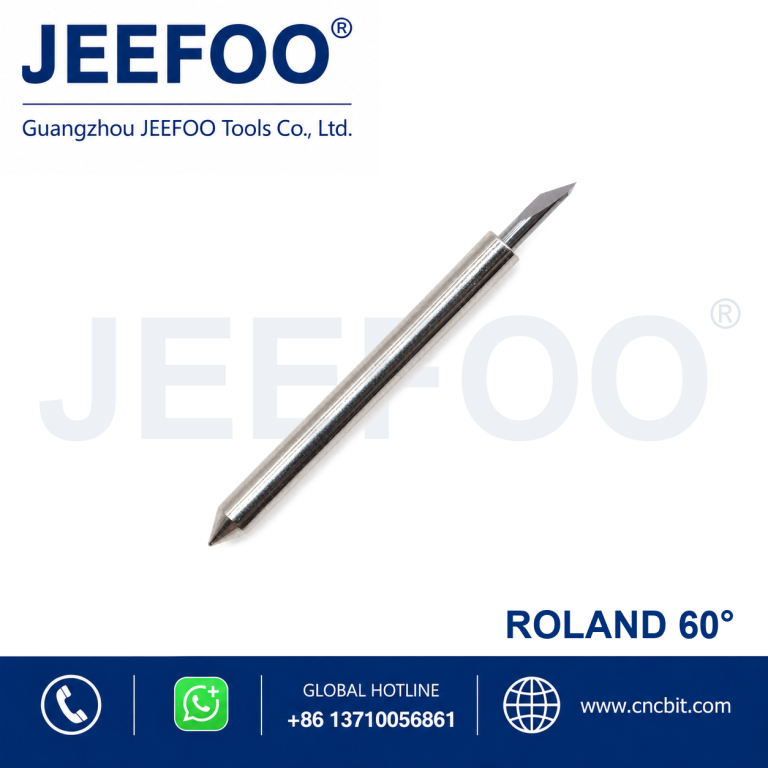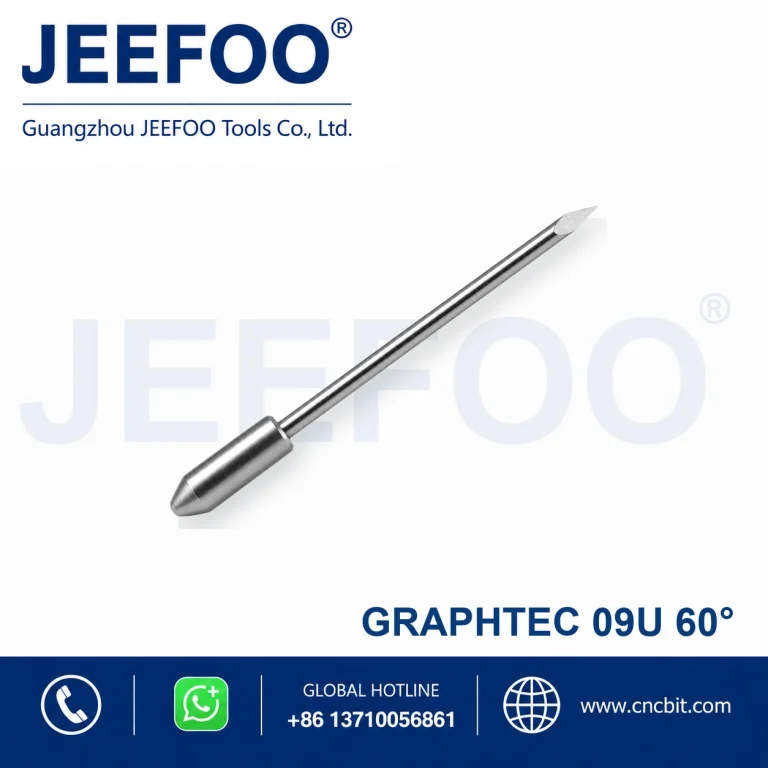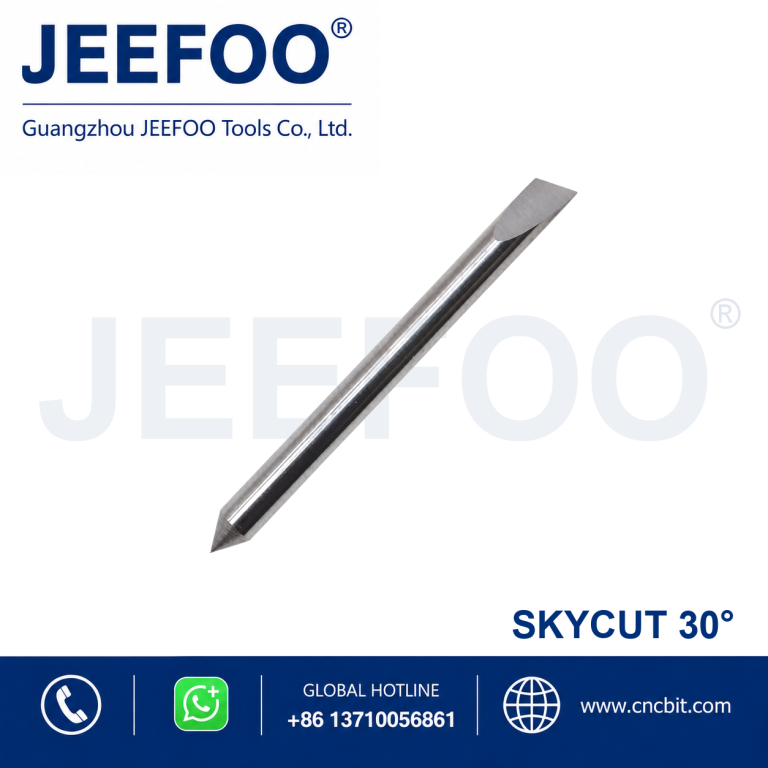
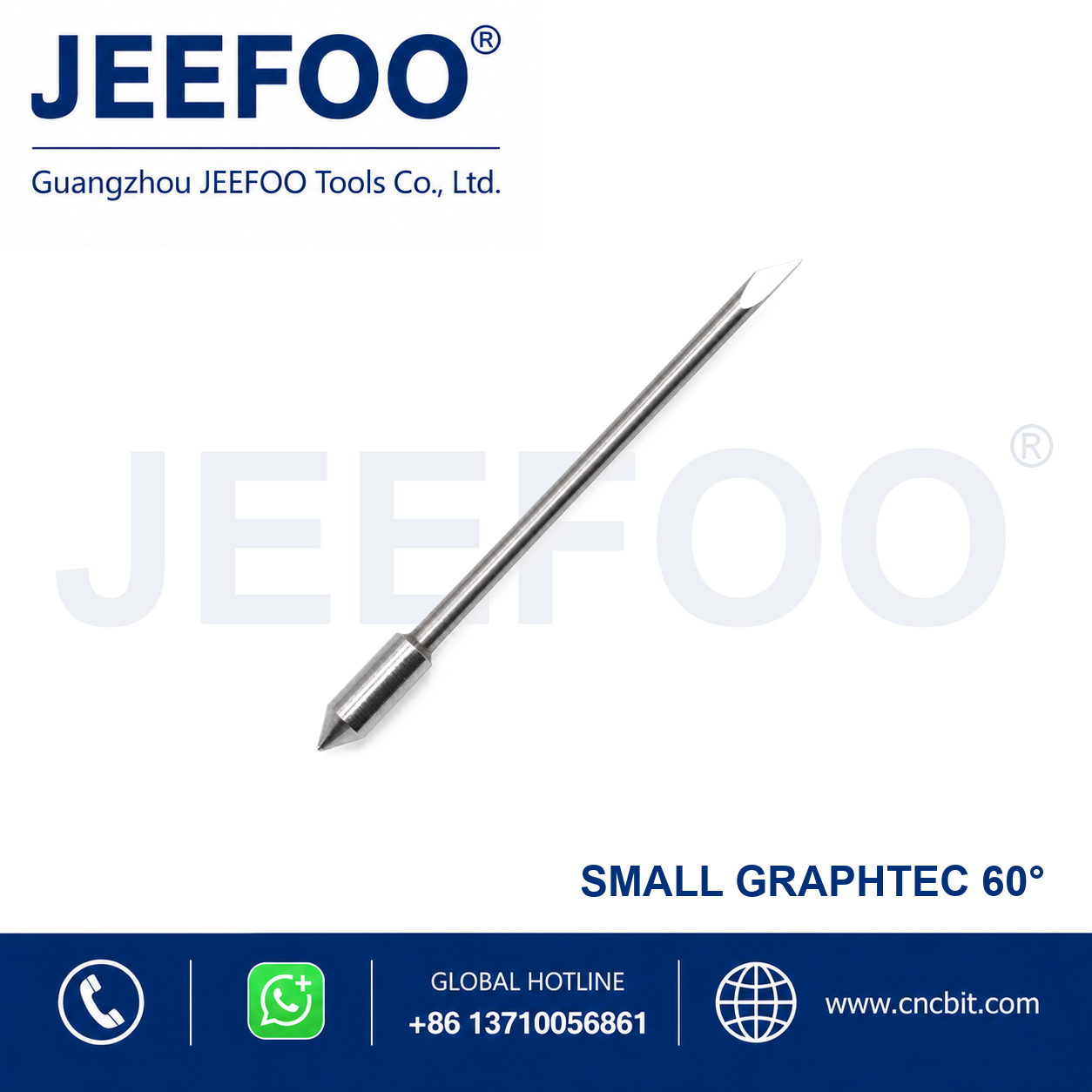
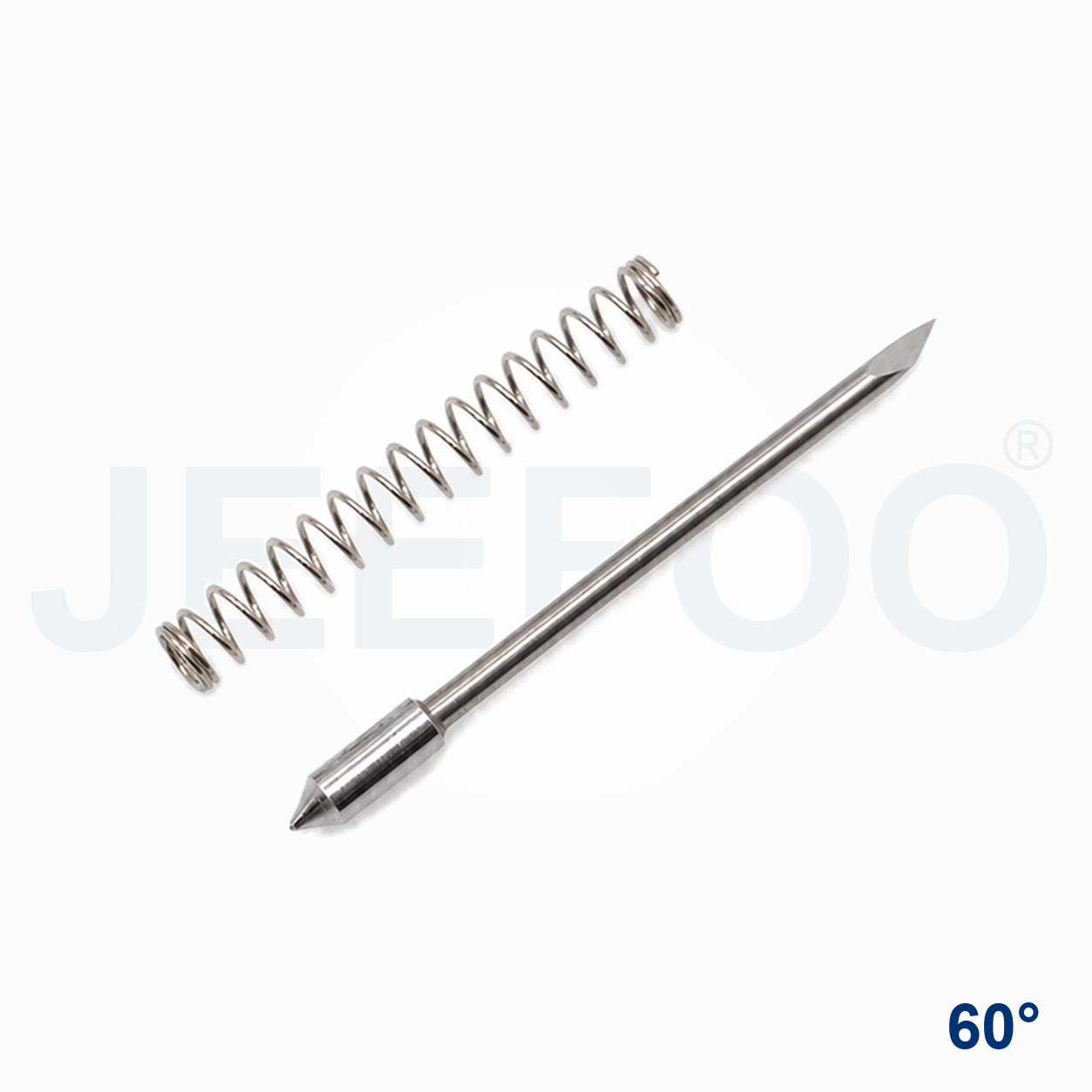
Graphtec 60 Degree Cutting Plotter Blade is represented here by the GT09-Graphtec Blade 60 Degree Cutting Plotter Blade, a precision replacement blade for compatible cutting plotters and vinyl cutters. The 60-degree cutting angle supports accurate contour cutting, lettering and detailed graphic production.
Cutting Plotter Blade Features
- Precision-ground cutting point supports clean lines and consistent contour cutting.
- Durable blade material provides dependable wear resistance in routine production.
- Designed for compatible Graphtec Blade plotter blade holders.
- Suitable for vinyl, adhesive film, sign-making media and other compatible thin materials.
- The 60-degree tip provides a practical balance of detail control and cutting depth for suitable media.
Applications and Selection Guidance
Select the blade angle according to media thickness, detail size and required cutting depth. Confirm blade-holder compatibility before ordering. Set blade exposure, downforce and cutting speed carefully to avoid damaging the backing liner.
- 30-degree blades are suitable for many general thin-film cutting tasks.
- 45-degree blades provide versatile performance for common sign-making media.
- 60-degree blades are often selected for thicker media, small details or deeper cutting requirements.
- Always perform a test cut before production.
Product Description
- Brand series: GT09-Graphtec Blade.
- Blade angle: 60 degrees.
- Product type: Cutting plotter replacement blade.
- Application: Lettering, decals, graphics, vinyl and compatible film cutting.
- Selection: Match the blade to the correct holder and plotter model.
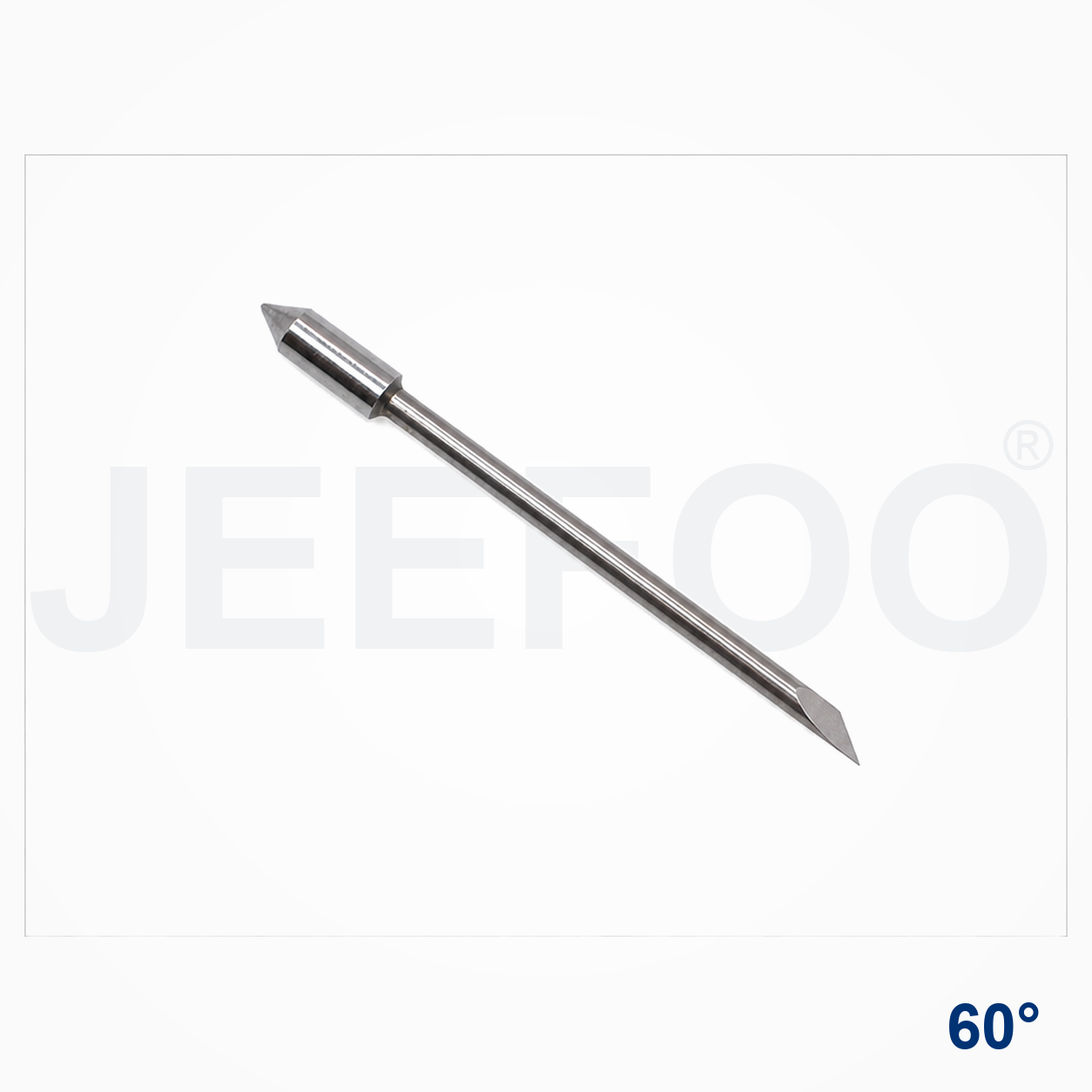
Graphtec 60 Degree Blade Compatibility And Results
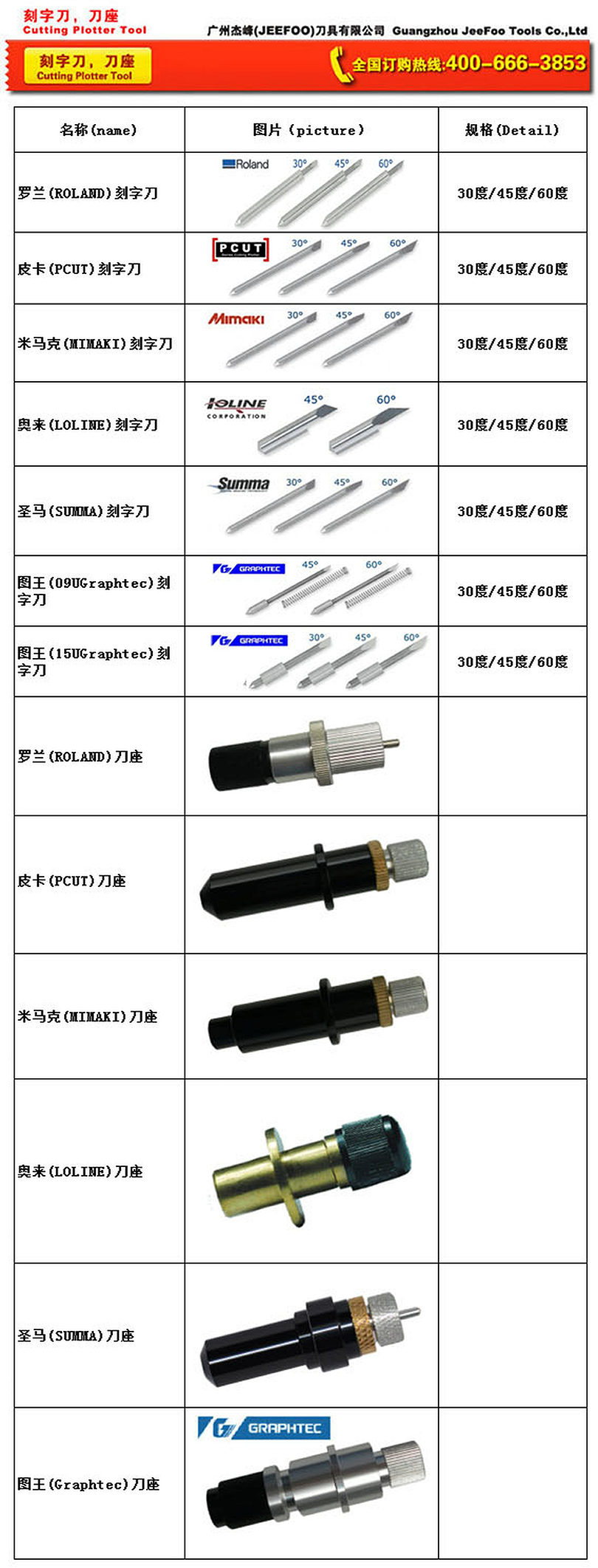
The Graphtec 60 Degree Cutting Plotter Blade is selected when a compatible Graphtec plotter needs a stronger, deeper-cutting point for suitable media and small details. The 60-degree geometry can help the blade reach through thicker film or support tighter corners, but the result still depends on holder fit, blade exposure, downforce, speed and the backing liner. Use the model information and the actual media specification together when choosing a replacement.
Selection And Installation Checklist
- Confirm the Graphtec plotter model and blade-holder interface before ordering.
- Compare the media thickness and liner construction with the required blade exposure.
- Clean the holder and remove adhesive residue before fitting the replacement blade.
- Begin with conservative force and speed, then adjust after a test cut.
- Check corners, small lettering, weedability and liner marks before production.
Safe Operation And Ordering Support
Stop the plotter before changing a blade and follow the equipment instructions. Review the OSHA machine-guarding guidance for safe operation, and compare equipment details with the Graphtec official site. For related replacement blades and CNC cutting-tool support, visit JEEFOO Tools.
For repeat jobs, keep a small test pattern with straight lines, circles, tight corners and small text. Record the final force and speed after the test passes. Replace the blade when edges become rough, corners lift, lettering weeds poorly or the required force rises unexpectedly. A clean holder and controlled blade exposure help the Graphtec 60 Degree Cutting Plotter Blade deliver consistent results without unnecessary liner damage.