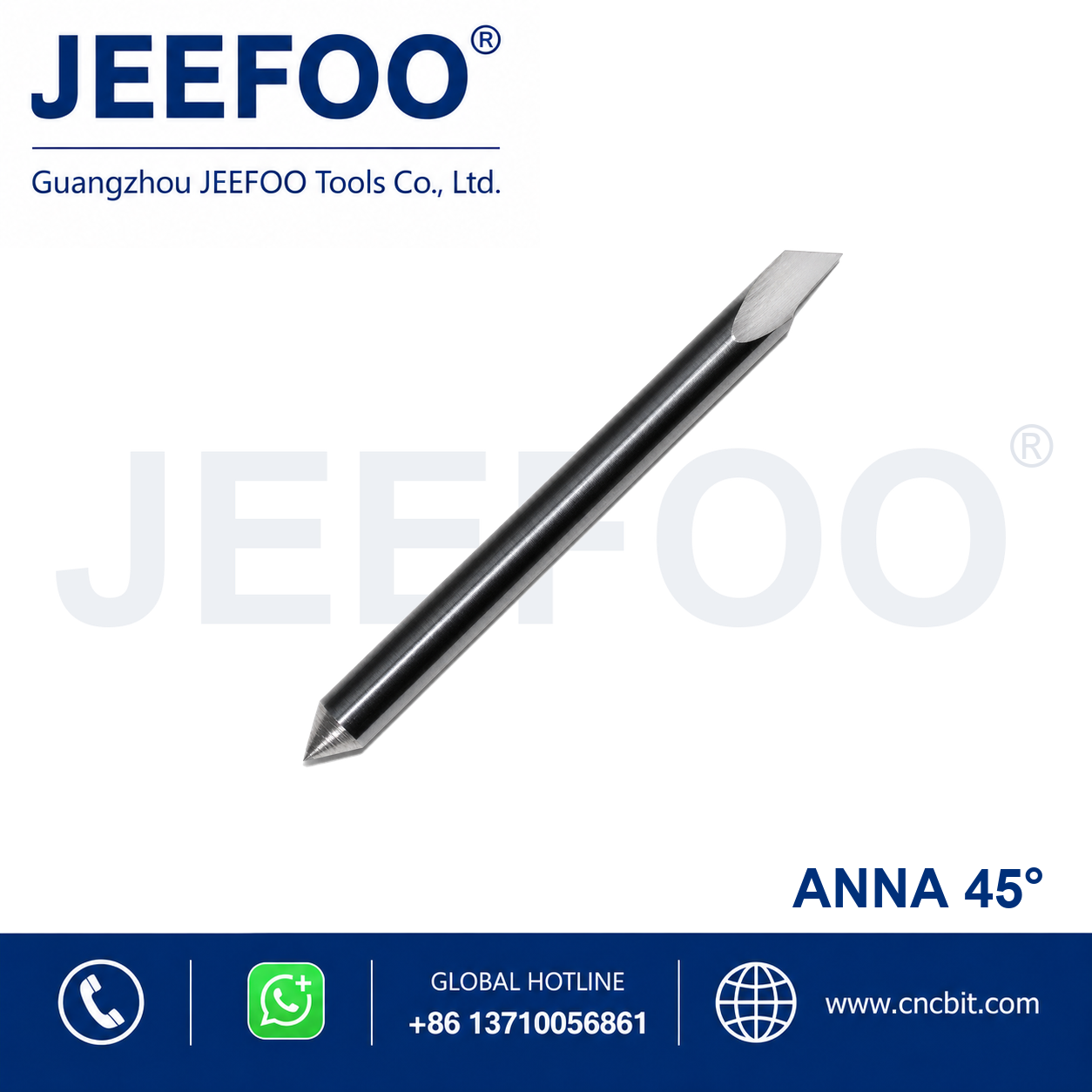
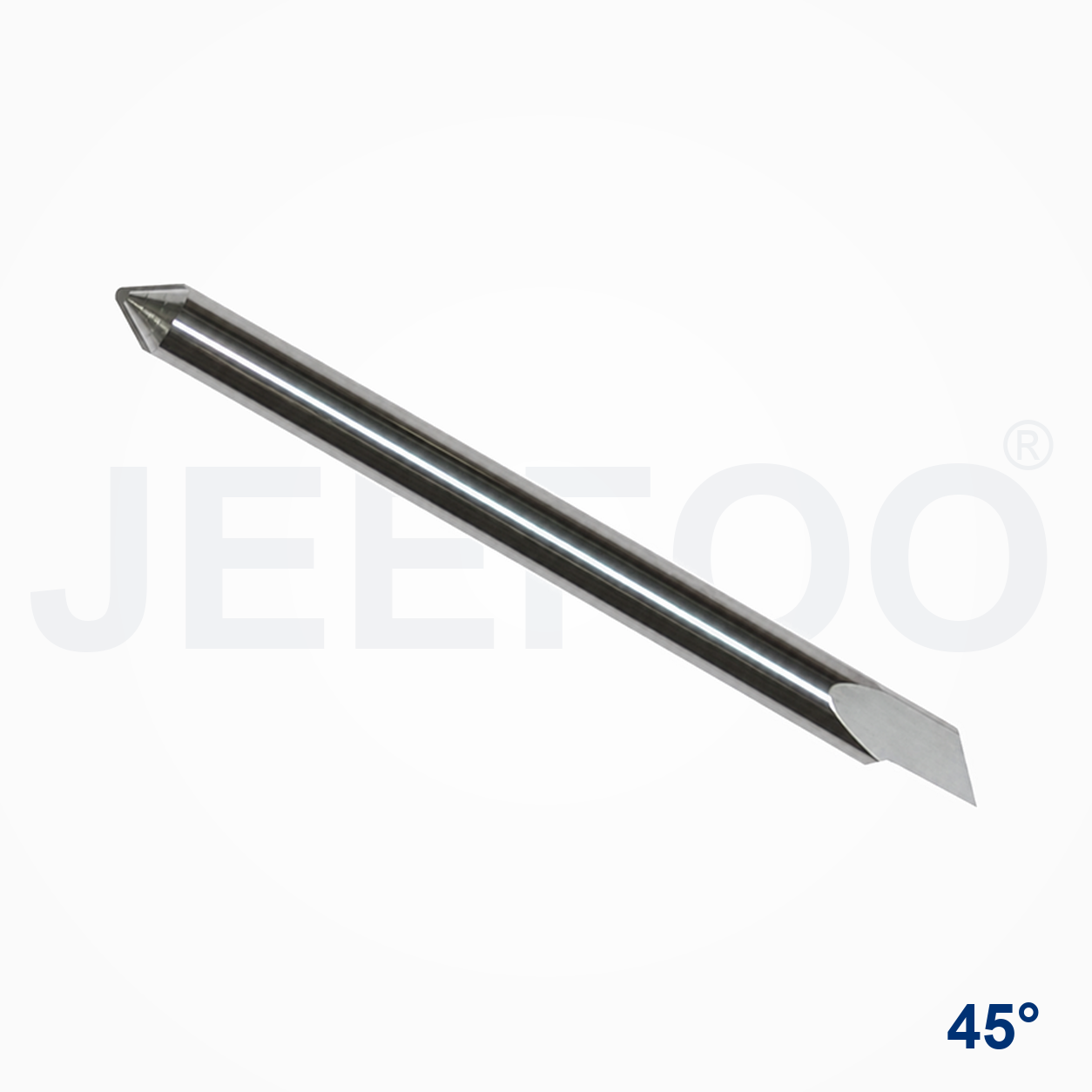
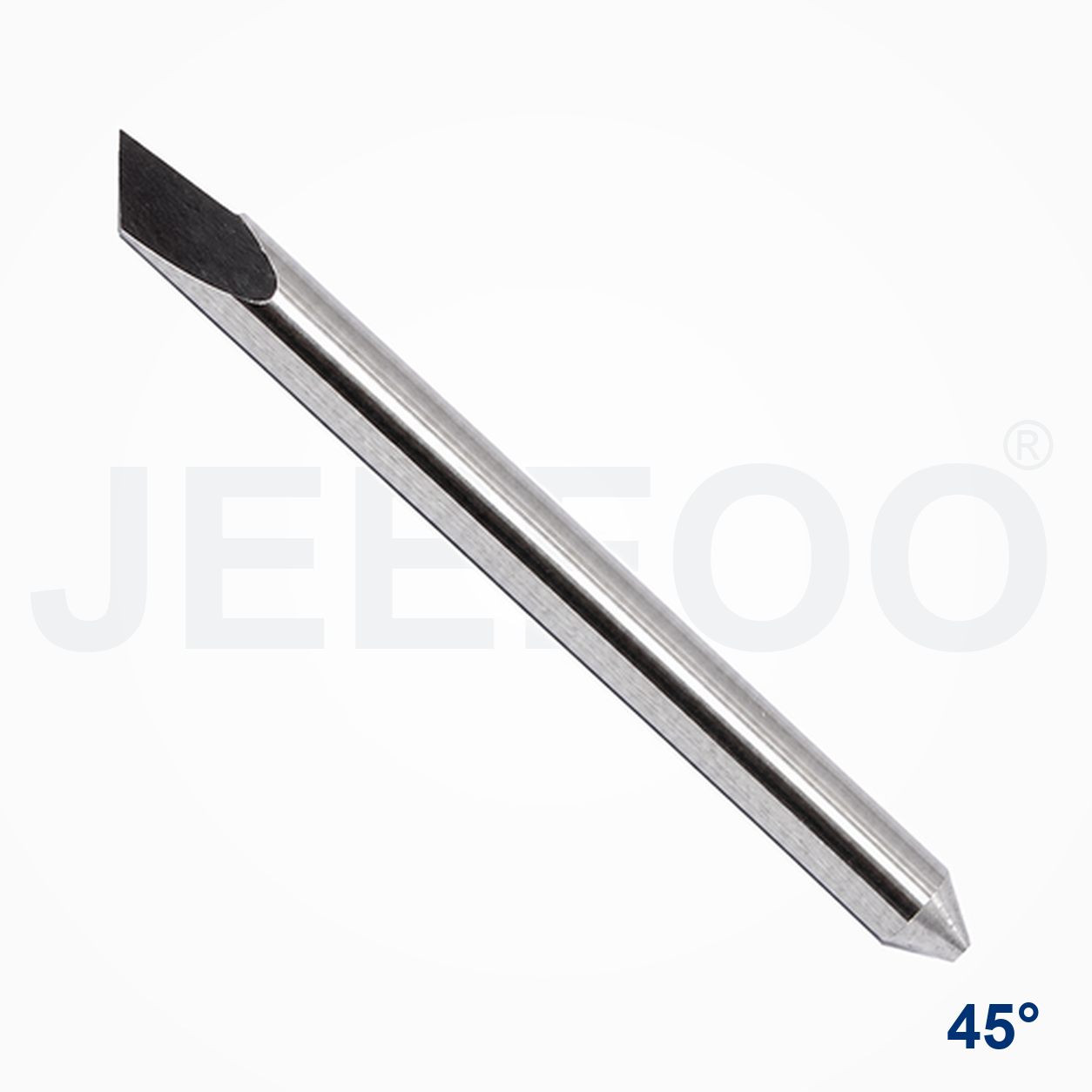
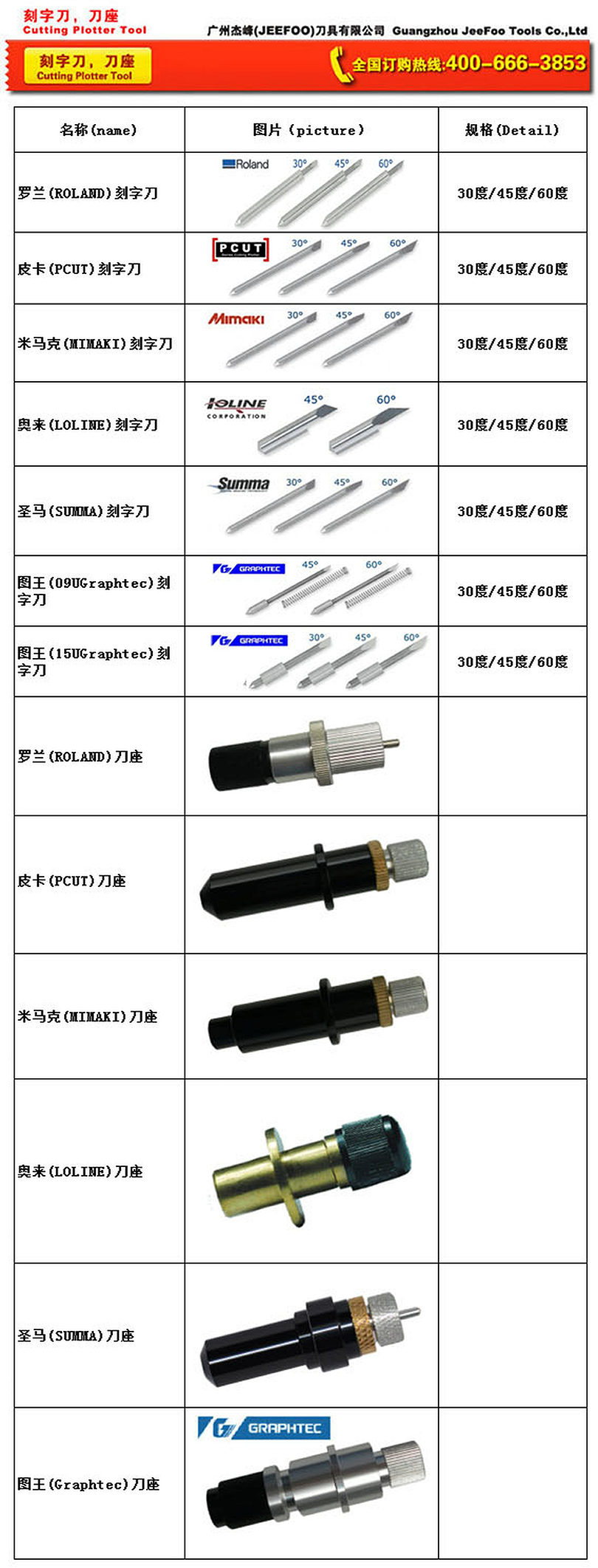
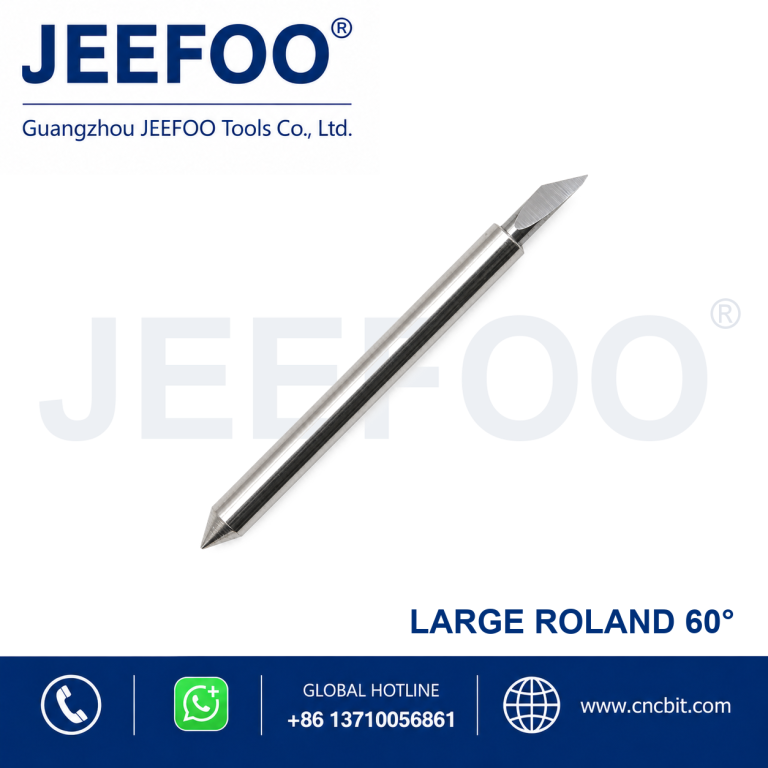
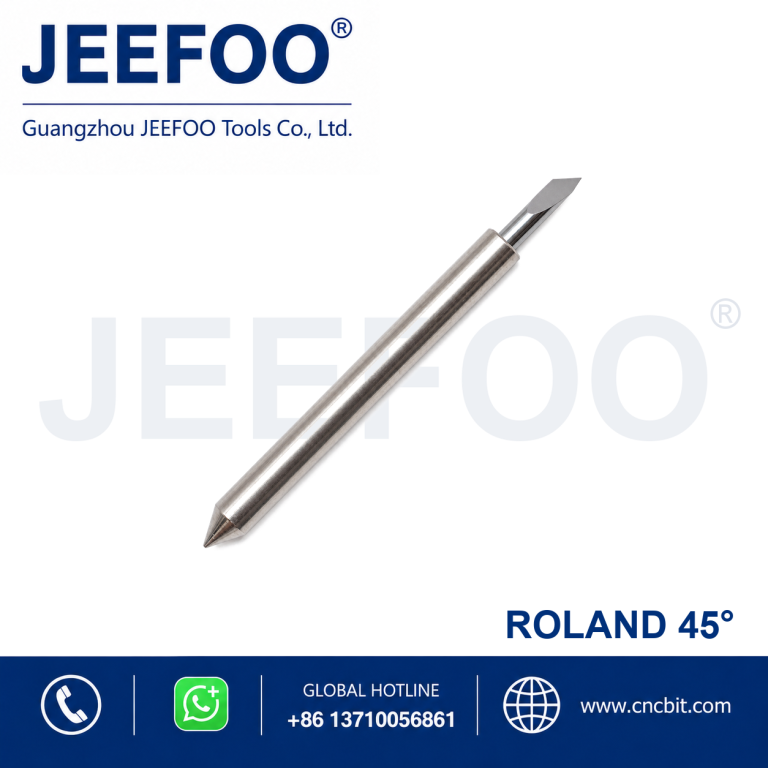
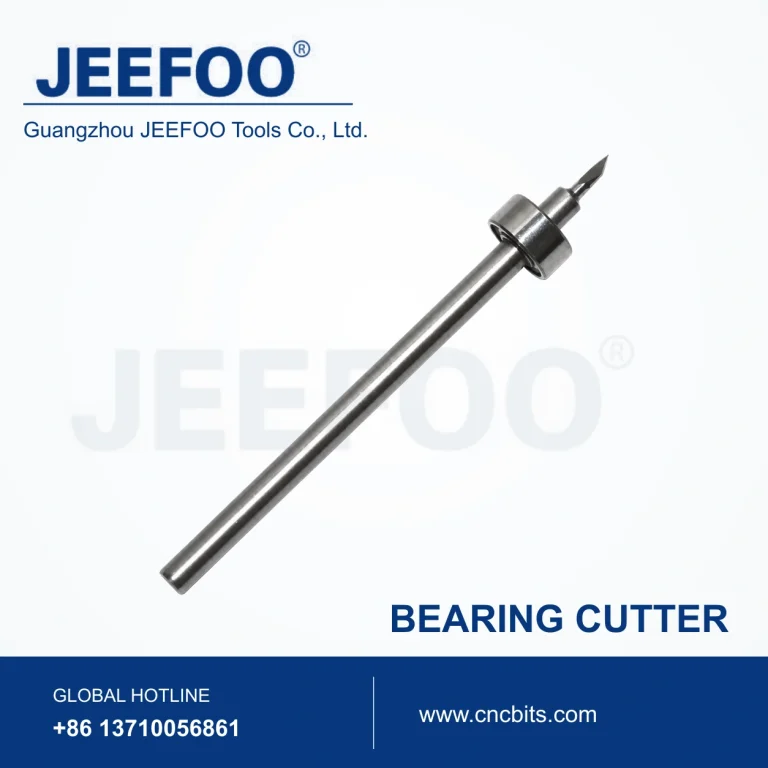
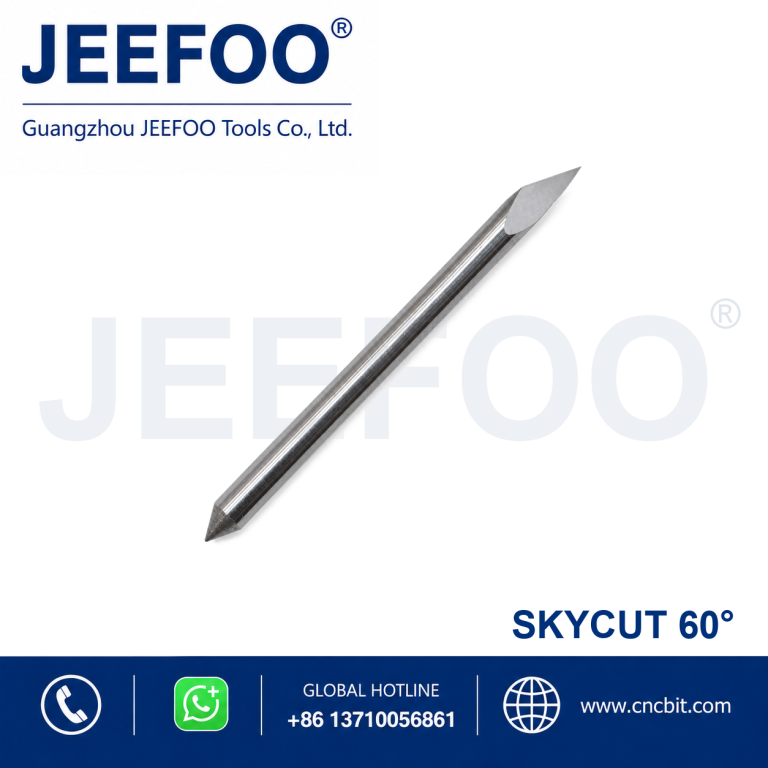
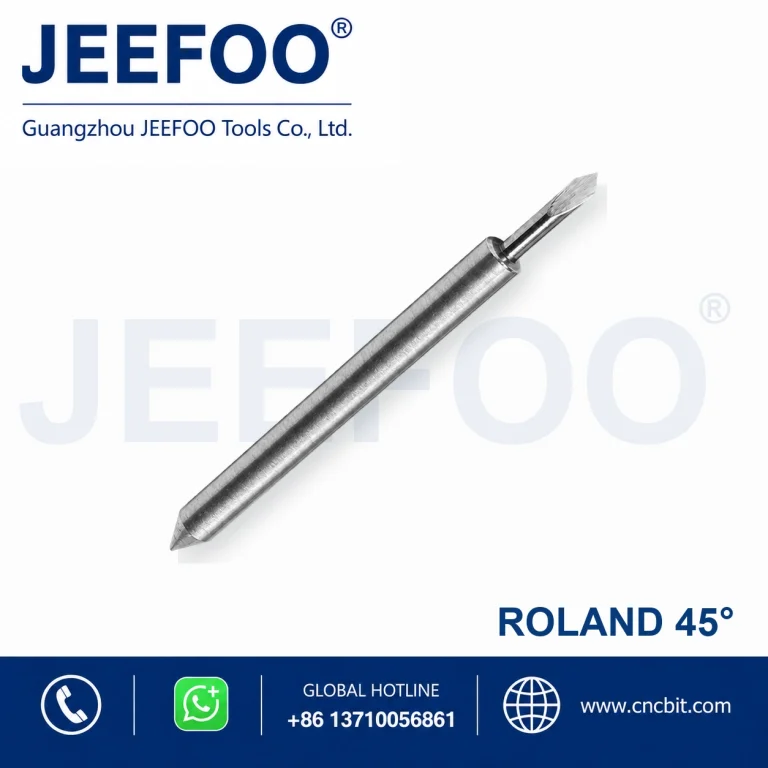
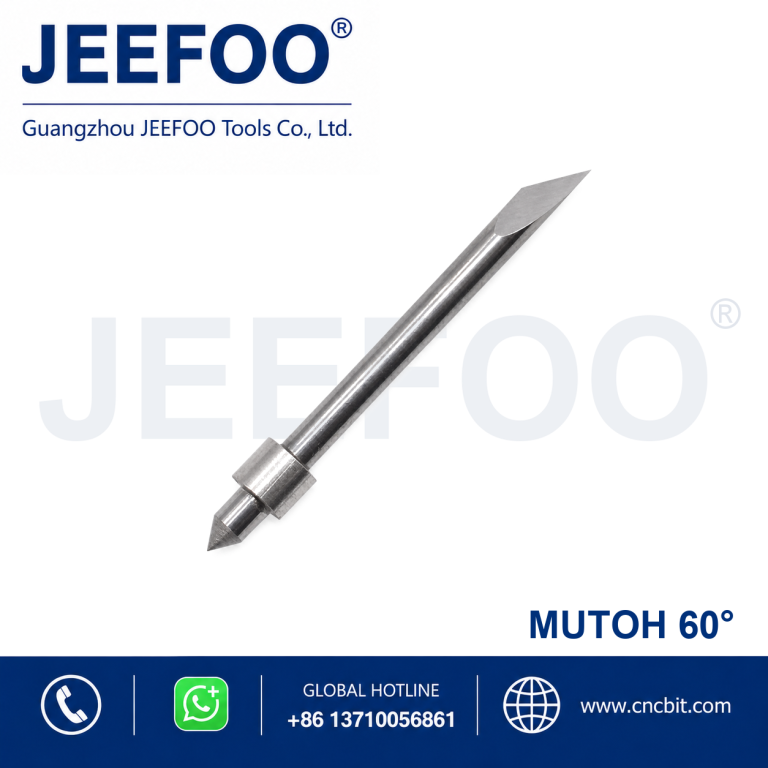
Anna 45 Degree Cutting Plotter Blade is represented here by the Anna Cutting Blade 45 Degree Cutting Plotter Blade, a precision replacement blade for compatible cutting plotters and vinyl cutters. The 45-degree cutting angle supports accurate contour cutting, lettering and detailed graphic production.
!– wp:heading –>
Cutting Plotter Blade Features
Precision-ground cutting point supports clean lines and consistent contour cutting.
Durable blade material provides dependable wear resistance in routine production.
Designed for compatible Anna Cutting Blade plotter blade holders.
Suitable for vinyl, adhesive film, sign-making media and other compatible thin materials.
The 45-degree tip provides a practical balance of detail control and cutting depth for suitable media.
Applications and Selection Guidance
Select the blade angle according to media thickness, detail size and required cutting depth. Confirm blade-holder compatibility before ordering. Set blade exposure, downforce and cutting speed carefully to avoid damaging the backing liner.
30-degree blades are suitable for many general thin-film cutting tasks.
45-degree blades provide versatile performance for common sign-making media.
60-degree blades are often selected for thicker media, small details or deeper cutting requirements.
Always perform a test cut before production.
Product Description
Brand series: Anna Cutting Blade.
Blade angle: 45 degrees.
Product type: Cutting plotter replacement blade.
Application: Lettering, decals, graphics, vinyl and compatible film cutting.
Selection: Match the blade to the correct holder and plotter model.
63 container 编辑器设置
64 container
65 标题 Rank Math, Value: 2
66 文本 Rank Math
67 切换按钮 Description: 从工具栏移除, Value: 1
68 按钮 关闭插件
69 标签组
70 标签 (selected) General, Value: 1
71 文本
72 文本 General
73 标签 (settable, integer) , Value: 0
74 文本
75 标签 (settable, integer) , Value: 0
76 标签 (settable, integer) , Value: 0
77 文本
78 container General
79 文本 Preview
80 container
81 container
82 文本栏 (disabled) Anna 45 Degree Cutting Plotter Blade
83 图像
84 container
85 内容列表
86 文本 All
87 container
88 图像
89 文本 Images
90 container
91 图像
92 文本 Videos
93 container
94 图像
95 文本 News
96 container
97 图像
98 文本 Maps
99 container
100 图像
101 文本 More
102 内容列表
103 文本 Settings
104 文本 Tools
105 文本 About 43,700,000 results (0.32 seconds)
106 按钮 https://w2.jeefoo.com/anna-45-degree-cutting-plotter-blade/ Anna 45 Degree Cutting Plotter Blade | JEEFOO Anna 45 Degree Cutting Plotter Blade for compatible plotters. Precision replacement blade for vinyl, labels and contour cutting.
107 container
108 text https://w2.jeefoo.com/ anna-45-degree-cutting-plotter-blade /
109 图像
110 标题 Anna 45 Degree Cutting Plotter Blade | JEEFOO, Value: 5
111 文本 Anna 45 Degree Cutting Plotter Blade
112 文本 | JEEFOO
113 container
114 text Anna 45 Degree Cutting Plotter Blade for compatible plotters. Precision replacement blade for vinyl, labels and contour cutting.
115 按钮 Edit Snippet
116 container
117 标题 Focus Keyword, Value: 2
118 文本 Focus Keyword
119 文本
120 按钮
121 图像
122 按钮 Content AI
123 文本
124 文本 Content AI
125 container
126 按钮 remove tag
127 文本
128 文本
129 文本 Anna 45 Degree Cutting Plotter Blade
130 按钮
131 文本栏 (settable) Description: Tags input field, Placeholder: Example: Rank Math SEO
132 text 警告通知 Read here to
133 link Description: Score 100/100, Value: rankmath.com/kb/score-100-in-tests/?utm_source=Plugin&utm_medium=General%20Tab%20Score%20Notice&utm_campaign=WP
134 复选框 This post is Pillar Content, Value: 0
135 文本 This post is Pillar Content
136 link Description: , Value: rankmath.com/kb/pillar-content-internal-linking/?utm_source=Plugin&utm_medium=Pillar%20Content&utm_campaign=WP
137 标题 Basic SEO 3 Errors, Value: 2
138 按钮 Basic SEO 3 Errors
139 文本 Basic SEO
140 文本
141 文本 3
142 文本 Errors
143 内容列表
144 container
145 text Hurray! You’re using Focus Keyword in the SEO Title.
146 link Description: , Value: rankmath.com/kb/score-100-in-tests/?utm_source=Plugin&utm_medium=Content%20Analysis%20Single%20Test%20KB&utm_campaign=WP#focus-keyword-in-the-seo-title-primary-focus-keyword-only
147 container
148 text Focus Keyword used inside SEO Meta Description.
149 link Description: , Value: rankmath.com/kb/score-100-in-tests/?utm_source=Plugin&utm_medium=Content%20Analysis%20Single%20Test%20KB&utm_campaign=WP#focus-keyword-in-the-meta-description-primary-focus-keyword-only
150 container
151 text Focus Keyword used in the URL.
152 link Description: , Value: rankmath.com/kb/score-100-in-tests/?utm_source=Plugin&utm_medium=Content%20Analysis%20Single%20Test%20KB&utm_campaign=WP#focus-keyword-in-the-url-primary-focus-keyword-only
153 container
154 text Focus Keyword doesn’t appear at the beginning of your content.
155 按钮 Fix with AI
156 图像
157 文本 Fix with AI
158 link Description: , Value: rankmath.com/kb/score-100-in-tests/?utm_source=Plugin&utm_medium=Content%20Analysis%20Single%20Test%20KB&utm_campaign=WP#focus-keyword-at-the-beginning-of-the-content
159 container
160 text Focus Keyword doesn’t appear in the content.
161 按钮 Fix with AI
162 图像
163 文本 Fix with AI
164 link Description: , Value: rankmath.com/kb/score-100-in-tests/?utm_source=Plugin&utm_medium=Content%20Analysis%20Single%20Test%20KB&utm_campaign=WP#focus-keyword-in-the-content-runs-of-all-focus-keywords
165 container
166 text Content is 208 words long. Consider using at least 600 words.
167 按钮 Fix with AI
168 图像
169 文本 Fix with AI
170 link Description: , Value: rankmath.com/kb/score-100-in-tests/?utm_source=Plugin&utm_medium=Content%20Analysis%20Single%20Test%20KB&utm_campaign=WP#overall-content-length
171 标题 Additional 6 Errors, Value: 2
172 按钮 Additional 6 Errors
173 文本 Additional
174 文本
175 文本 6
176 文本 Errors
177 标题 Title Readability 1 Errors, Value: 2
178 按钮 Title Readability 1 Errors
179 文本 Title Readability
180 文本
181 文本 1
182 文本 Errors
183 标题 Content Readability All Good, Value: 2
184 按钮 Content Readability All Good
185 文本 Content Readability
186 文本
187 文本 All Good
188 标题 Link Opportunities, Value: 2
189 按钮 Link Opportunities
190 标题 Related Posts, Value: 2
191 按钮 Related Posts
192 container 编辑器发布
193 弹出式按钮 打开保存面板
194 text 通知 已选择代码编辑器
195 标签组
196 container
197 按钮 展开标签页
198 弹出式按钮 标签页分组
199 弹出式按钮 标签页搜索
200 container
201 滚动区
202 滚动区
203 container
204 标签 (settable, boolean) Description: 编辑文章 「12x15x90 Brazed Diamond Stone Bit – CNC Guide」 ‹ Guangzhou JeeFoo Tools Co.,Ltd — WordPress, Value: off
205 标签 (settable, boolean) Description: Guangzhou JeeFoo Tools Co.,Ltd, Value: off
206 标签组 分组“🔎 w2 SEO GEO 持续优化”- “文章 ‹ Guangzhou…d — WordPress” – 已展开
207 标签 (settable, boolean) Description: 文章 ‹ Guangzhou JeeFoo Tools Co.,Ltd — WordPress – 属于“🔎 w2 SEO GEO 持续优化”群组, Value: off
208 标签组 分组“🔎 复查 U2 SEO”- “编辑文章 「U2 U-Typ…d — WordPress”和另外 2 个标签页 – 已展开
209 标签 (settable, boolean) Value: off, Description: 编辑文章 「U2 U-Type Cutting Blade」 ‹ Guangzhou JeeFoo Tools Co.,Ltd — WordPress – 属于“🛠️ WordPress SEO 优化”群组
210 标签 (settable, boolean) Description: 编辑文章 「U2 U-Type Cutting Blade」 ‹ Guangzhou JeeFoo Tools Co.,Ltd — WordPress – 属于“🔎 复查 U2 SEO”群组, Value: off
211 标签 (settable, boolean) Value: off, Description: 编辑文章 「MB High Vase Handrail Combination Cutter」 ‹ Guangzhou JeeFoo Tools Co.,Ltd — WordPress – 属于“🔎 复查 U2 SEO”群组
212 标签组 分组“🔎 WordPress SEO”- “about:blank”和另外 5 个标签页 – 已展开
213 标签 (settable, boolean) Description: about:blank – 属于“🔎 WordPress SEO 优化”群组, Value: off
214 标签 (settable, boolean) Description: about:blank – 属于“🔎 WordPress SEO 优化”群组, Value: off
215 标签 (settable, boolean) Value: off, Description: 编辑文章 「QG T-Type Tenon Cutter Set」 ‹ Guangzhou JeeFoo Tools Co.,Ltd — WordPress – 属于“🔎 WordPress SEO 优化”群组
216 标签 (settable, boolean) Description: about:blank – 属于“🔎 WordPress SEO 优化”群组, Value: off
217 标签 (settable, boolean) Description: about:blank – 属于“🔎 WordPress SEO 优化”群组, Value: off
218 标签 (selected, settable, boolean) Value: on, Description: 编辑文章 「Anna Cutting Blade 45 Degree Cutting Plotter Blade」 ‹ Guangzhou JeeFoo Tools Co.,Ltd — WordPress – 属于“🔎 WordPress SEO”群组
219 滚动条
220 按钮 打开新的标签页
221 滑块 Description: 垂直标签栏大小调整手柄(可拖动), Secondary Actions: Decrement, Increment
222 关闭按钮
223 全屏幕按钮 Help: 此按钮也可以执行缩放窗口的操作, Secondary Actions: 缩放窗口
224 最小化按钮
225 menu bar
226 Chrome
227 文件
228 编辑
229 显示
230 历史记录
231 书签
232 个人资料
233 标签页
234 窗口
235 帮助
The focused UI element is 131 文本栏 (settable) Description: Tags input field, Placeholder: Example: Rank Math SE
Anna 45 Degree Blade Compatibility And Results
The Anna 45 Degree Cutting Plotter Blade is selected when a compatible Anna plotter needs a controlled, shallow-angle replacement point for thin vinyl, label film and detailed lettering. The 45-degree geometry supports fine detail and clean vector changes on suitable media, while the holder, blade exposure, downforce, speed and backing liner determine final quality. Confirm the model and holder information before choosing a replacement.
How To Choose The Right Replacement Blade
Confirm that the blade holder and shaft size match the Anna plotter.
Choose 45 degrees for many thin films, lettering and detailed everyday cuts.
Use a 45-degree option when a broader general-purpose angle is more suitable.
Consider a 60-degree option for thicker media, small details or deeper cuts.
Check blade exposure so only the required cutting point reaches the media.
Installation And Cutting Setup
Before installation, switch the plotter off and inspect the holder, spring, blade tip and collet for debris or damage. Insert the replacement blade securely, then set a conservative blade exposure and downforce. Run a small test pattern on the actual vinyl or film before starting a full sheet. A clean weed border with an intact backing liner is a useful sign that the cutting depth is correctly adjusted.
Clean the holder and confirm that the blade rotates freely.
Start with low speed and moderate downforce for the first test.
Increase exposure only when the cut does not separate the intended layer.
Inspect corners, circles and small lettering before production.
Safe Operation And Maintenance
Cutting plotters contain moving parts and a sharp exposed point. Keep hands clear during operation and follow the machine manufacturer instructions. Review the general machine-guarding guidance from OSHA and use the official Anna documentation for model-specific settings. After each job, remove adhesive residue and media scraps from the holder, store spare blades in a protective container and replace any tip that drags, skips or produces uneven corners.
Related JEEFOO Support
For compatible CNC and cutting-tool solutions, visit JEEFOO cutting tools to compare replacement options and product guidance. Record the plotter model, holder type, media, blade angle and successful test settings so repeat jobs can be set up consistently. This information also helps select a replacement when the original blade has worn or the cut quality changes.
Production Checklist
Verify model and holder compatibility.
Inspect and install the Anna 45 Degree Cutting Plotter Blade.
Set minimal practical exposure and perform a test cut.
Check fine details, corners, weeding and backing-liner integrity.
Save the successful speed and downforce settings for the next run.